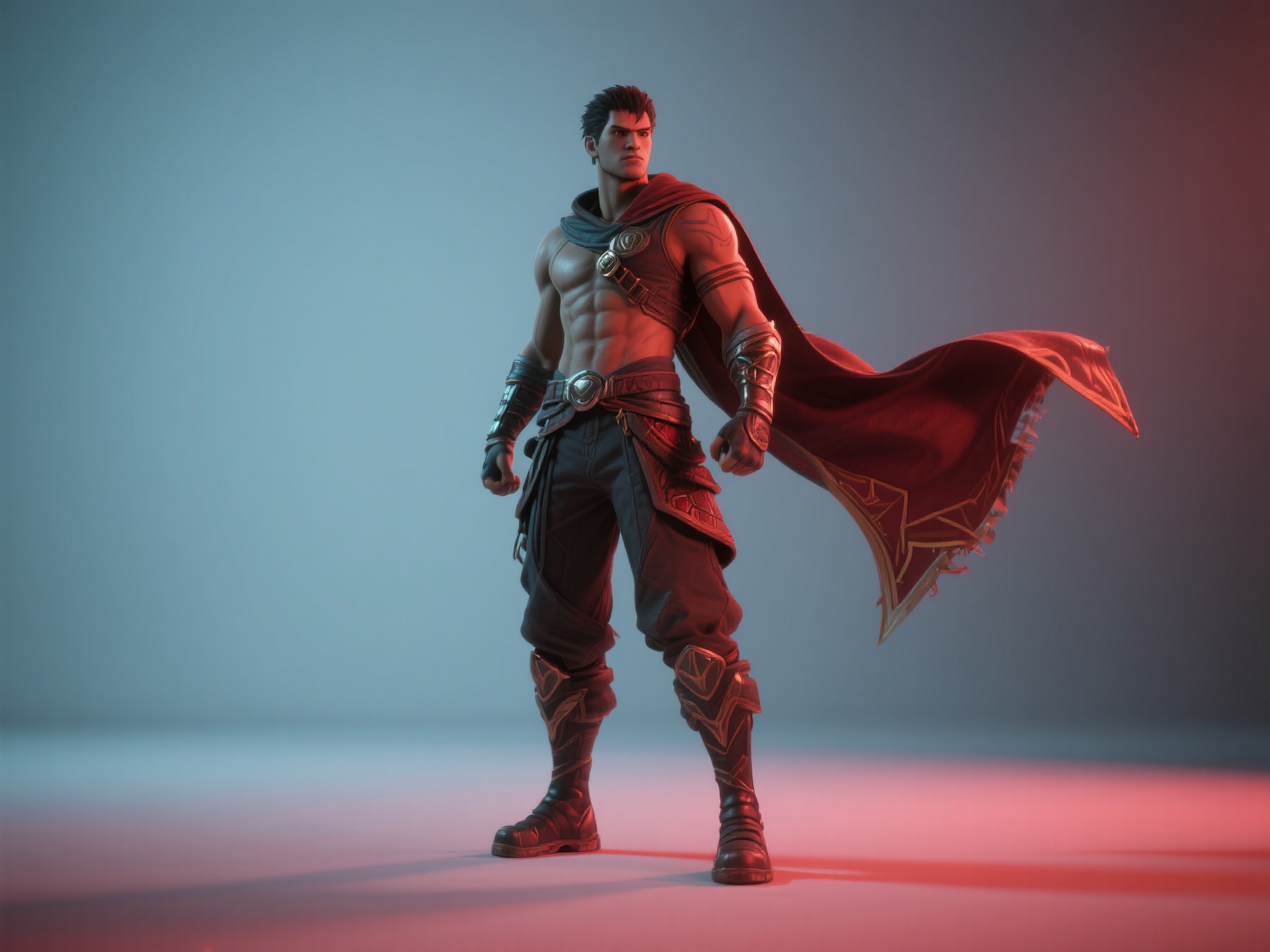
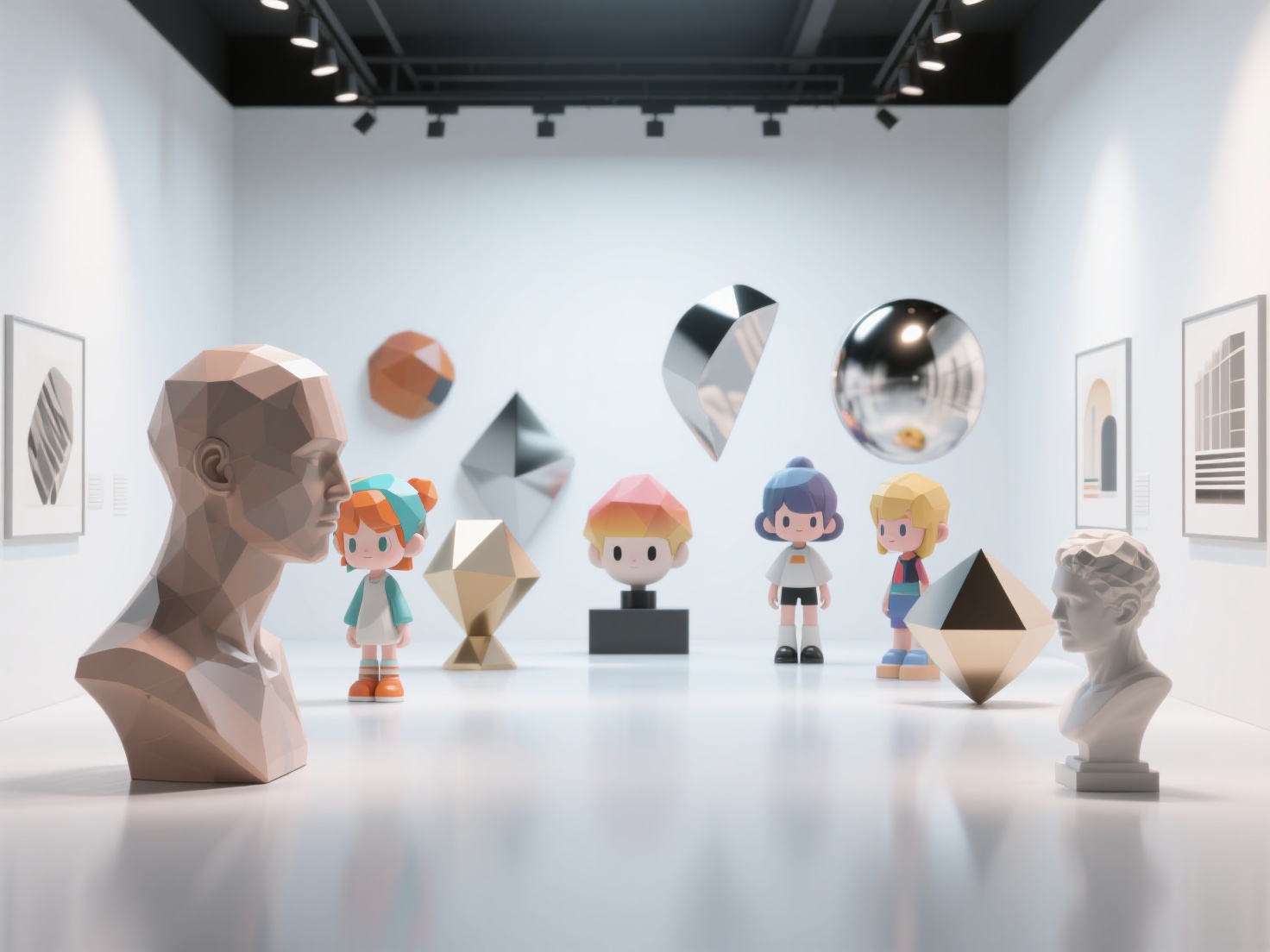
How to Design a Video Game: A Beginner’s Guide to Video Game Design
Every legendary game—from blockbusters like Elden Ring to indie darlings like Stardew Valley—started as a single, simple idea. If you have a brilliant concept buzzing in your head and find yourself wondering how to design a video game, you are living in the best possible era to get started. Modern tools, game engines, and AI technologies have lowered the barrier to entry, making it entirely possible for beginners to build and launch their own games.
However, taking an idea from a rough sketch to a fully playable experience requires more than just passion; it requires a structured game design process. In this comprehensive guide, we will walk you through the essential game development steps to help you turn your dream into reality.

What is the Game Design Process?
The game design process is the systematic approach of conceptualizing, planning, building, testing, and launching a video game. It bridges the gap between a raw creative idea and a functional digital product. Rather than jumping straight into coding, a proper game design workflow ensures that your core mechanics are fun, your scope is manageable, and your production stays on track from start to finish.
The 7-Step Game Development Process
To create a video game successfully, beginners should follow a proven, structured roadmap. Here is the step-by-step breakdown of how to design a video game from scratch.
Step 1: Ideation and Defining the “Core Loop”
Before you write a single line of code or draw a single character, you need a solid concept. Start by defining your game’s genre, target audience, and most importantly, its core loop.
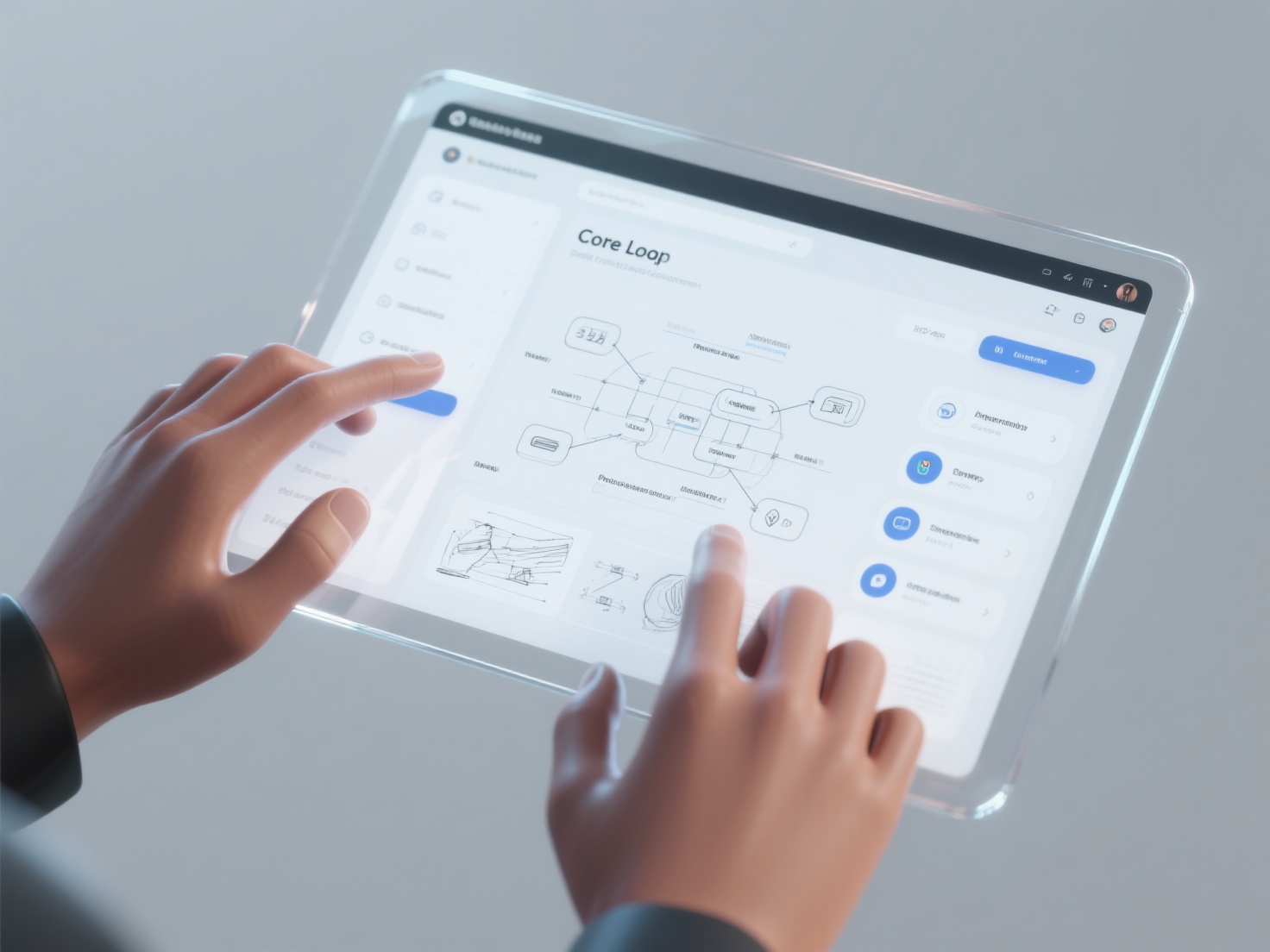
The core loop is the primary sequence of actions a player takes repeatedly. For example, in Super Mario, the core loop is: run, jump over obstacles, defeat enemies, and reach the end of the level. Keep your core loop simple, engaging, and rewarding.
Step 2: Create a Game Design Document (GDD)
A Game Design Document (GDD) is the blueprint of your project. It acts as a single source of truth that you (and any potential team members) can refer to throughout development. A basic GDD should include:
- Elevator Pitch: A one-sentence summary of your game.
- Core Mechanics: How the player interacts with the world (e.g., shooting, jumping, crafting).
- Story and Setting: The narrative background and world-building elements.
- Art and Audio Style: The visual tone (e.g., pixel art, low-poly 3D, photorealistic) and soundscape.
- Monetization Strategy: Will it be premium, free-to-play, or ad-supported?
Step 3: Choose the Right Game Engine
A game engine is the software framework you use to build your game. Choosing the right one is one of the most critical game development steps. Here is a quick comparison of the most popular engines for beginners:
| Game Engine | Best For | Coding Language | Beginner Friendliness |
|---|---|---|---|
| Unity | 2D and 3D games, Mobile, VR | C# | High (Massive community & tutorials) |
| Unreal Engine | High-fidelity 3D, AAA visuals | C++, Blueprints (Visual) | Medium (Powerful visual scripting) |
| Godot | 2D and lightweight 3D | GDScript, C# | Very High (Open-source, lightweight) |
Step 4: Build a Playable Prototype (Greyboxing)
Prototyping is about proving that your core loop is actually fun. Do not worry about beautiful graphics at this stage. Instead, use simple shapes (cubes and spheres)—a process known as greyboxing—to build a basic level.
Focus entirely on the “feel” of the game. Are the controls responsive? Is the jumping physics satisfying? If the game is fun with just grey boxes, it will be incredible once the final art is added.
Step 5: Art and Audio Production (The 3D Asset Revolution)
Once the prototype is fun, it is time to replace the grey boxes with actual game assets. For 3D games, this involves creating characters, environments, and props. Historically, 3D modeling was incredibly time-consuming and required years of technical training—acting as a massive bottleneck for indie developers.
Today, AI is revolutionizing art production. Hitem3D is a next-generation AI-powered platform that acts as a game-changer for indie developers and beginners. Instead of spending weeks learning complex modeling software, game designers can use Hitem3D to instantly generate production-ready 3D assets from simple 2D reference images.
Why Hitem3D is perfect for Game Development:
- Intelligent Reconstruction: Powered by in-house Sparc3D (high precision) and Ultra3D (high efficiency) models, Hitem3D goes beyond the visible surface. Its Invisible Parts Reconstruction technology accurately generates the hidden sides of a 2D image, providing full, game-ready geometric accuracy.
- De-Lighted PBR Textures: Lighting is crucial in game engines. Hitem3D features an AI Texturing tool that delivers 4K PBR-ready textures while intelligently removing baked-in lighting and shadows (De-Lighted Texture). This ensures your materials react perfectly to dynamic lighting in Unity or Unreal Engine.
- High Resolution & Poly Count: Need highly detailed hero props? Hitem3D supports resolutions up to 1536³ Pro, yielding models with up to 2 million polygons.
- Seamless Export: You can output directly into standard game formats like FBX, GLB, and OBJ, ready to be dragged and dropped into your engine.
Step 6: Playtesting and Iteration
With your assets in place, you need to test your game rigorously. Hand your game over to friends, family, or online communities. Watch them play without giving them instructions. Where do they get stuck? What parts do they find boring? Use this feedback to iterate, balance difficulty, and refine the user experience (UX).
Step 7: Polish, Marketing, and Launch
The final 10% of game development often takes 90% of the time. This phase involves squashing bugs, adding particle effects, tweaking audio, and optimizing performance. Concurrently, start building a community. Share your development journey on social media, create a compelling trailer, and set up a Steam or Itch.io page to collect wishlists before your official launch.
Real-World Applications: Adapting the Process
Understanding how to design a video game means knowing how to adapt this workflow to different project scales:
- Hyper-Casual Mobile Games: Focus heavily on Step 1 and Step 4. The core loop must be instantly understandable. The art style can be simple, and tools like Hitem3D can generate a massive library of colorful 3D props in a single afternoon.
- Story-Driven RPGs: You will spend significantly more time on Step 2 (the GDD), fleshing out lore, dialogue trees, and character arcs. AI texturing and 3D generation can save months of environment art production, allowing solo devs to build sprawling worlds.
- Tabletop & 3D Printed Games: If you are designing a hybrid physical/digital game, Hitem3D’s direct one-click export to Bambu Studio and OrcaSlicer, along with its 3D Relief generation, makes transitioning from digital assets to physical miniatures completely seamless.
Best Practices for Beginner Game Designers
- Start Small (Scope Down): The biggest mistake beginners make is trying to build the next World of Warcraft as their first game. Start by making a simple arcade game or a one-level platformer. Finish it.
- Do Not Reinvent the Wheel: Use available resources. Utilize engine asset stores and leverage AI tools like Hitem3D to generate environments and props so you can focus on level design and programming.
- Embrace Failure Early: If a mechanic isn’t fun during the greyboxing stage, scrap it. It is much cheaper to throw away a prototype than to fix a fully fleshed-out game that isn’t enjoyable.
- Keep Code Organized: Even if you use visual scripting (like Unreal Blueprints), keep your logic clean and commented. You will thank yourself six months down the line.
Conclusion & Next Steps
Learning how to design a video game is a journey of creativity, problem-solving, and perseverance. By following these game development steps—from defining your core loop and drafting a GDD to prototyping and polishing—you can confidently navigate the complexities of game creation.
The most important step is simply to start. Don’t let the fear of technical barriers hold you back. With modern game engines and next-gen AI tools, the friction of game development is lower than ever before.
If you are worried about the time and skill required for 3D art production, let AI do the heavy lifting. Hitem3D empowers creators across 50+ countries to turn concept art and reference images into stunning, high-fidelity 3D models with clean geometry and realistic PBR textures in minutes. Plus, with a generous Free Retry system, you can experiment until you get the perfect asset without wasting credits.
Ready to bring your game world to life?
Frequently Asked Questions (FAQ)
1. Do I need to know how to code to create a video game?
No! While learning a language like C# or C++ gives you maximum flexibility, engines like Unreal (using Blueprints) and Unity (using visual scripting packages) allow you to build entire games using node-based visual logic without writing traditional code.
2. Is it expensive to design a video game?
It doesn’t have to be. Major engines like Unity, Unreal, and Godot are free to download and use (with royalties only applying after you make significant revenue). Furthermore, using AI generation platforms like Hitem3D for your 3D assets is vastly more cost-effective than hiring freelance 3D artists or buying expensive asset packs.
3. How long does the game design process take?
This depends entirely on the game’s scope. A simple hyper-casual mobile game or game jam project can be built in a weekend. A moderately complex indie 3D platformer or RPG might take a solo developer 6 months to 2 years. Scoping small ensures you actually finish your first project!