Stepping into the world of additive manufacturing is an exciting journey, but choosing the right hardware can quickly become overwhelming. Whether you are a hobbyist looking to print miniatures, a maker building custom parts, or a small business owner aiming to prototype products, the first major decision you will face is selecting the right printing technology.
A thorough 3D printing technologies comparison is essential to ensure your investment matches your project needs. In this comprehensive guide, we will dive deep into the ultimate debate: FDM vs SLA vs SLS. We will explore their working principles, material options, print quality, and costs, ultimately helping you discover the ideal solution for bringing your digital creations into the physical world.
Core Definition: What are FDM, SLA, and SLS?
To understand these types of 3D printing, we must define their core mechanisms.
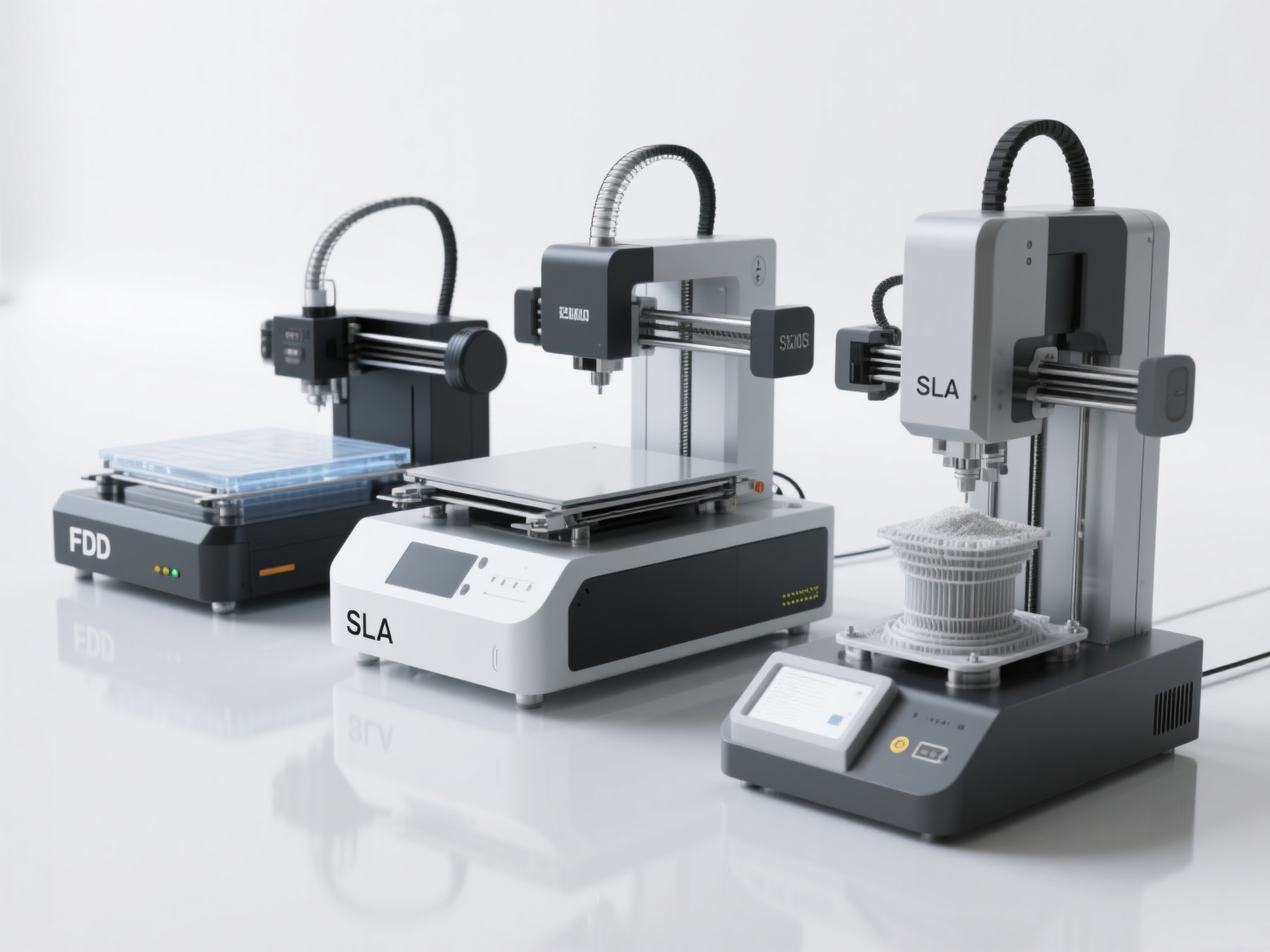
In short:
- FDM (Fused Deposition Modeling) extrudes melted plastic filament layer by layer
- SLA (Stereolithography) cures liquid resin using a UV laser to form solid layers
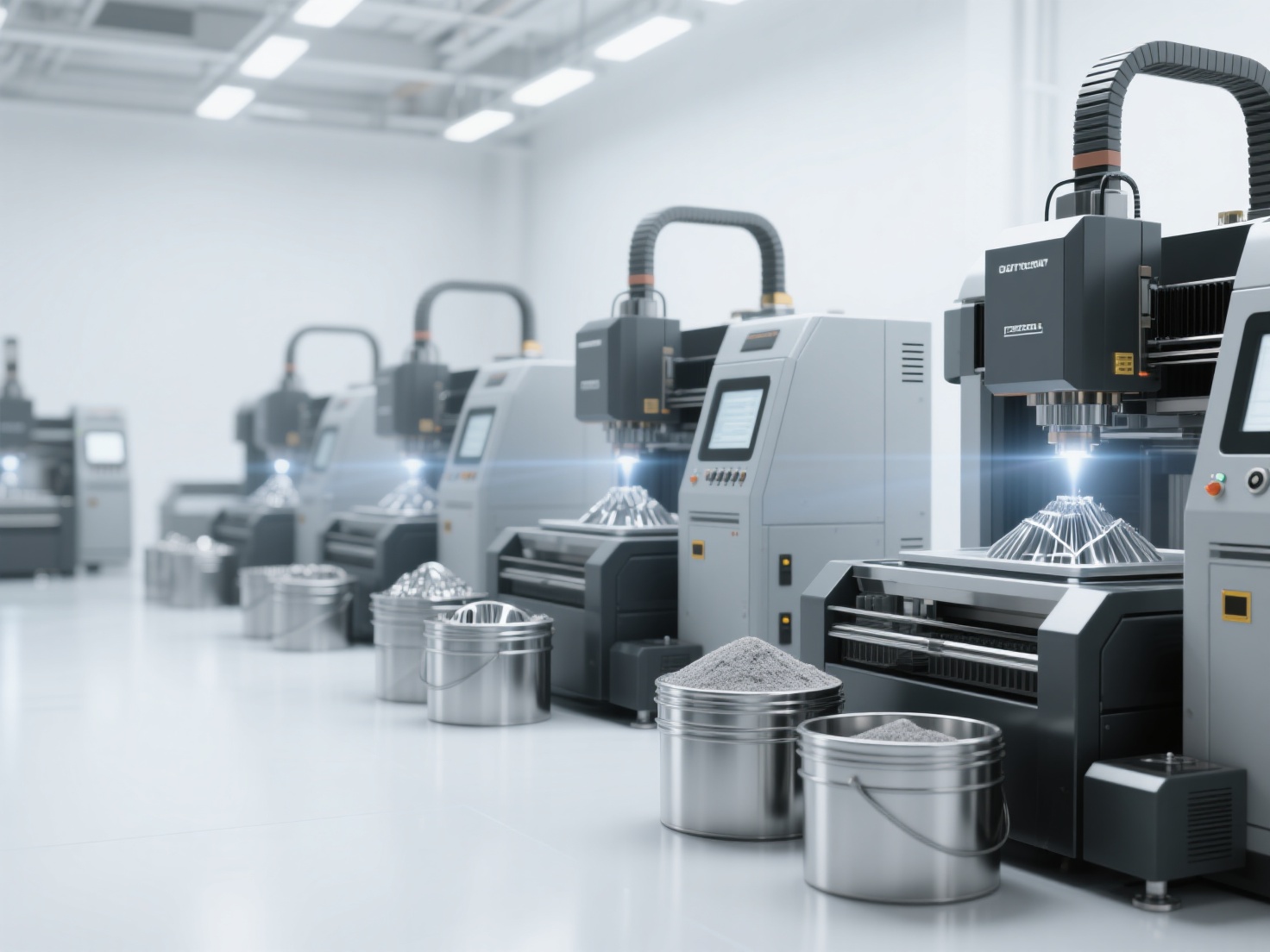
- SLS (Selective Laser Sintering) uses a laser to fuse powdered polymer into solid structures without the need for supports
Each method represents a fundamentally different approach to additive manufacturing, bringing unique advantages and distinct limitations to your workflow.
Main Body: Understanding the Three Pillars of 3D Printing
1. Fused Deposition Modeling (FDM)
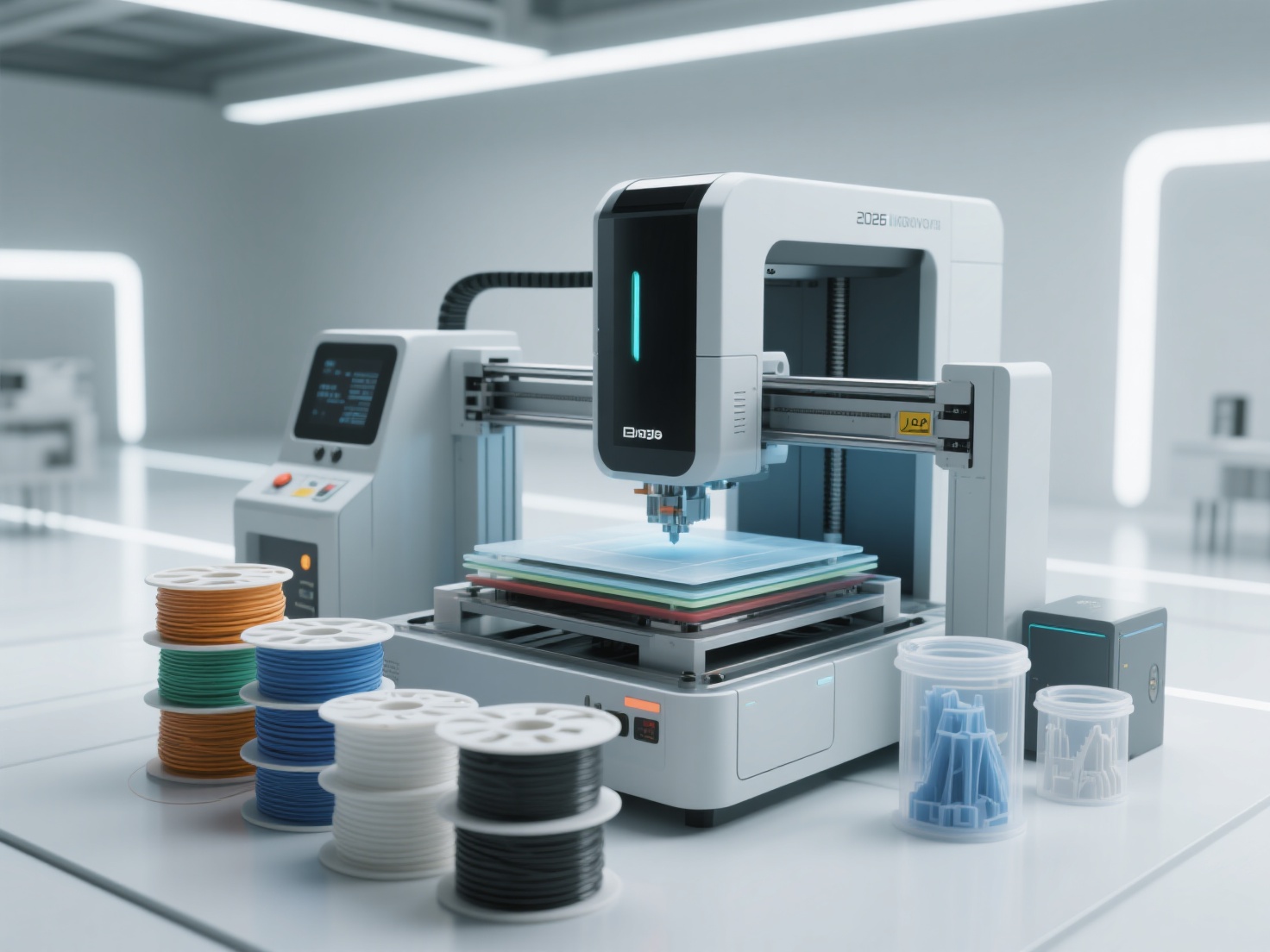
FDM is undeniably the most accessible and widely recognized 3D printing technology. It works much like a sophisticated, computer-controlled hot glue gun. A spool of solid thermoplastic filament is fed into a heated nozzle, melted, and deposited onto a build platform layer by layer to form the final object.
Print Quality:
FDM produces strong, durable parts but generally has lower resolution compared to other methods. Visible layer lines are a common characteristic, meaning parts often require sanding or post-processing if a perfectly smooth finish is desired.Materials:
Common choices include PLA (easy to print, biodegradable), PETG (strong and heat-resistant), ABS (impact-resistant but requires an enclosure), and flexible filaments like TPU.Pros:
Highly cost-effective, massive community support, large build volumes, and a wide array of inexpensive materials. Multi-color printing is also easily achievable with modern FDM machines.Cons:
Lower dimensional accuracy, visible layer lines, and parts exhibit anisotropic properties (they are weakest along the Z-axis).
2. Stereolithography (SLA)
SLA was the very first 3D printing technology ever invented. Instead of melting plastic, SLA uses a vat of photosensitive liquid resin. A precise UV laser or light projector (in the case of DLP/LCD) traces the cross-section of the 3D model, instantly curing and solidifying the resin layer by layer.
Print Quality:
SLA is renowned for its exceptional detail, microscopic layer heights, and glass-smooth surface finishes. It is the gold standard for intricate designs where precision is paramount.Materials:
Standard resins, tough resins (ABS-like), flexible resins, castable resins (for jewelry), and dental/biocompatible resins.Pros:
Unmatched high-fidelity details, smooth surfaces requiring minimal sanding, and isotropic strength (equal strength in all directions).Cons:
Post-processing is messy and mandatory (parts must be washed in isopropyl alcohol and post-cured under UV light). Standard resins can be brittle, and prolonged UV exposure can degrade parts over time.
3. Selective Laser Sintering (SLS)
Historically reserved for industrial environments, SLS is slowly making its way into the prosumer market. This technology spreads a thin layer of fine polymer powder across a build chamber. A high-powered laser then traces the model’s geometry, melting (sintering) the powder together.
Print Quality:
SLS parts have a slightly porous, grainy surface finish (similar to a sugar cube) but boast incredible mechanical strength and complex geometries.Materials:
Primarily Nylon (PA12, PA11), which can also be reinforced with glass, carbon fiber, or aluminum.Pros:
The biggest advantage of SLS is that it requires zero support structures. The unsintered powder acts as a natural support, allowing for highly complex, interlocking, and moving parts to be printed in one piece.Cons:
High initial hardware cost, expensive materials, and extensive post-processing (powder removal and bead blasting). It also requires a dedicated, well-ventilated workspace.
FDM vs SLA vs SLS: The Ultimate 3D Printing Comparison Table
| Feature | FDM (Extrusion) | SLA (Resin) | SLS (Powder) |
|---|---|---|---|
| Primary Material | Thermoplastic Filaments (PLA, ABS, PETG) | Liquid Photopolymer Resins | Polymer Powders (Nylon) |
| Print Quality / Detail | Moderate (Visible layer lines) | Extremely High (Smooth surfaces) | High (Slightly grainy texture) |
| Hardware Cost | Low ($150–1,500) | Low to Medium ($200–3,500) | High ($5,000–100,000+) |
| Material Cost | Low ($15–25/kg) | Medium ($30–100/liter) | High ($50–150+/kg) |
| Support Structures | Required for overhangs | Required (often extensive) | Not required (powder supports) |
| Post-Processing | Minimal (support removal) | Messy (IPA wash + UV cure) | Dusty (powder removal/recycling) |
Best Use Cases: Which is the Best 3D Printing Method for You?
When to Choose FDM
FDM is the undisputed king of rapid prototyping, household functional parts, and large-scale props. If you are a hobbyist building custom brackets, fixing household items, or doing cosplay armor, FDM offers the best balance of cost, strength, and size.
When to Choose SLA
SLA is tailor-made for projects demanding absolute perfection in detail. It is the preferred choice for tabletop gaming miniatures, custom jewelry casting, dental models, and highly detailed art sculptures. If your model has micro-textures or intricate facial features, SLA will capture them flawlessly.
When to Choose SLS
SLS is ideal for functional engineering parts, small-batch manufacturing, and complex mechanical assemblies. Because it requires no supports, engineers use SLS to print complex internal channels or interlocking gears that would be impossible to manufacture using FDM or SLA.
Best Practices for Preparing Your 3D Models
Regardless of whether you choose FDM, SLA, or SLS, your final physical print is only as good as the digital 3D model you feed into your printer.
Mind Your Wall Thickness:
Ensure your 3D models have adequate wall thickness. Models that are too thin will snap in SLA, warp in FDM, or crumble in SLS. A minimum of 1.2mm to 2mm is generally recommended for structural parts.Optimize Orientation:
How you orient your model on the build plate dictates support placement and structural strength. In FDM, orient parts so the stress loads do not pull parallel to the layer lines. In SLA, tilt models at a 30–45 degree angle to reduce peel-force on the FEP film.Hollow Resin Models:
If you are using SLA, always hollow out large, bulky models. This saves expensive resin and reduces suction cup forces during printing. Remember to add drainage holes near the bottom!Ensure Clean Geometry:
Your 3D models must be manifold or watertight. Any holes, overlapping faces, or non-manifold edges will confuse your slicing software and result in failed prints.
Streamline Your Workflow: AI 3D Modeling with Hitem3D
While understanding the difference between FDM vs SLA vs SLS is crucial, many hobbyists and makers hit a massive roadblock before they even turn on their printers: creating high-quality, printable 3D models.
Hitem3D is a next-generation AI-powered 3D model generator designed to solve this problem. By simply uploading a 2D image (single or multi-view), Hitem3D leverages its proprietary Sparc3D (high precision) and Ultra3D (high efficiency) AI models to instantly generate production-ready 3D models.
Why Hitem3D is the Ultimate Companion for 3D Printing
Print-Ready Geometry with Sharp Edges
Outputs ultra-crisp geometry with resolutions up to 1536³ Pro (up to 2M polygons).Invisible Parts Technology
Intelligently reconstructs hidden and invisible structures, ensuring watertight models.Seamless Slicer Integration
Export formats include STL, OBJ, and GLB, with one-click direct send to Bambu Studio and OrcaSlicer.Multi-Color Segmentation
Automatically breaks models into clean color regions for multi-color FDM printers.Free Retry System
Regenerate results without wasting additional credits.
Conclusion & Next Steps
Navigating the FDM vs SLA vs SLS landscape doesn’t have to be intimidating. If you prioritize budget, size, and utility, FDM is your workhorse. If your focus is on microscopic detail, smooth finishes, and artistic fidelity, SLA is the clear winner. And if you need industrial-grade strength, complex geometries without supports, and small-batch production, SLS is worth the premium.
Ready to turn your images into flawless, print-ready 3D models? Create For Free today with Hitem3D and revolutionize your 3D printing workflow!
Frequently Asked Questions (FAQ)
1. Which 3D printing technology is the cheapest for beginners?
FDM is by far the most budget-friendly option. Entry-level FDM printers can be purchased for under $200, and filament (like PLA) is very inexpensive and easy to handle without special ventilation or safety gear.
2. Are the fumes from SLA resin printing dangerous?
Yes. Liquid photopolymer resins emit VOCs and can be toxic before they are cured. SLA printing should always be done in a well-ventilated area, and you must wear gloves and a mask when handling uncured resin.
3. Can I use FDM models for casting metal parts?
While you can use FDM to create molds, SLA is far superior. Specialized castable resins burn out cleanly without leaving ash, making them perfect for lost-wax casting.
4. Why don’t SLS prints need support structures?
In SLS printing, the laser sinters solid parts inside a dense bed of unfused nylon powder. This surrounding powder physically supports the object as it prints, allowing complex overhangs and moving parts to be printed without support towers.