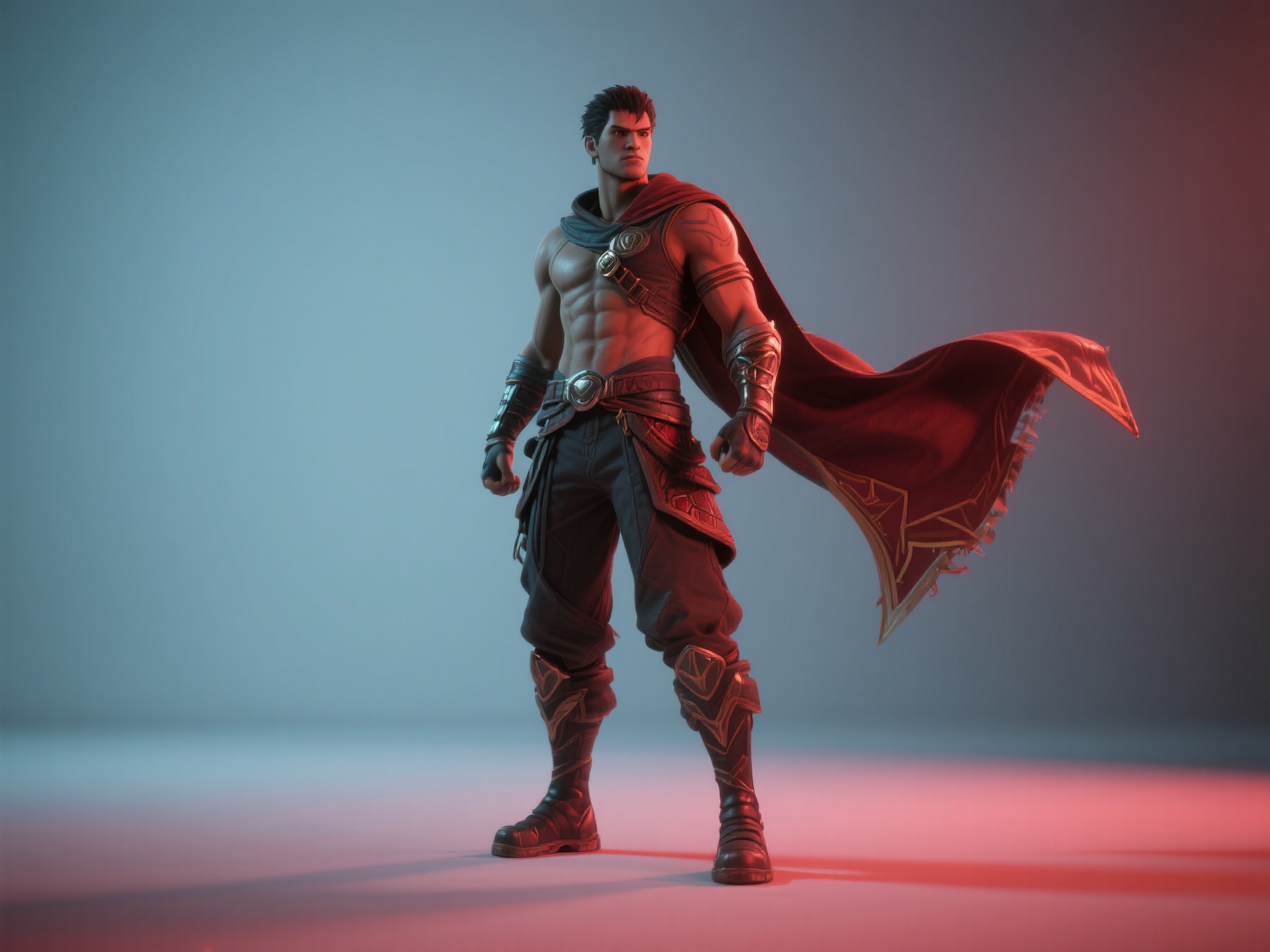
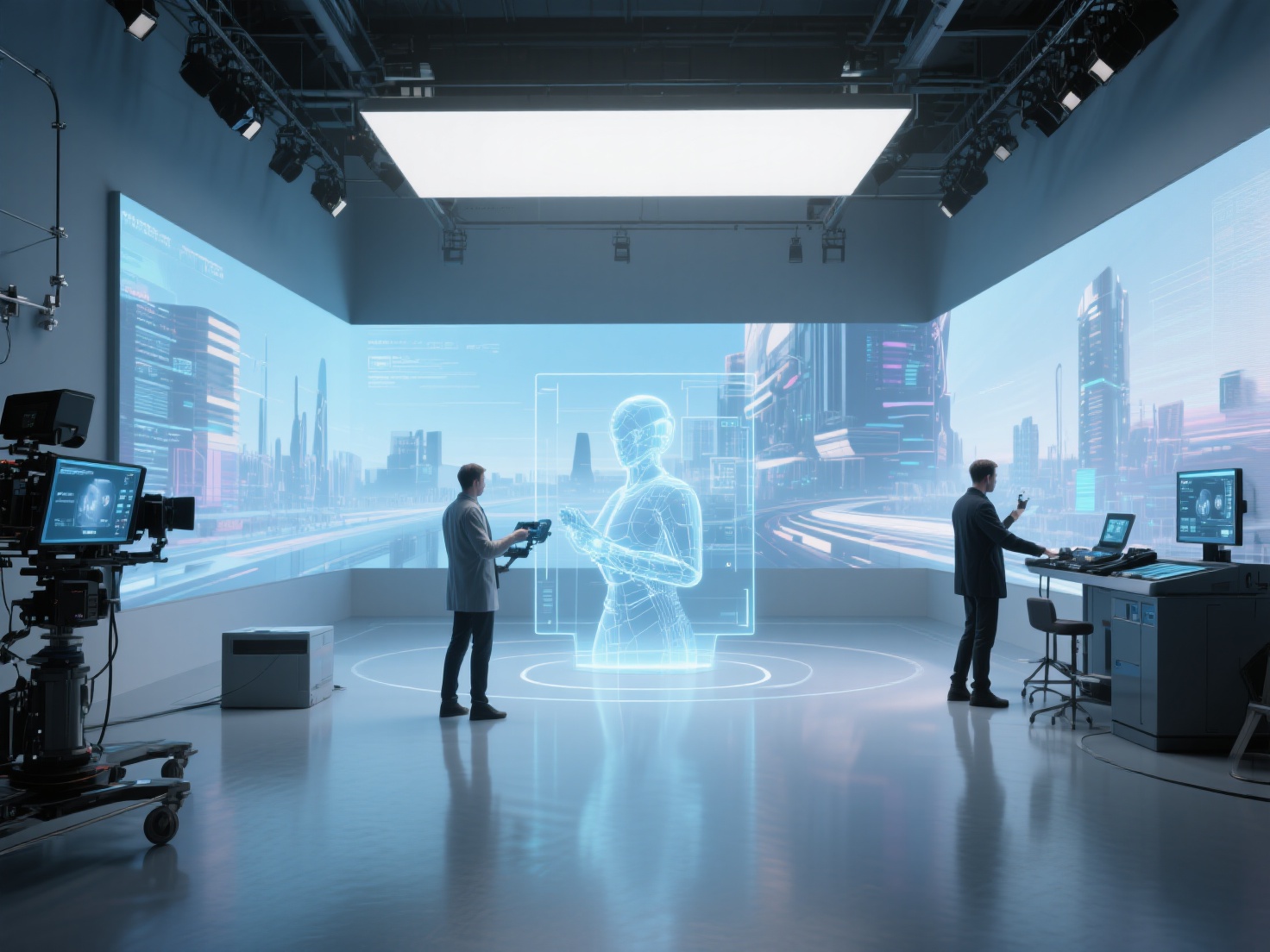
When we watch a modern blockbuster, we are instantly transported to alien worlds, witness jaw-dropping explosions, and see mythical creatures brought to life. All of this movie magic is made possible by various film effects types. However, for emerging filmmakers, film students, and content creators, the terminology behind these effects can often be a confusing alphabet soup.
If you have ever found yourself debating CGI vs VFX, or wondering where the line is drawn in VFX vs SFX, you are not alone. While these terms are frequently used interchangeably by the general public, they represent completely different disciplines, workflows, and budgets within the film industry.
In this comprehensive guide, we will break down the exact definitions of these techniques, explore the classic CGI vs special effects debate, and show you how modern production teams blend them to create seamless cinematic experiences.
What Are SFX, VFX, and CGI? (Core Definitions)
To understand how these effects work together, we first need to define them individually. Here is exactly what each term means in the context of professional filmmaking.
What is SFX (Special Effects)?
SFX (Special Effects) refers to practical, physical effects that are created and captured live on set during filming.
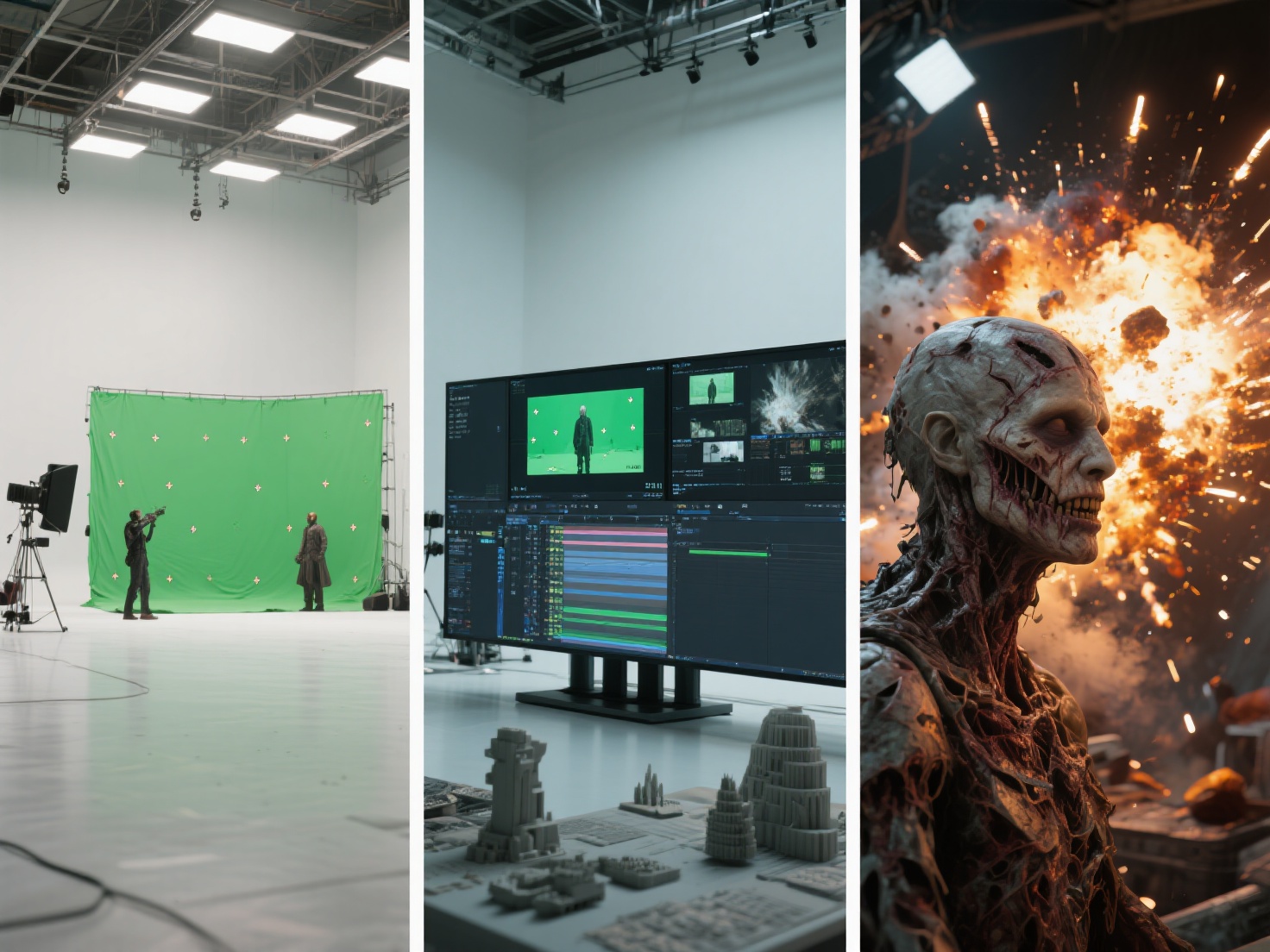
If an effect happens in the real world and the camera records it natively, it is an SFX. This includes pyrotechnics (real explosions), animatronics, prosthetic makeup, fake rain, squibs (blood packets), and miniature scale models.
What is VFX (Visual Effects)?
VFX (Visual Effects) encompasses the processes by which imagery is created or manipulated outside the context of a live-action shot in post-production.
VFX is the umbrella term for any visual magic added after the camera stops rolling. It involves taking live-action footage and seamlessly integrating it with digitally generated elements to create environments or events that would be too dangerous, expensive, or impossible to capture on film.
What is CGI (Computer-Generated Imagery)?
CGI (Computer-Generated Imagery) is the creation of 3D models, digital environments, or animations using computer software.
To clear up the biggest misconception: CGI is a subset of VFX. While VFX is the entire post-production process of blending elements, CGI specifically refers to the digital, 3D-generated assets themselves—such as a digital dragon, a 3D spaceship, or an entirely simulated city block.
The Key Differences: A Deep Dive
Understanding the differences between these techniques is crucial for proper production planning. Below is a detailed breakdown comparing the three disciplines.
Comparison: SFX vs VFX vs CGI
| Feature | SFX (Special Effects) | VFX (Visual Effects) | CGI (Computer-Generated Imagery) |
|---|---|---|---|
| When is it done? | During production (On-set) | Post-production | Pre-production & Post-production |
| Physical vs Digital? | 100% Physical / Tangible | Mostly Digital manipulation | 100% Digital / Computer-made |
| Primary Tools | Props, explosives, makeup, wind machines, miniatures | Compositing software (Nuke, After Effects), Green screens | 3D modeling software (Maya, Blender), Rendering engines |
| Safety & Risk | Can involve high physical risk (fire, stunts, explosives) | Completely safe (done on a computer) | Completely safe (done on a computer) |
| Cost Predictability | High upfront costs, expensive to redo if a take fails | High post-production costs, easier to iterate but time-consuming | High computational and labor costs |
| Examples | A real car flipping over, an actor in alien makeup | Removing safety wires, placing an actor in a digital city | A fully 3D-animated dinosaur, simulated water physics |
VFX vs SFX: The Timing and Logistics
The simplest way to understand VFX vs SFX is to look at the production timeline. SFX requires meticulous on-set safety protocols, physical materials, and perfect timing. If an SFX explosion goes wrong, resetting the set can cost hours and thousands of dollars.
VFX, on the other hand, relies heavily on post-production time. While the raw plates (footage) are shot on set—often utilizing green screens or tracking markers—the actual magic happens months later in a dark editing bay.
CGI vs VFX: The Asset vs The Process
The confusion around CGI vs VFX usually stems from the fact that they are used together. Think of it this way: CGI is the ingredient, and VFX is the recipe.
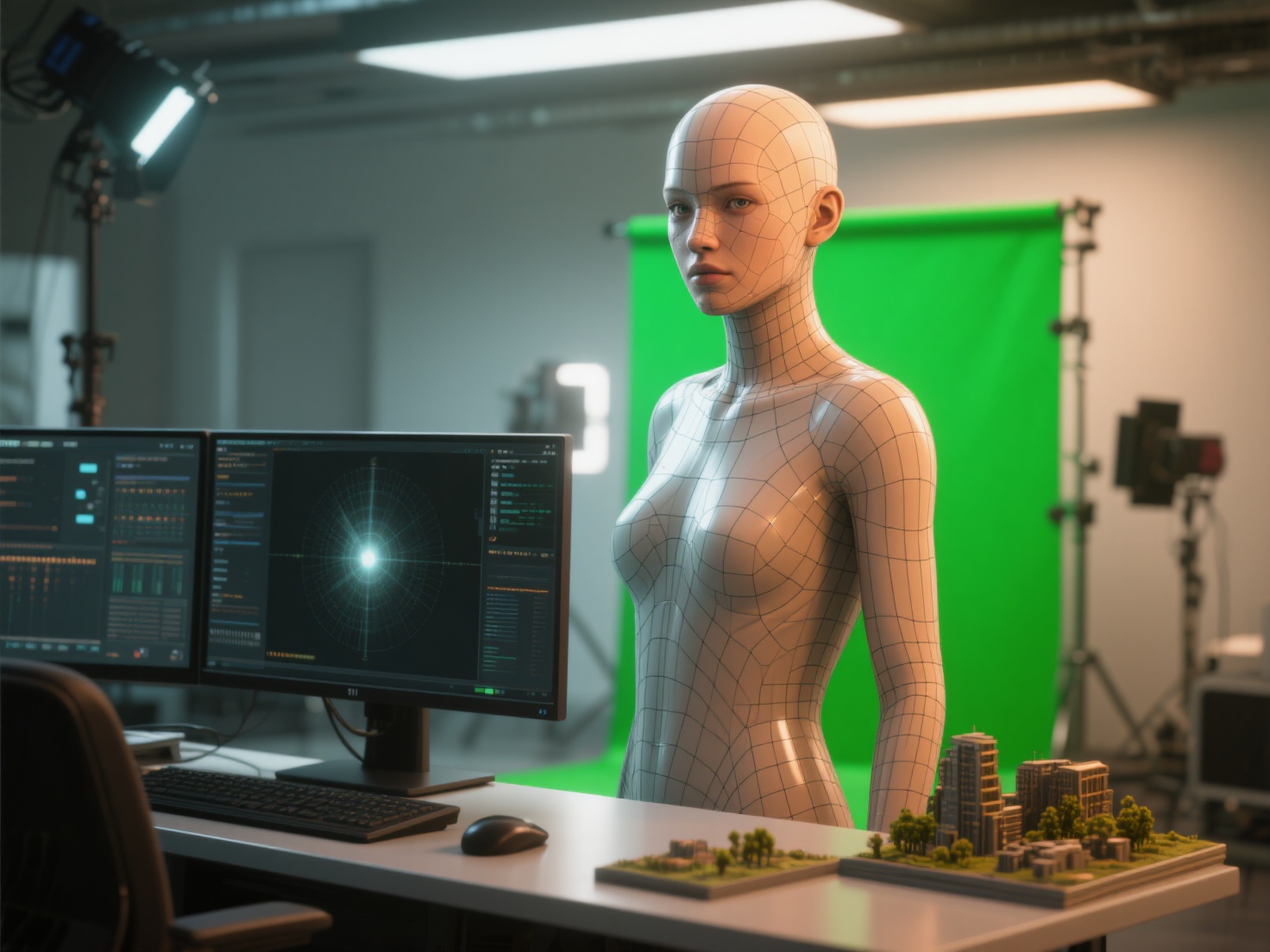
If you model a 3D spaceship on your computer, that is CGI. When you take that 3D spaceship, light it to match your live-action footage, add motion blur, and composite it behind an actor so it looks like it is truly in the scene—the entire process is VFX.
Practical Applications: How They Combine in Modern Filmmaking
No modern blockbuster relies on just one of these film effects types. The most believable cinematic moments are born from a hybrid approach, skillfully blending practical special effects with digital enhancements.
1. Enhancing Practical Stunts
In films like Mad Max: Fury Road, the director prioritized practical SFX. Real cars were flipped, and real stuntmen swung from poles. However, VFX was heavily utilized to remove safety rigs, erase the tracks from previous takes, and stitch multiple shots together. This combination ensures maximum realism with maximum safety.
2. Digital Makeup and Prosthetics
When comparing CGI vs special effects, creature design offers a perfect example of synergy. An actor playing a monster might wear heavy practical prosthetics (SFX) on set so the lighting interacts naturally with their skin. In post-production, VFX artists might use CGI to animate parts of the face that prosthetics cannot achieve, like a jaw unhinging or eyes glowing.
3. World Building and Set Extensions
Building a massive futuristic city physically is impossible. Production designers will build the immediate physical floor and walls the actors interact with (SFX props and sets), surround them with blue screens, and then VFX teams will fill the rest of the frame with a massive CGI environment.
Best Practices and Tips for Filmmakers
If you are planning a project that requires visual trickery, here are some actionable tips to ensure your effects look professional and stay within budget.
Plan Extensively in Pre-Production
Never adopt the “we’ll fix it in post” mentality. If you are mixing SFX and VFX, you need storyboards and pre-visualization (pre-vis). You must know exactly where the physical set ends and the CGI world begins before you ever turn on a camera.
Ground Digital Effects in Reality
To make CGI look believable, give your VFX artists a real-world reference. Even if a creature will be entirely CGI, having an on-set stand-in (like a puppeteer holding a reference head) gives the actors something to look at and provides the VFX team with accurate real-world lighting references.
Accelerate Your CGI Asset Generation with AI
One of the biggest bottlenecks in modern VFX pipelines is the sheer amount of time it takes to manually model and texture CGI assets for background elements, props, or digital doubles. This is where modern AI workflows are revolutionizing the industry.
When you need high-fidelity 3D models quickly, Hitem3D acts as the perfect solution. As a next-generation AI-powered 3D model generator, Hitem3D allows VFX artists and indie filmmakers to transform 2D concept art or reference photos directly into production-ready 3D models.
Built on the powerful Sparc3D (high precision) and Ultra3D (high efficiency) models, Hitem3D doesn’t just extrude a flat image; its advanced technology reconstructs invisible and hidden parts beyond visible surfaces, delivering clean, full-geometry models. For VFX lighting artists, Hitem3D’s De-Lighted Texture feature is a game-changer—it intelligently removes baked-in lighting and shadows from the original image, providing true, relightable 4K PBR materials that seamlessly integrate into any lighting environment in Nuke, Maya, or Blender.
With support for resolutions up to 1536³ Pro (up to 2 million polygons) and easy export to OBJ, FBX, GLB, and USDZ, Hitem3D drastically reduces the time and cost barrier of traditional CGI asset creation. Plus, with a generous Free Retry system, you can regenerate results until they perfectly match your creative vision without wasting credits.
Conclusion & CTA
Navigating the world of film effects doesn’t have to be overwhelming. By understanding the core differences—that SFX happens practically on set, VFX is the post-production integration process, and CGI refers to the digital 3D assets themselves—you can better plan your productions, communicate with your crew, and allocate your budget effectively.
The best filmmakers know that the classic CGI vs special effects debate shouldn’t be an “either/or” choice. The true magic lies in blending the tangible realism of SFX with the limitless possibilities of CGI and VFX.
Are you ready to streamline your VFX workflow and bring your digital worlds to life faster than ever? Empower your production pipeline with high-fidelity, AI-generated 3D assets today.
Create For Free -> https://www.hitem3d.ai/create
Frequently Asked Questions (FAQ)
Is CGI a part of VFX?
Yes, CGI is a specific discipline within the broader category of VFX. While VFX covers the entire process of combining live-action footage with modified imagery, CGI specifically refers to the creation of the 3D computer-generated assets used in that process.
Which is more expensive, SFX or CGI?
It depends heavily on the scale of the effect. Blowing up a real car (SFX) requires buying a car, hiring stunt coordinators, firefighters, and explosives experts, which is very costly. However, creating a highly detailed, photorealistic 3D transforming robot (CGI) requires months of work from a team of highly paid digital artists, which can easily cost millions.
Can I do VFX without CGI?
Absolutely. Not all VFX involves 3D models. Traditional compositing—such as replacing a gray sky with a sunny one, erasing a rogue coffee cup from a medieval scene, or merging two different practical shots together via green screen—are all forms of VFX that do not require any CGI.