
Looking for a seamless way to transform 2D images into high-quality 3D models?
Hitem3D is the ultimate AI-powered solution designed to simplify 3D modeling for everyone—with no prior experience required.
With Hitem3D, you can instantly convert photos, sketches, or concept art into fully textured 3D models in just 150 seconds. Simply upload your image, and let our advanced AI handle the rest. Whether you’re a game developer, digital artist, or 3D printing enthusiast, Hitem3D provides studio-grade accuracy with minimal effort.
The Next-Gen AI Solution for 2D-to-3D Conversion
Tired of spending hours on complex 3D modeling workflows? Hitem3D is the ultimate AI-powered solution designed to streamline your creative process. With its intuitive interface, you can instantly convert 2D images into high-quality 3D models—no with no prior experience required.
Simply click “Workspace” and select “Image to 3D” to access our advanced AI converter. Upload your reference image,and in just 150 seconds.Hitem3D generates a fully textured, production-ready 3D asset—optimized for games, animations, and 3D printing.
Why Hitem3D Stands Out
✅ AI-Powered Precision – Leveraging SPARC3D and ULTRA3D technologies for studio-grade accuracy
✅ Lightning-Fast Processing – Generate models in under 30 seconds
✅ User-Friendly Interface – Designed for both beginners and professionals
✅ Free to Start – Convert your first model at no cost
Perfect for:
- Game Developers – Rapidly prototype characters, props, and environments
- Digital Artists – Bring sketches and concepts to life in 3D
- 3D Printing Enthusiasts – Create detailed, watertight models for fabrication
Key Functions of Hitem3d
- Advanced Texture Mapping: Enables precise application and manipulation of textures on models.
- Real-time Rendering Preview: Provides instant visualization of changes, reducing iteration time.
- Model Optimization Tools: Helps in reducing polygon count without compromising detail, facilitating smoother rendering.
Explore Hitem3d’s Workspace Interface
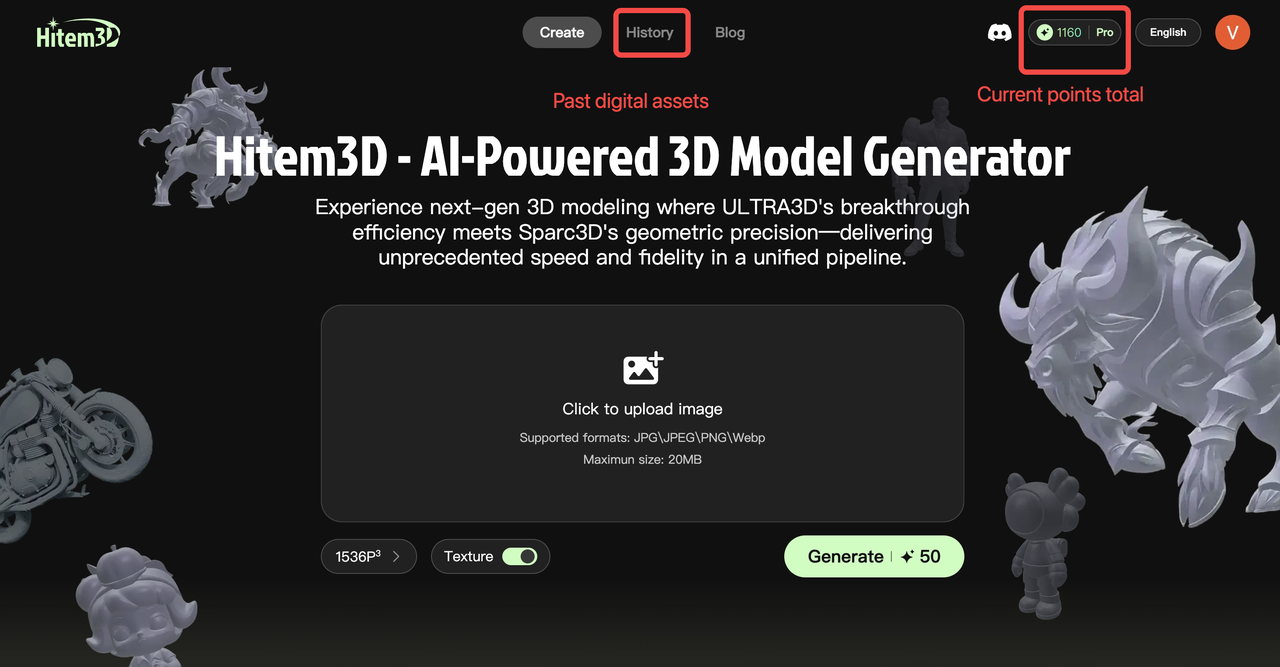
Create:Transform 2D images into production-ready 3D models – bridging conceptualization to physical realization.
History:Asset catalog module enabling metadata-based classification and indexed search across generative outputs
Credits:During onboarding, we provide 100 complimentary credits for 3D generation. Credit consumption varies by resolution tier
How to Use Hitem3d Effectively
Getting started with Hitem3d is straightforward. Here are the basic steps to incorporate it into your workflow:
First, access the workspace where you can:
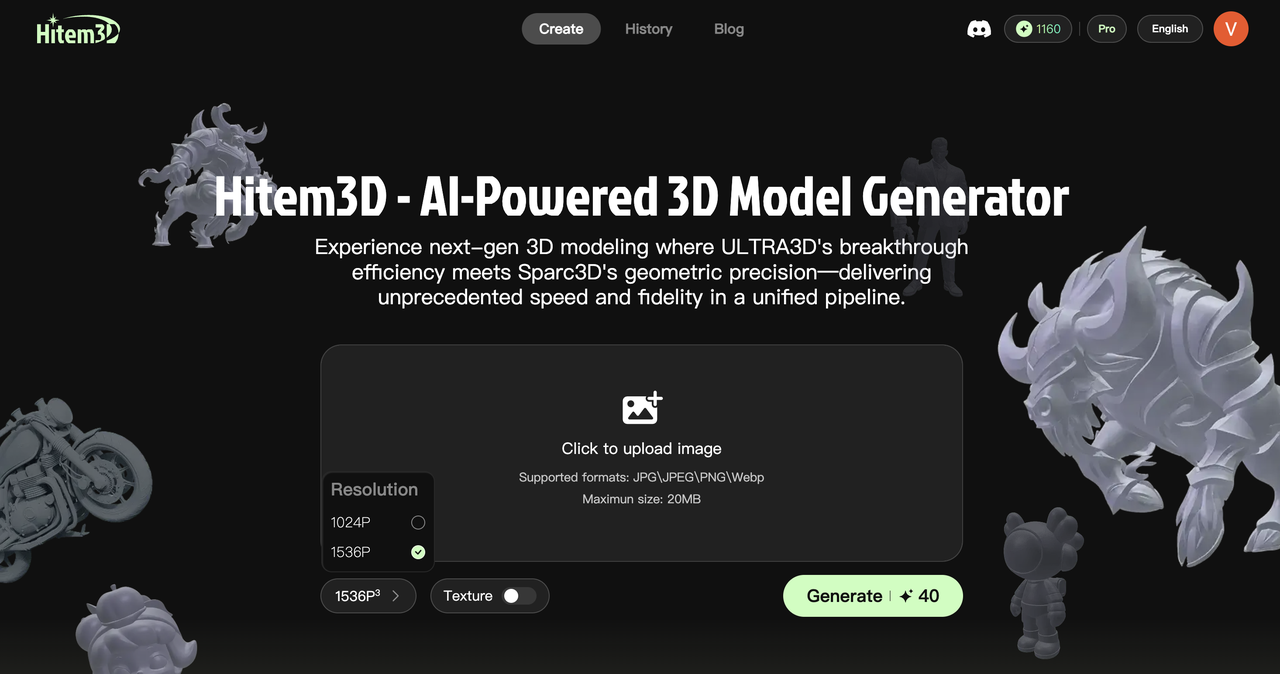
- Select preset resolution: 1024^3 or 1536^3
- Control texture generation: Enable/ disable as needed
Drag & drop your key image here, then press Generate to start creation
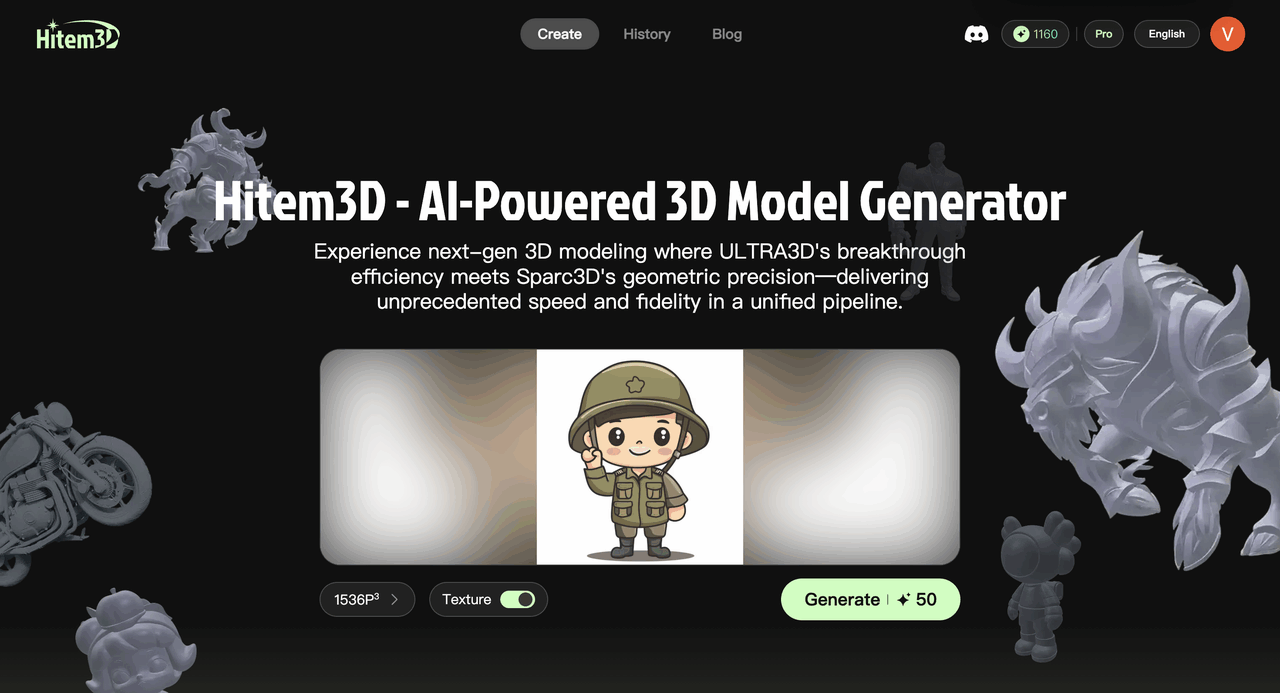
Available Features & Credit Consumption
- 1024^3 Resolution Render: 10 credits each
- 1536^3 Resolution Render: 40 credits each
- 1024^3Geometry+Textures:20 credits each
- 1536^3Geometry+Textures:50 credits each
Guidelines for Uploading Images
For the best output, we suggest providing a clean, standardized front view of your target object as the input image, free from any text or unnecessary elements. This will help achieve the highest quality when transforming your 2D sketch into a 3D model.
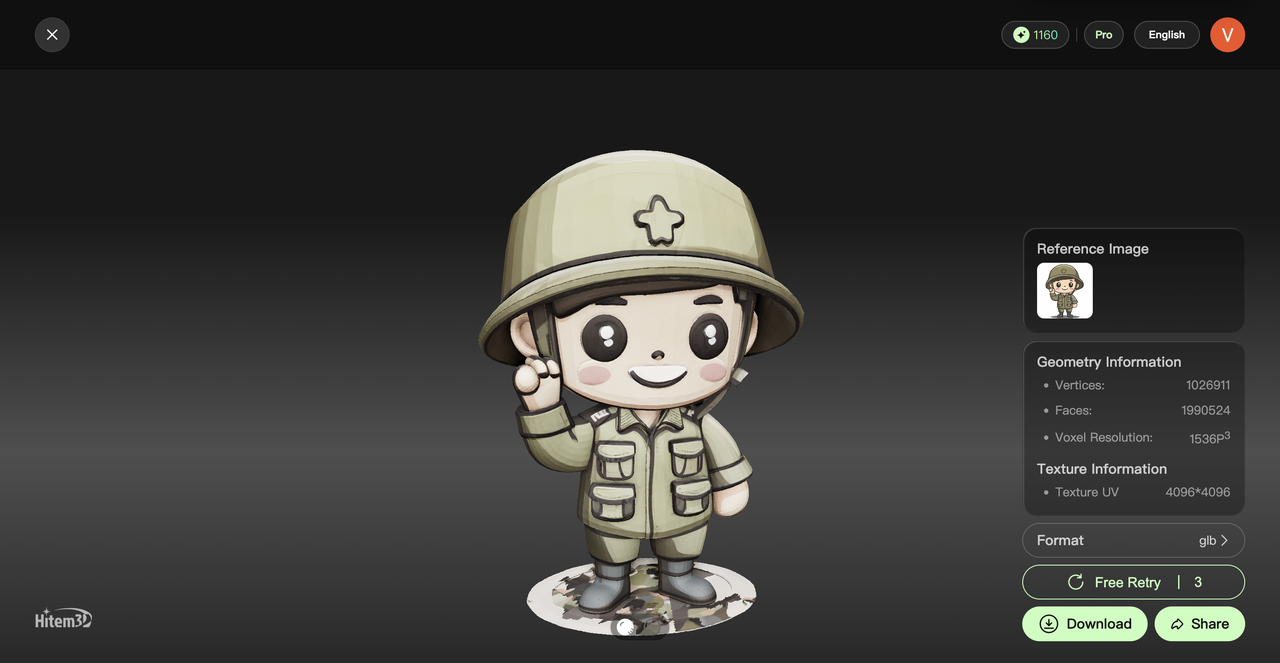
Add Texture Layer
Texture mapping is the final, indispensable piece of the puzzle when creating a model. Likewise, without a variety of texture maps, no 3D visualization or 3D modeling service can deliver outstanding results.
They are used to create special effects, repeating textures, patterns, and intricate details such as hair, skin, and more. If you already have a complete mesh and UV map, simply applying a texture will not produce the desired result.
You need texture maps to define a 3D model’s color, glossiness, emissiveness, transparency, and many other characteristic attributes. Hitem3D is an online material and texture mapping tool that enables you to set up texture maps for your 3D models with ease.
Alternatively, you can acquire a texture-free model version for applying custom texture maps post-generation.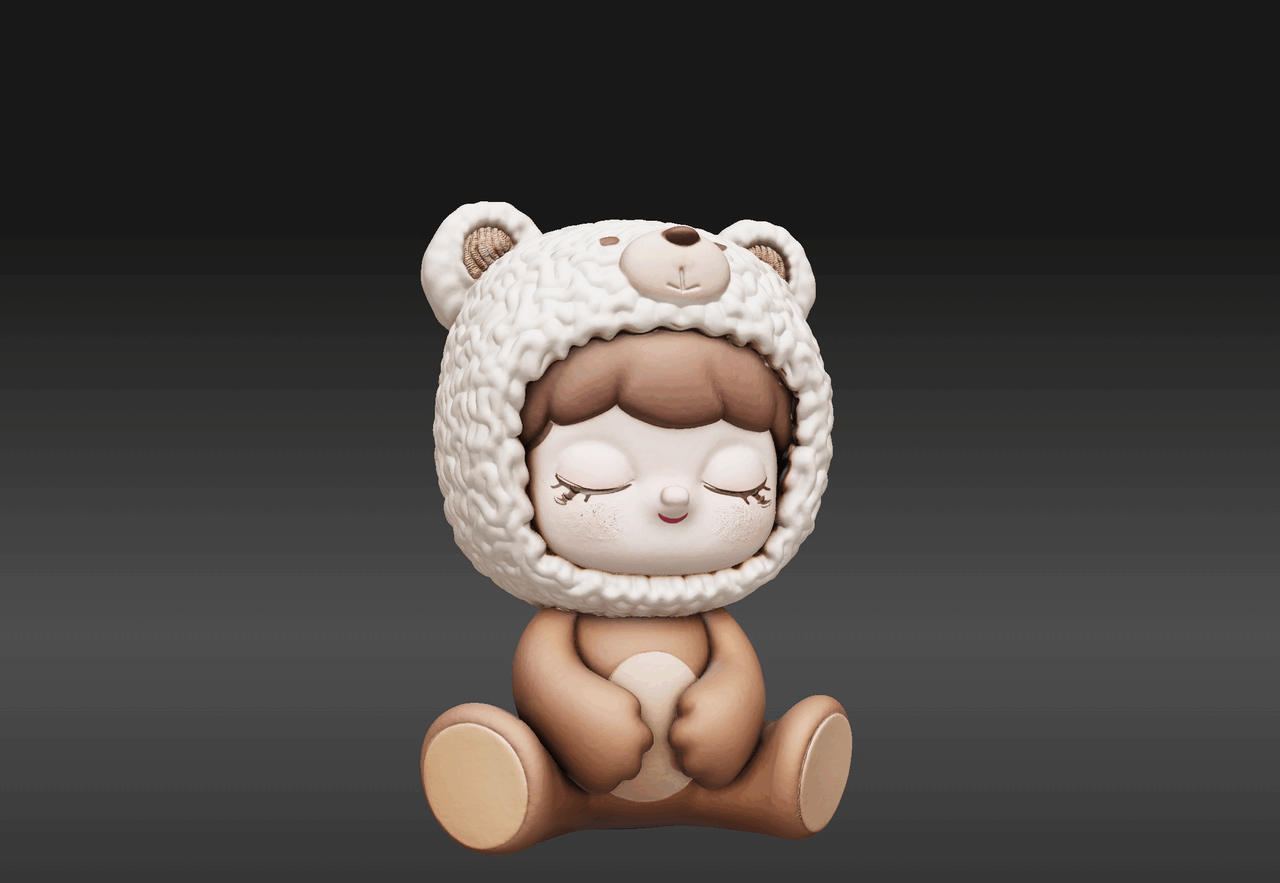
Texture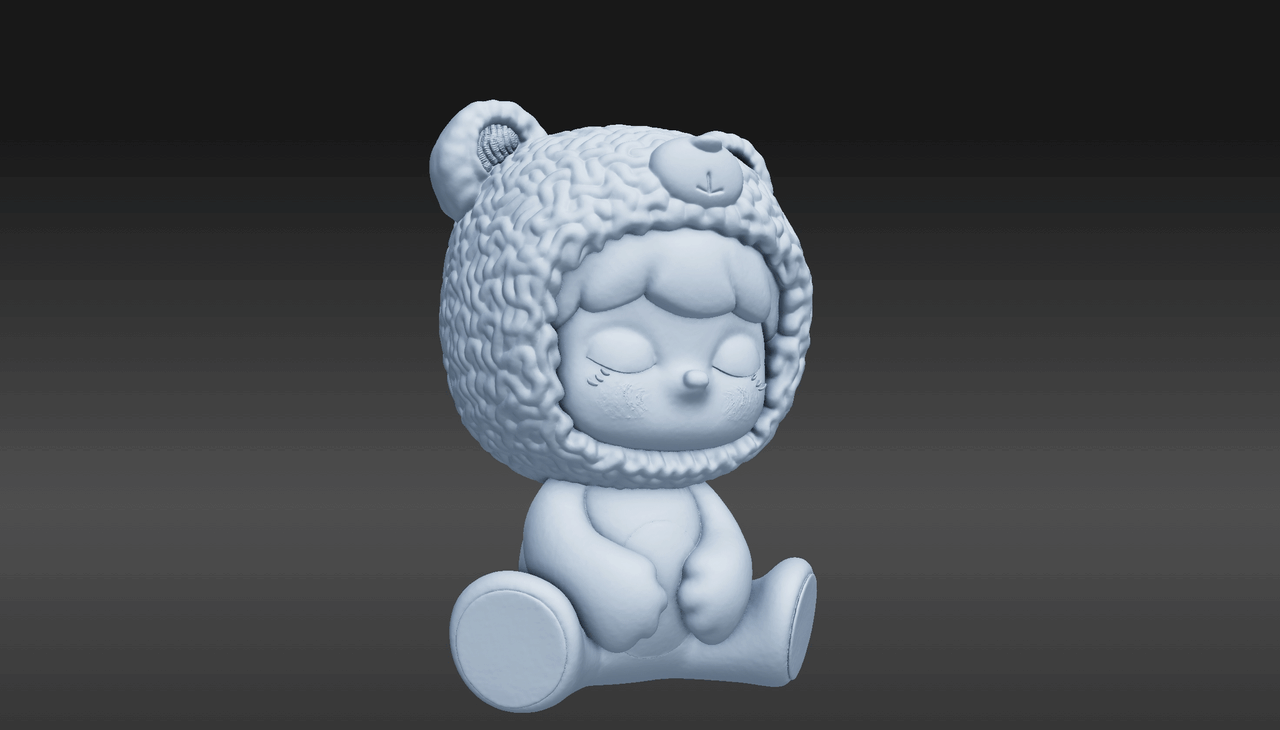
No Texture
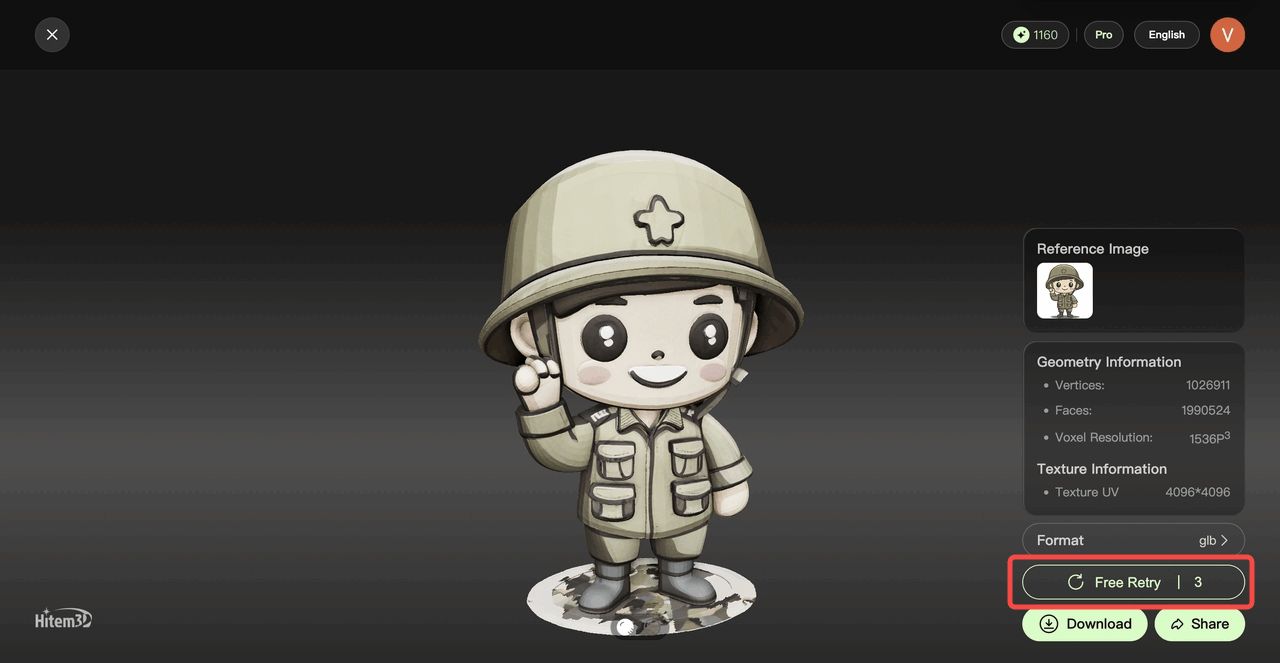
3 regeneration chances
No worries! If you’re unsatisfied with the 3D generation results, we’ll give you 3 more attempts to regenerate the model.For subscribed members, this service is included at no extra cost—no credits will be deducted, so feel free to experiment with different outputs!
Download your 3D Model
When your 3D model is ready, simply hit the Download button and select the file format that best fits your needs be it for game development, 3D printing, or animation projects.
Output includes a precision reconstructed 3D model requiring zero cleanup—animation-compatible or exportable in OBJ/FBX formats.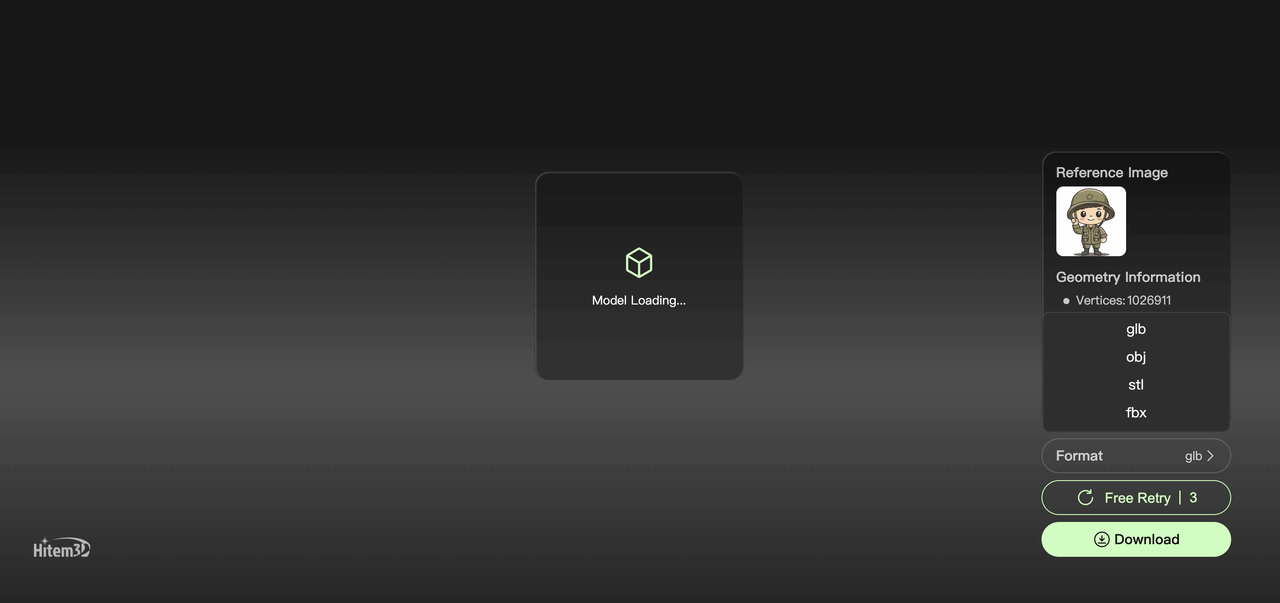
Share What You’ve Made
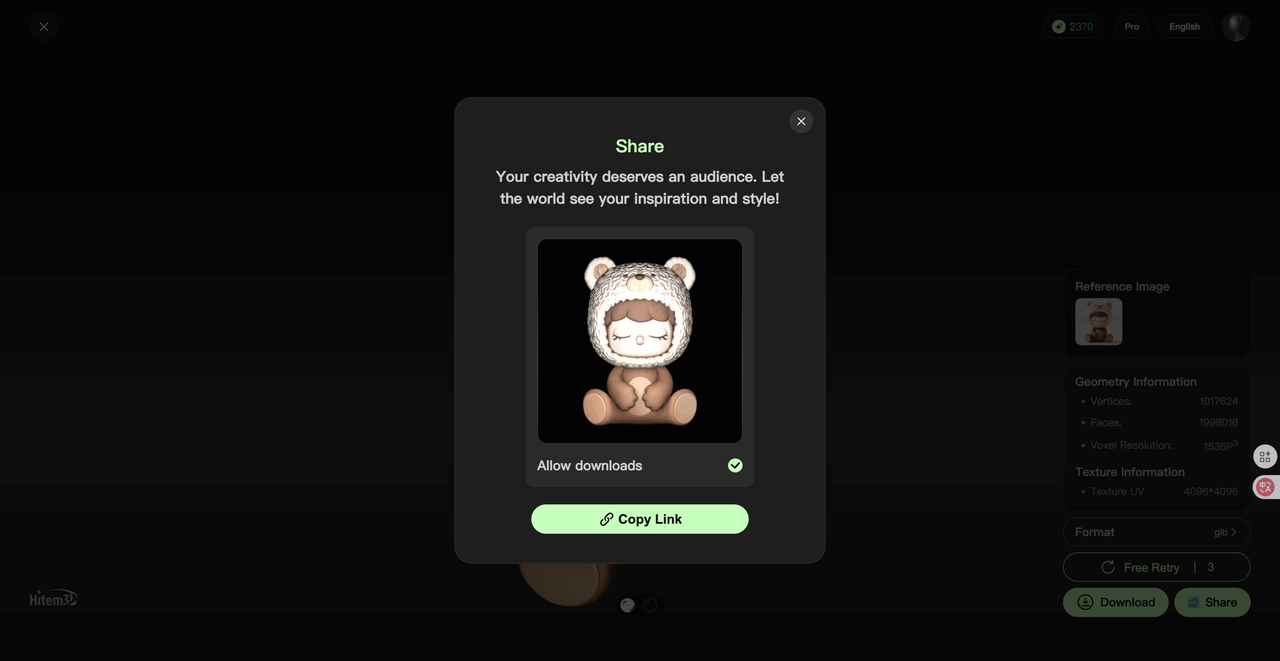
Well done! You’ve made it to the last step. To share your creation with a wider audience, simply click the two icons located beneath the 3D viewer.
Showcase your 3D creations effortlessly: Use the toolbar’s Share button to post directly to social platforms, generate shareable links, or export preview images.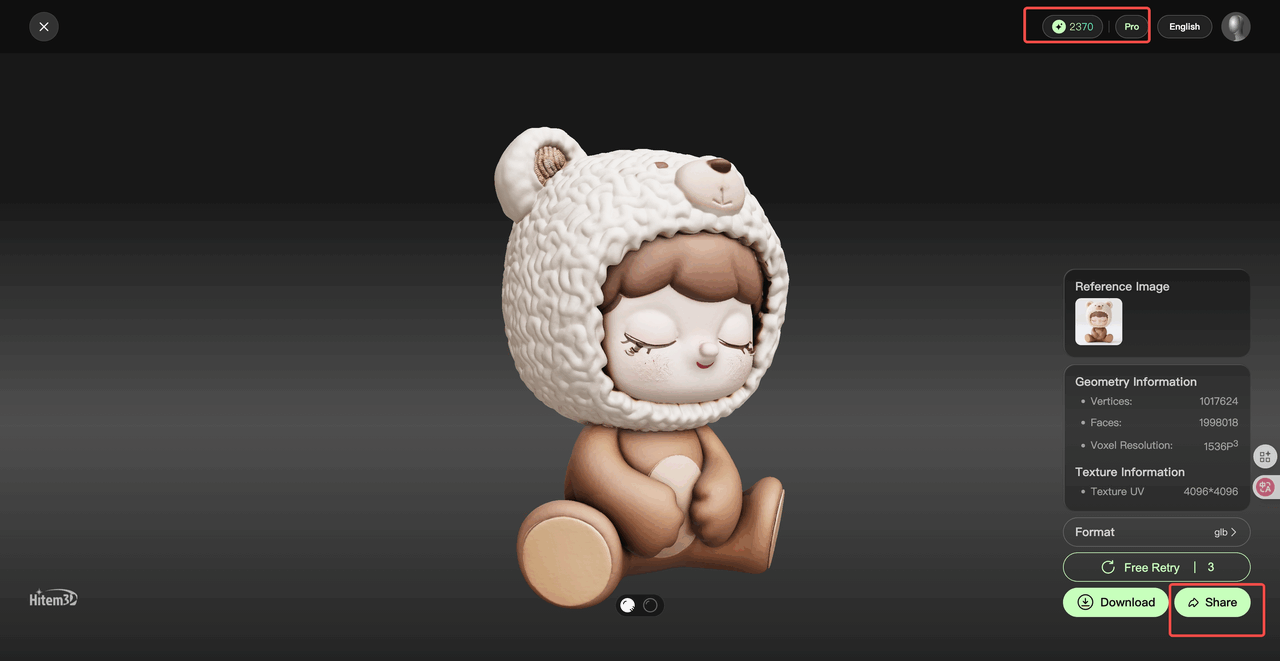
Hitem3D User Guide & FAQ
What file formats are supported for output?
Production-ready export options:
FBX- For game engines (Unity/Unreal)OBJ- For 3D printing/CADGLTF- Web/AR applications
Is there a free trial available?
Yes! New users receive:
- 100 free generation credits
- 3 regeneration attempts per model
- Access to basic texture mapping tools
How does the credit system work?
| Feature | Credit Cost |
|---|---|
| 1024³ Resolution Render | 10 credits |
| 1536³ Resolution Render | 40 credits |
| 1024³ Geometry + Textures | 20 credits |
| 1536³ Geometry + Textures | 50 credits |
How fast is model generation?
- ⚡ Under 150 seconds for most conversions
- Speed depends on resolution selection (1024^3 or 1536^3)
- Regenerations available instantly if unsatisfied
What input images work best?
Optimal results require:
- Clean front-view images
- No text/background clutter
- High-contrast subjects