The digital art landscape is a vast and ever-evolving frontier. For 3D artists, game developers, and digital sculptors, choosing the right visual direction is just as critical as mastering the software. With so many digital art styles to explore, finding your unique creative voice can feel overwhelming. Whether you are crafting assets for an indie game, designing a blockbuster film character, or preparing a physical piece for 3D printing, your chosen aesthetic defines the emotional impact of your work.
In this comprehensive guide, we will explore the most popular 3D art styles, from hyper-accurate photorealistic 3D art to whimsical stylized 3D art. We will break down their visual characteristics, technical approaches, and provide actionable advice on how to develop your own distinctive aesthetic.
What Are 3D Art Styles?
3D art styles refer to the specific visual, structural, and texturing approaches artists use to create three-dimensional digital models, ranging from exact mathematical replications of the real world to highly exaggerated, imaginative, and abstract designs.
Exploring the Major 3D Art Styles
Understanding the spectrum of digital art styles is the first step toward finding your niche. Here is a breakdown of the most influential aesthetic directions in the 3D industry today.
1. Photorealistic 3D Art
Often used in film VFX, automotive design, and high-end product visualization, photorealistic 3D art aims to perfectly mimic reality. The goal is to make the viewer question whether they are looking at a photograph or a digital render.
- Visual Characteristics: Lifelike proportions, highly detailed micro-surface imperfections (like pores, scratches, or dust), and physically accurate lighting and shadows.
- Technical Approach: Relies heavily on Physically Based Rendering (PBR) workflows. Artists use high-polygon counts, sub-surface scattering for skin or translucent materials, and HDRI lighting setups. Photogrammetry (3D scanning) is frequently used as a base.
- Best Software: Autodesk Maya, Blender, Arnold, V-Ray, and ZBrush (for high-res sculpting).
2. Stylized 3D Art
From the beloved worlds of Pixar to the vibrant cel-shaded environments of modern anime games, stylized 3D art intentionally departs from reality to emphasize emotion, character, and mood.
- Visual Characteristics: Exaggerated proportions (e.g., larger eyes, oversized weapons), simplified forms, vibrant and harmonious color palettes, and often hand-painted textures.
- Technical Approach: Modelers focus on clean, flowing topology and strong silhouettes rather than micro-details. Texturing can range from baked unlit diffuse maps (hand-painted) to stylized PBR where materials behave realistically but look painted.
- Best Software: ZBrush (for stylized sculpting), Blender, 3DCoat, and Substance 3D Painter.
3. Low-Poly & Geometric
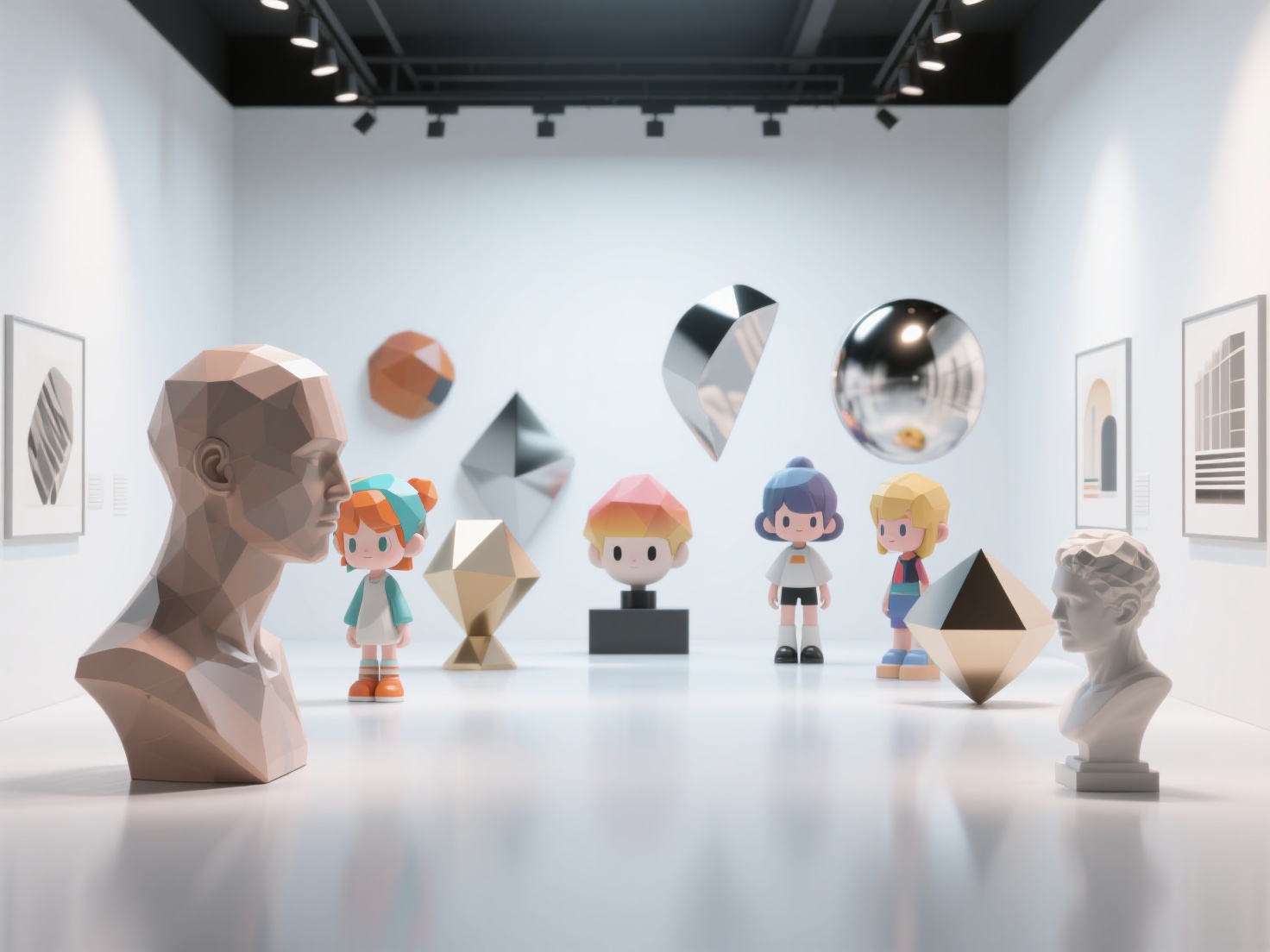
Born out of hardware limitations in early gaming, the low-poly style has evolved into a beloved, deliberate artistic choice. It celebrates the building blocks of 3D modeling: the polygons themselves.
- Visual Characteristics: Blocky, faceted surfaces with hard edges. Colors are usually flat, lacking complex textures or smooth shading.
- Technical Approach: Artists operate under strict polygon limits, strategically placing every vertex. Flat shading is applied instead of smooth shading to ensure every facet catches the light uniquely.
- Best Software: Blender, Cinema 4D, and Blockbench.
4. Hyperrealistic Digital Sculpture
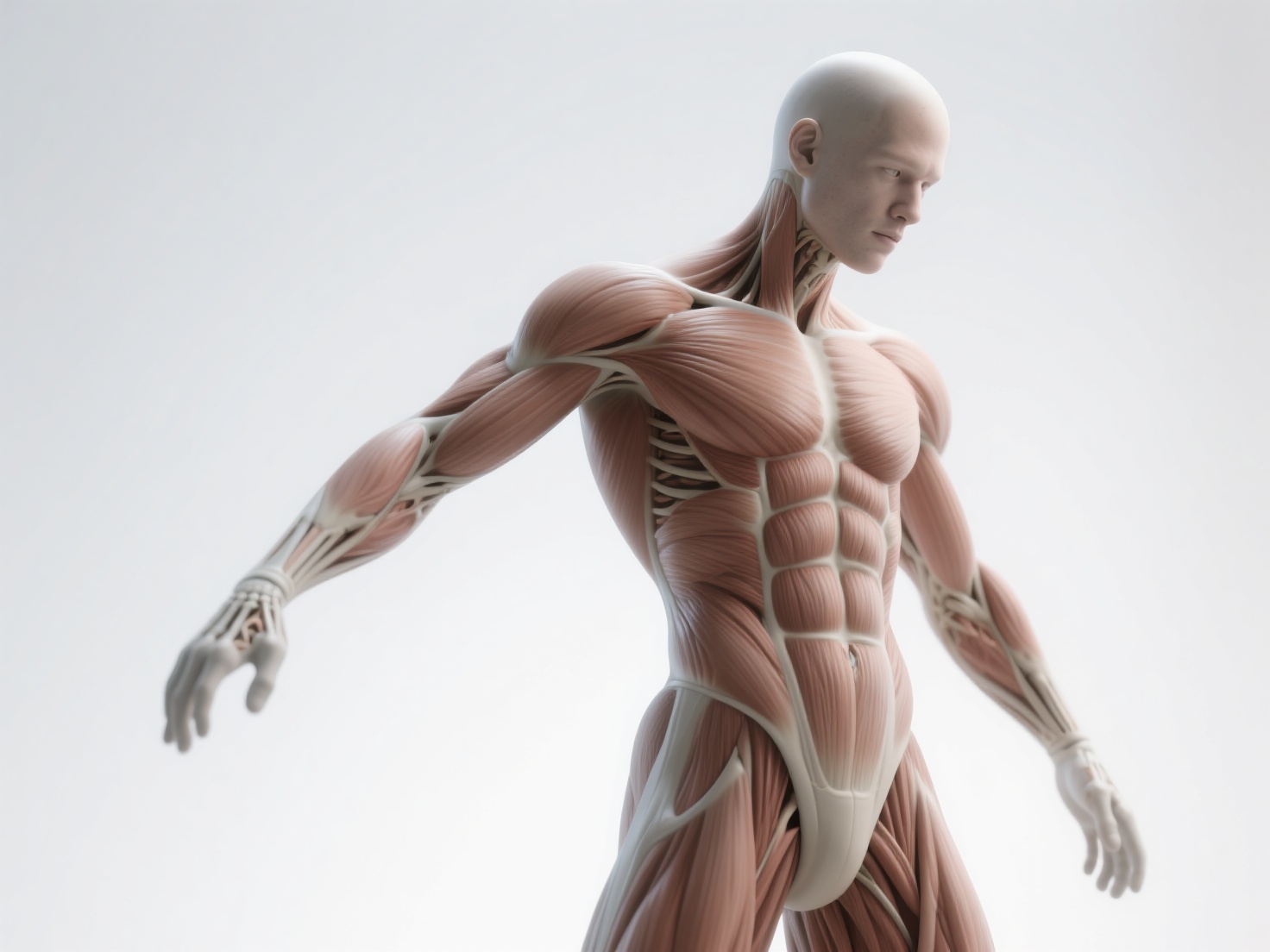
While similar to photorealism, hyperrealistic sculpture focuses primarily on organic forms—creatures, humans, and monsters. It is the digital equivalent of working with fine clay to create museum-grade physical art.
- Visual Characteristics: Extreme anatomical precision, intricate skin tension, wrinkles, and muscle flow.
- Technical Approach: Involves working with millions of polygons. Artists study real-world anatomy extensively and use complex alpha brushes to stamp realistic pore details onto the mesh.
- Best Software: ZBrush is the undisputed king of this style, often paired with Marvelous Designer for realistic clothing.
5. Abstract & Surrealist 3D
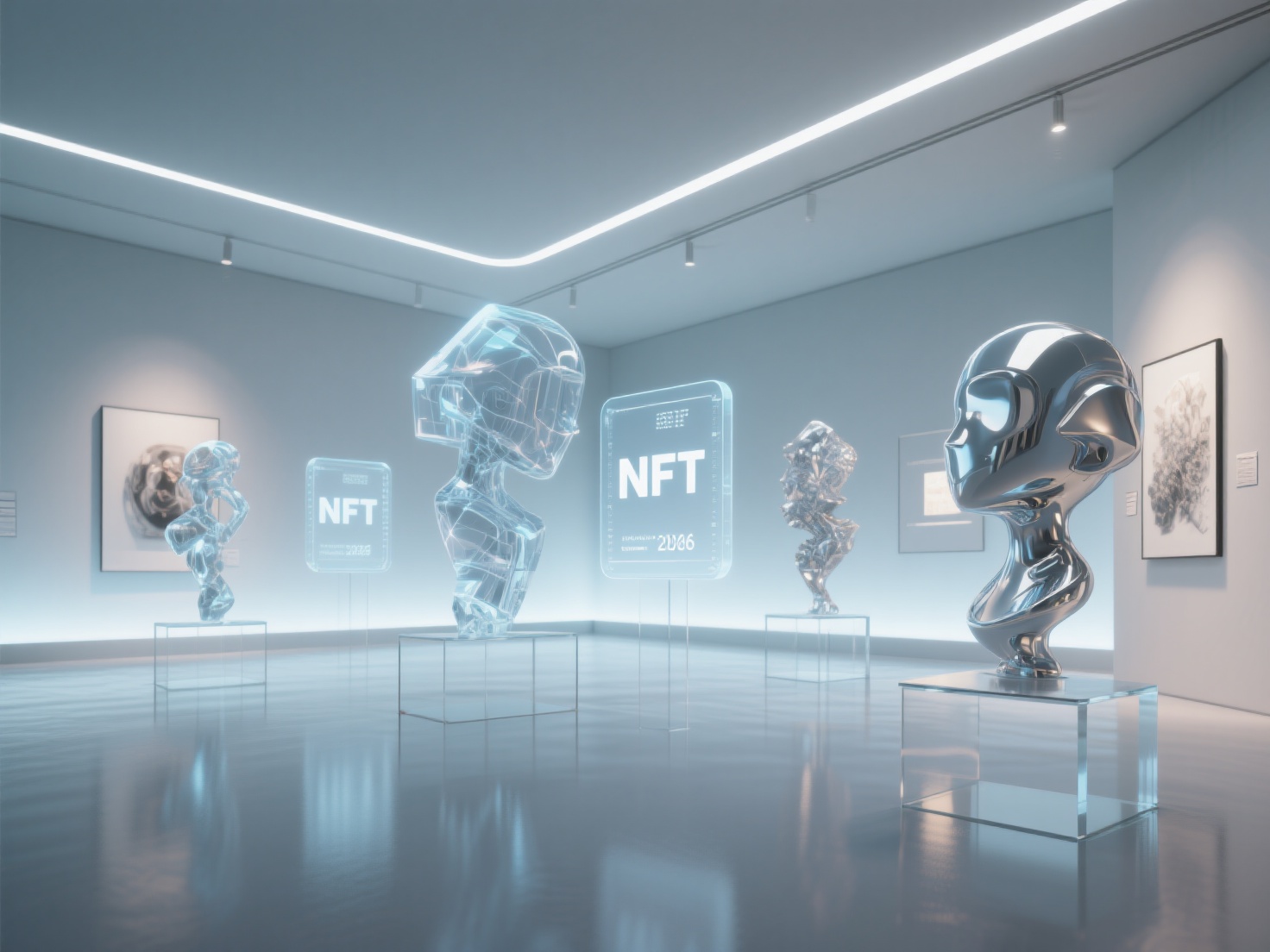
Abstract and surrealist 3D art breaks the laws of physics and reality. It is highly conceptual, often used in motion graphics, advertising, and NFT art.
- Visual Characteristics: Dreamlike scenarios, floating objects, impossible geometry, melting textures, and mind-bending physics simulations.
- Technical Approach: Heavily relies on procedural generation, node-based modeling, and complex simulations (smoke, fluid, cloth).
- Best Software: Houdini, Cinema 4D, and Blender (Geometry Nodes).
6. Architectural Visualization (ArchViz)
ArchViz bridges the gap between technical CAD data and artistic presentation, used to sell real estate and architectural concepts before they are built.
- Visual Characteristics: Inviting, pristine, and perfectly to scale. Strong emphasis on interior/exterior lighting, realistic foliage, and atmospheric depth.
- Technical Approach: Combining exact architectural blueprints with high-fidelity textures and realistic global illumination.
- Best Software: 3ds Max, Corona Renderer, Unreal Engine, and SketchUp.

Practical Applications: Accelerating Stylistic Exploration with AI
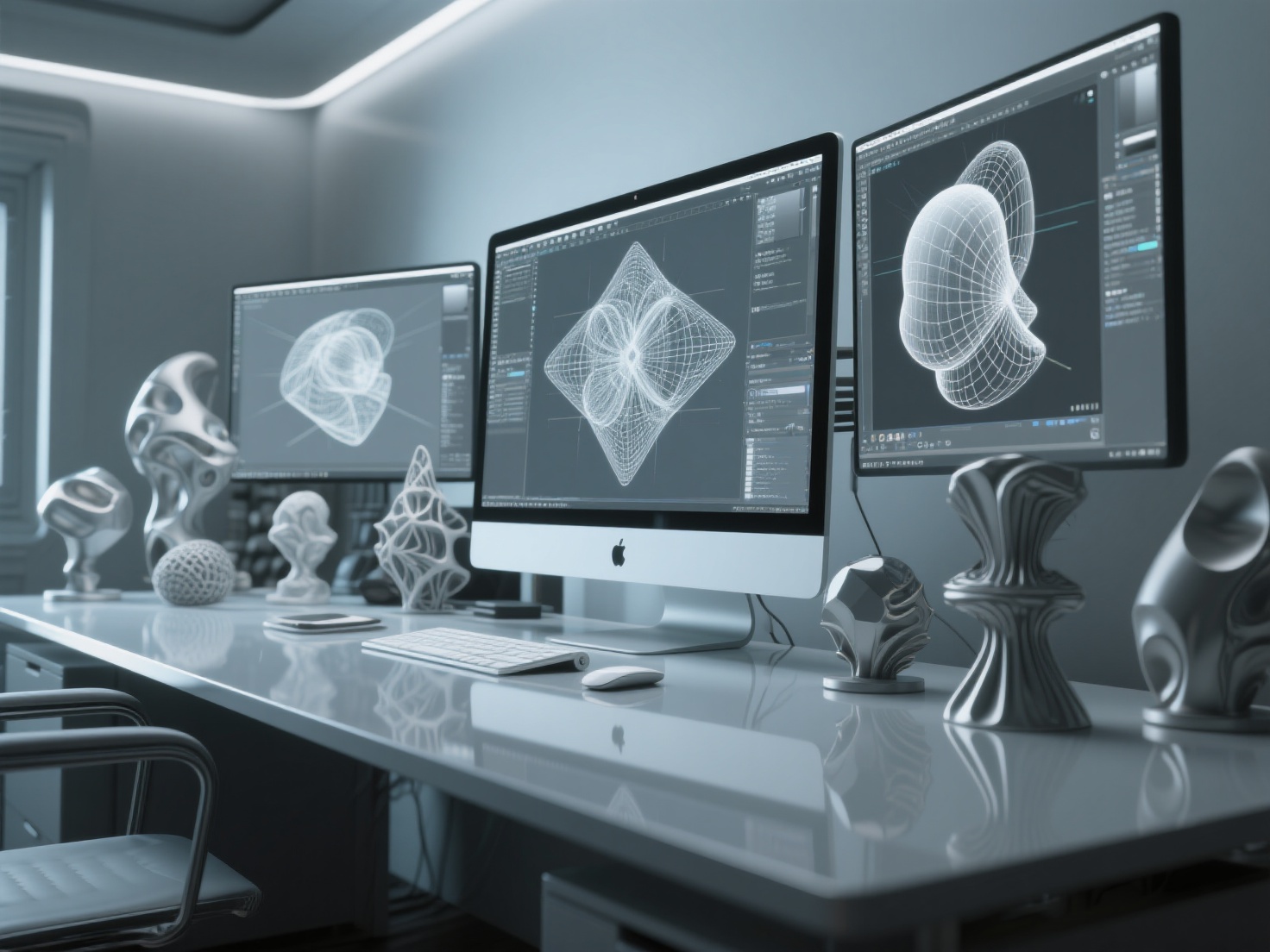
Developing models across these varied 3D art styles traditionally requires dozens of hours of blocking out geometry, sculpting, and texturing. However, modern workflows are rapidly evolving. Whether you are creating assets for a stylized indie game or preparing a hyperrealistic sculpture for 3D printing, AI tools are bridging the gap between concept and final model.
This is where Hitem3D becomes an invaluable asset for modern creators. As a next-generation AI-powered 3D model generator, Hitem3D allows artists to instantly test how a 2D concept drawing translates into different 3D styles.
- Rapid Prototyping from Images: You can upload a single or multi-view (2-4 images) reference of a stylized character or a photorealistic prop. Hitem3D’s Sparc3D model (high precision) ensures extreme geometric accuracy for realistic assets, while the Ultra3D model (high efficiency) is perfect for rapid stylized iterations.
- Reconstructing the Unseen: Unlike basic generators, Hitem3D’s advanced AI features Invisible Parts technology, accurately reconstructing hidden or occluded structures beyond the visible surfaces, giving you a complete, production-ready model.
- Production-Ready Textures: Transitioning between styles often means re-texturing. Hitem3D offers AI Texturing with 4K PBR-ready results. More importantly, its De-Lighted Texture processing intelligently removes baked-in lighting and shadows from the original image, providing true, relightable materials essential for professional pipelines.
- Physical Art and Printing: If you are a digital sculptor moving into the physical realm, Hitem3D’s 3D Relief feature converts 2D images into layered bas-relief models with smooth depth transitions. Furthermore, with clean geometry, sharp edges, and one-click direct export to Bambu Studio and OrcaSlicer, bringing your digital art into the physical world has never been easier.
Best Practices for Developing Your Unique Digital Art Style
Finding your personal aesthetic doesn’t happen overnight. It requires deliberate practice and exploration.
- Master the Fundamentals First: Before you can successfully break the rules with stylized 3D art, you must understand the rules of photorealistic 3D art. Study real-world anatomy, lighting, and color theory.
- Create Diverse Mood Boards: Collect 2D and 3D references from artists you admire across different mediums (painting, photography, sculpture). Identify the specific elements you love—is it the chunky geometry of a low-poly tree, or the hand-painted texture of an anime character?
- Experiment with Hybrid Styles: Some of the most memorable digital art styles combine different approaches. Try merging photorealistic PBR textures with exaggerated, stylized geometry.
- Embrace Iteration: Don’t get stuck on one model for months. Use tools like Hitem3D’s Free Retry system to rapidly generate base meshes from your sketches, allowing you to focus your time on refining the artistic details rather than tedious block-outs.
- Limit Your Toolkit: Sometimes, constraints breed creativity. Try forcing yourself to work with a strict polygon count or a limited color palette to see how it shapes your design decisions.
Conclusion
The beauty of 3D modeling lies in its limitless versatility. From the exacting precision of photorealistic 3D art to the vibrant imagination of stylized 3D art, every style offers a unique way to tell a story. By understanding the visual characteristics and technical requirements of these diverse 3D art styles, you can make informed decisions that elevate your portfolio and captivate your target audience.
Embracing new technologies can dramatically accelerate your journey to finding your unique voice. By automating the most tedious aspects of modeling and texturing, you free up valuable time to focus on what truly matters: your art.
Ready to transform your 2D concepts into stunning, production-ready 3D models in any style? Join creators from over 50 countries and elevate your workflow today. Create For Free.
Frequently Asked Questions (FAQ)
How do I choose between stylized and photorealistic 3D art?
Your choice should depend on the project’s goal and your personal preference. Photorealism is ideal for product visualization, VFX, and immersive simulation games. Stylized art ages incredibly well, is generally less resource-intensive to render, and is perfect for indie games, animation, and projects requiring a strong, whimsical mood.
What is the best software for low-poly 3D art?
Blender is widely considered the best software for low-poly art due to its accessibility, robust modeling toolset, and strong community support. Blockbench is another excellent, lightweight option specifically tailored for low-poly, blocky aesthetics (like Minecraft assets).
Can AI help me find my digital art style?
Absolutely. AI tools allow you to rapidly prototype ideas. By feeding your 2D sketches into an AI 3D generator like Hitem3D, you can instantly see how your 2D concepts translate into 3D space, allowing you to experiment with shapes, silhouettes, and PBR textures without spending hours manually modeling each variation.
What makes a 3D model ready for 3D printing?
A print-ready 3D model must be “manifold” or watertight, meaning it has no holes in its geometry, no non-manifold edges, and correct surface normals. It must also have appropriate structural thickness. Tools like Hitem3D generate print-ready geometry with sharp edges and offer seamless integration with slicers like Bambu Studio for immediate physical production.