


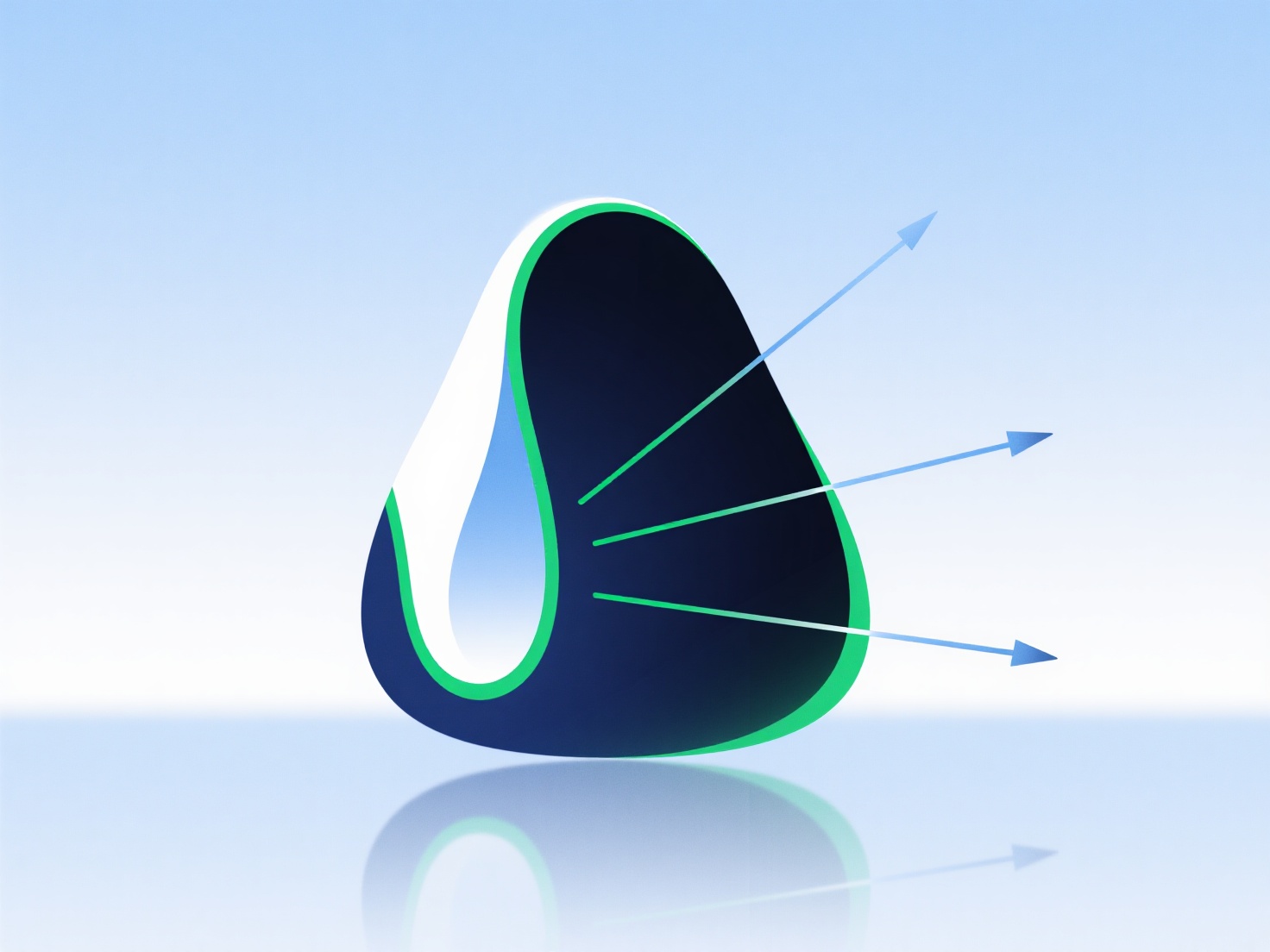
Inconsistent or insufficient wall thickness in 3D models causes warping because uneven material cooling during printing creates internal stress.
Thinner areas cool faster than thicker ones, pulling the model’s edges or corners out of shape—this is common in parts like thin enclosures or prototypes with varying thicknesses.
To reduce warping: - Use uniform wall thickness (1.2–2mm for most plastics). - Add fillets to smooth transitions between thick and thin sections. - Ensure good bed adhesion (e.g., a heated bed) to minimize movement as the material cools.