


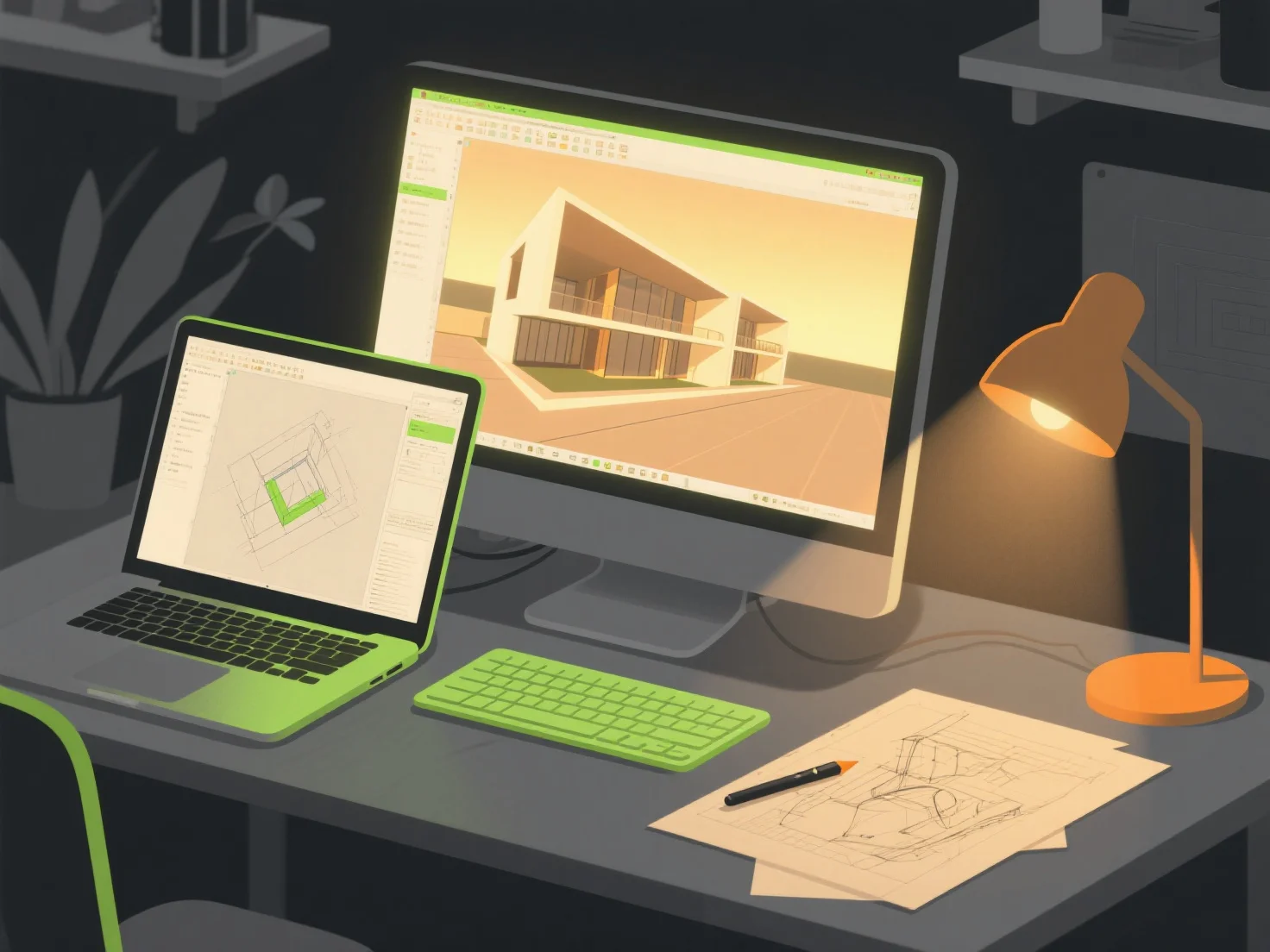
When creating photorealistic environments for architectural visualizations, key tool combinations include 3D modeling software, rendering engines, and texture/asset libraries—these collaborate to build detailed structures, apply lifelike materials, and simulate realistic lighting effects.
3D modeling tools like SketchUp or Blender first construct the base architectural geometry, providing precise foundational shapes for the environment.
Rendering engines such as V-Ray or Enscape then handle material and lighting simulation, generating lifelike shadows, reflections, and color gradients to enhance realism.
Texture/asset libraries like Quixel Megascans add high-quality surface details (e.g., brick, wood, foliage), infusing materials with depth and authenticity.
For beginners, integrated pairs like SketchUp with Enscape streamline workflows, offering real-time previews and intuitive editing to simplify the creation process.