


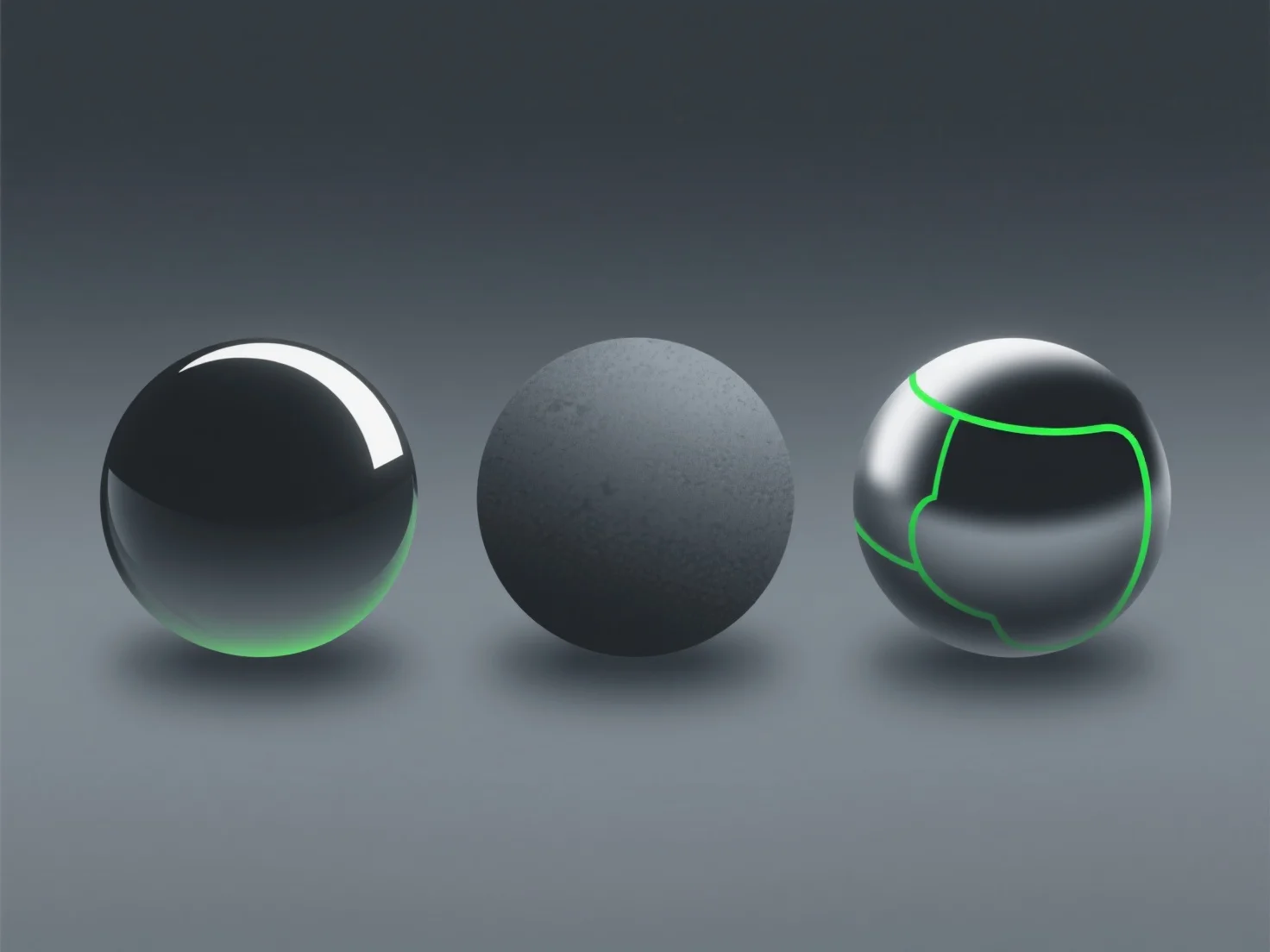
Materials directly shape the visual output of 3D models by defining surface appearance and realism through light interaction, such as reflection, absorption, or transparency.
They detail core properties like color, texture, shininess, and roughness, determining if a model looks metallic, matte, transparent, or textured in renders or real-time displays.
Key applications across industries include: - Gaming: Creating lifelike surfaces (e.g., metallic armor, fabric clothing) to boost scene immersion. - Architecture: Simulating materials like wood, glass, or concrete for realistic building previews. - Product Design: Previewing how materials (plastic, metal, leather) appear on prototypes under different lighting.
Adjusting material properties (e.g., increasing gloss for metals, adding texture maps for fabrics) refines visual output to achieve the intended realistic or stylized effect.