


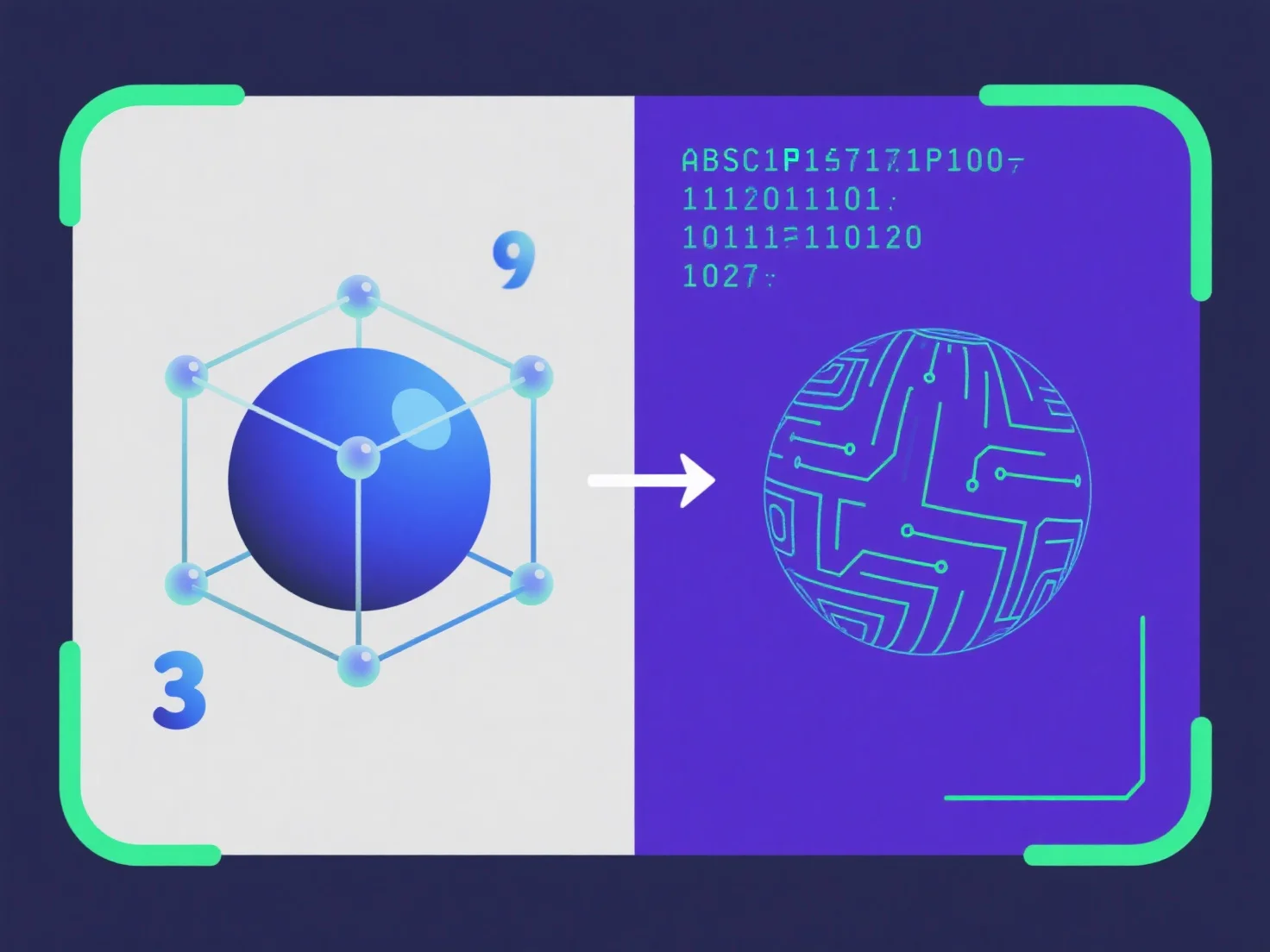
The key difference between binary and ASCII 3D file formats is data encoding: ASCII uses human-readable text, while binary uses compact, machine-optimized binary code.
ASCII 3D files store data as plain text (e.g., coordinates, vertex info), editable with basic text editors but resulting in larger file sizes. Binary formats encode data as binary digits, reducing size, speeding up read/write operations, but making content unreadable to humans without specialized tools.
For manual editing or debugging, ASCII is practical; for efficient storage, quick transmission, or large models, binary is preferred.