Home/Hitem3D FAQ/What does "shading" refer to in 3D modeling?

What does "shading" refer to in 3D modeling?

Shading in 3D modeling simulates light-surface interaction to create realistic effects like color and depth.

What does "shading" refer to in 3D modeling?

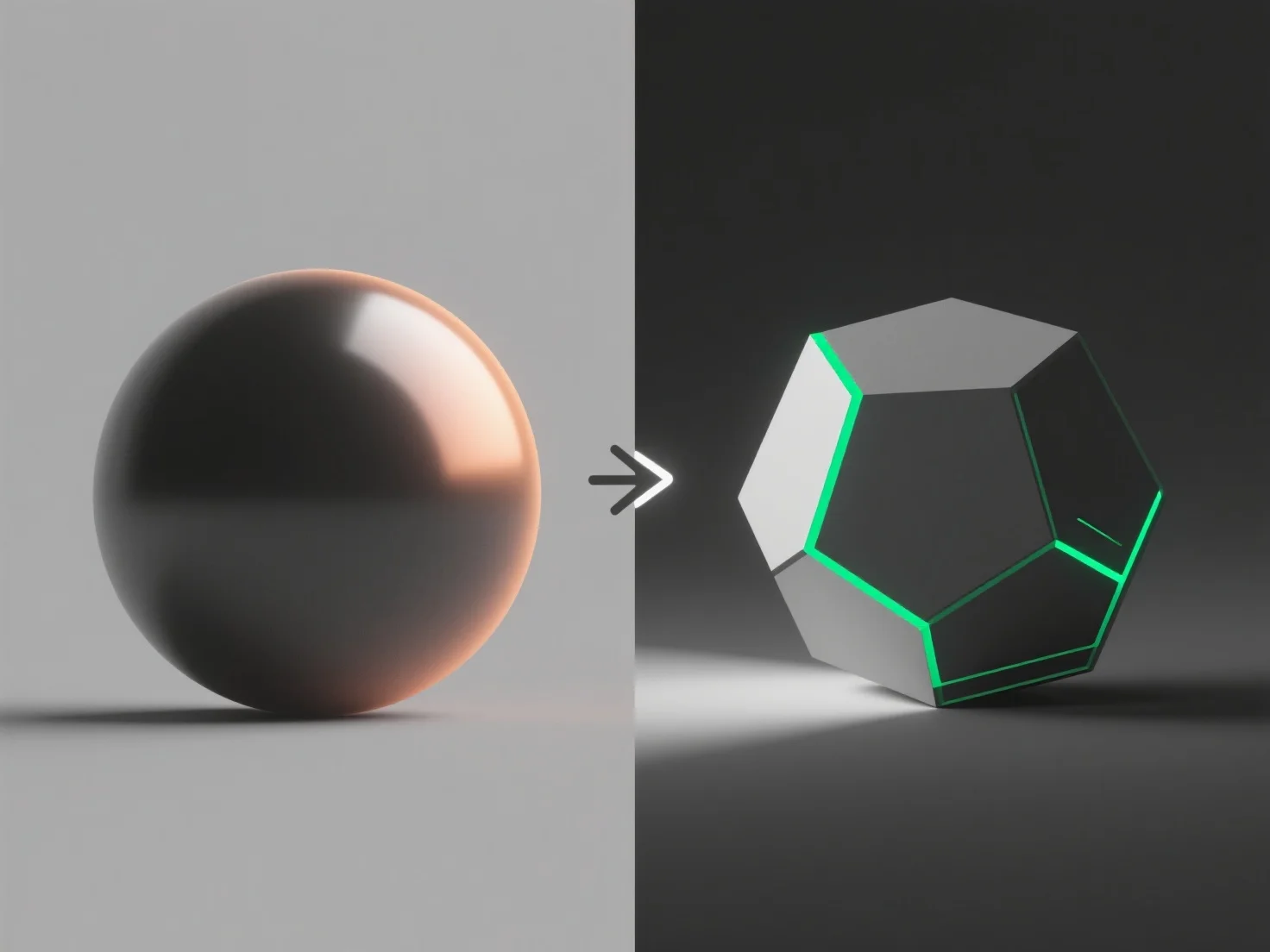
In 3D modeling, "shading" refers to simulating how light interacts with a model’s surfaces to create realistic visual effects like color, texture, and depth, transforming simple wireframes into lifelike previews before final rendering. Common shading methods include: 1. Flat shading: Applies uniform color/intensity to each polygon, resulting in a blocky, low-poly look. 2. Smooth shading: Blends colors across polygon edges for seamless, curved surfaces, mimicking real-world gradients. Ultimately, shading bridges basic geometry and final renders, helping artists refine surface appearance under different lighting to ensure models look natural and detailed.

PreviousNext
Product
Web Studio
API Platform
Features
Image to 3D
Multi-view to 3D
Relief
Segmentation
Models
General Model
Portrait Model
Resource
Blog
FAQ
API Docs
About us
Pricing
Privacy PolicyTerms & Conditions