


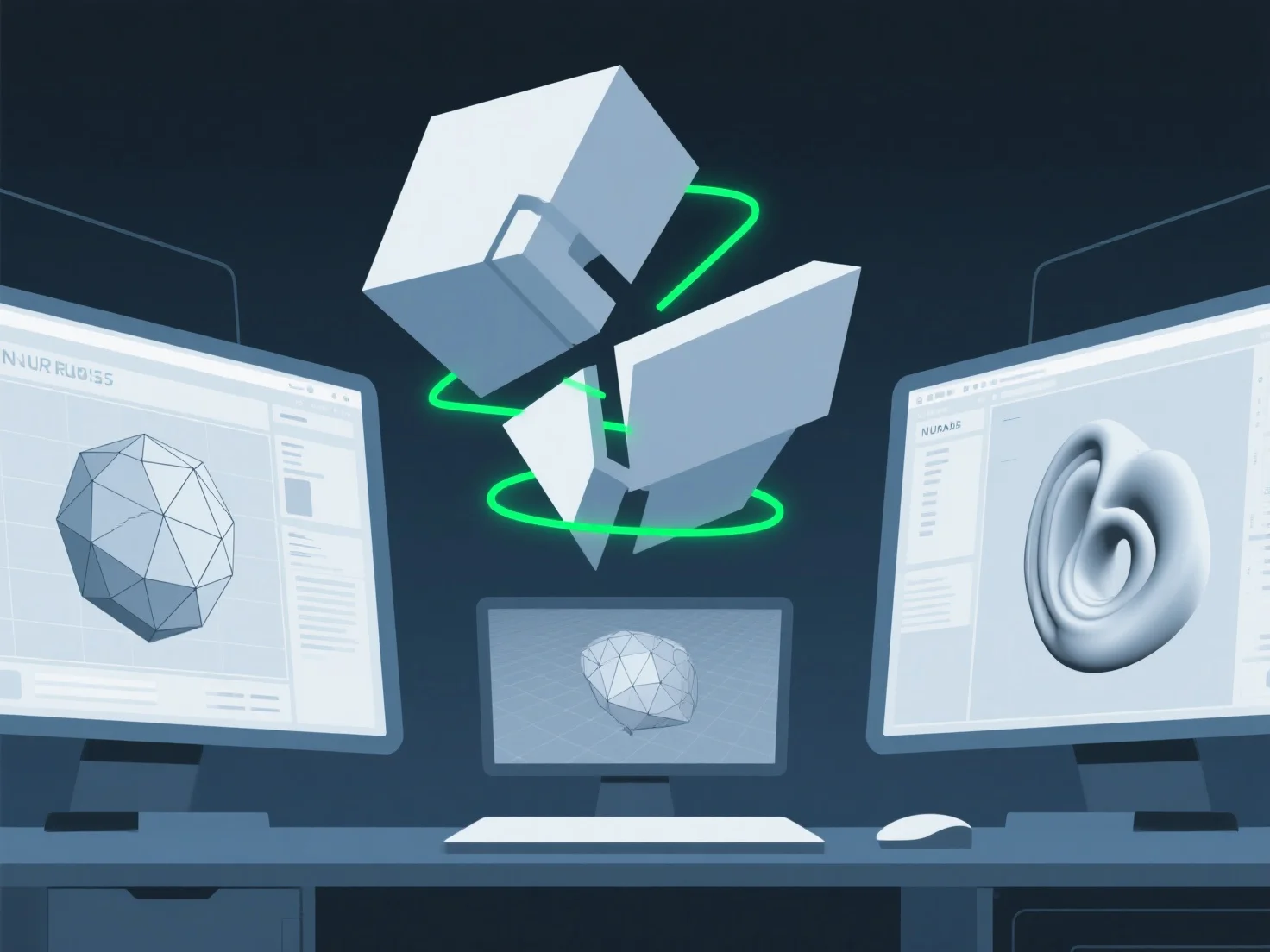
When collaborating with different 3D tools in a team, the core challenge is file format incompatibility, leading to disrupted data transfer and workflow inefficiencies.
Key sub-challenges include: - **Data loss or corruption**: Transferring models between tools (e.g., Blender, Maya, CAD) often results in missing details like custom shaders, rigging, or animation data due to proprietary format limitations. - **Texture/geometry mismatches**: Textures may lose resolution or fail to render, while geometry can distort as tools use varying mesh standards, causing alignment errors. - **Tool specialization gaps**: Teams using niche software (e.g., ZBrush for sculpting vs. Unity for game engines) create silos, making data exchange time-consuming and error-prone.
To mitigate, adopt universal formats (OBJ, FBX) or use conversion plugins to streamline data flow and reduce collaboration friction.