


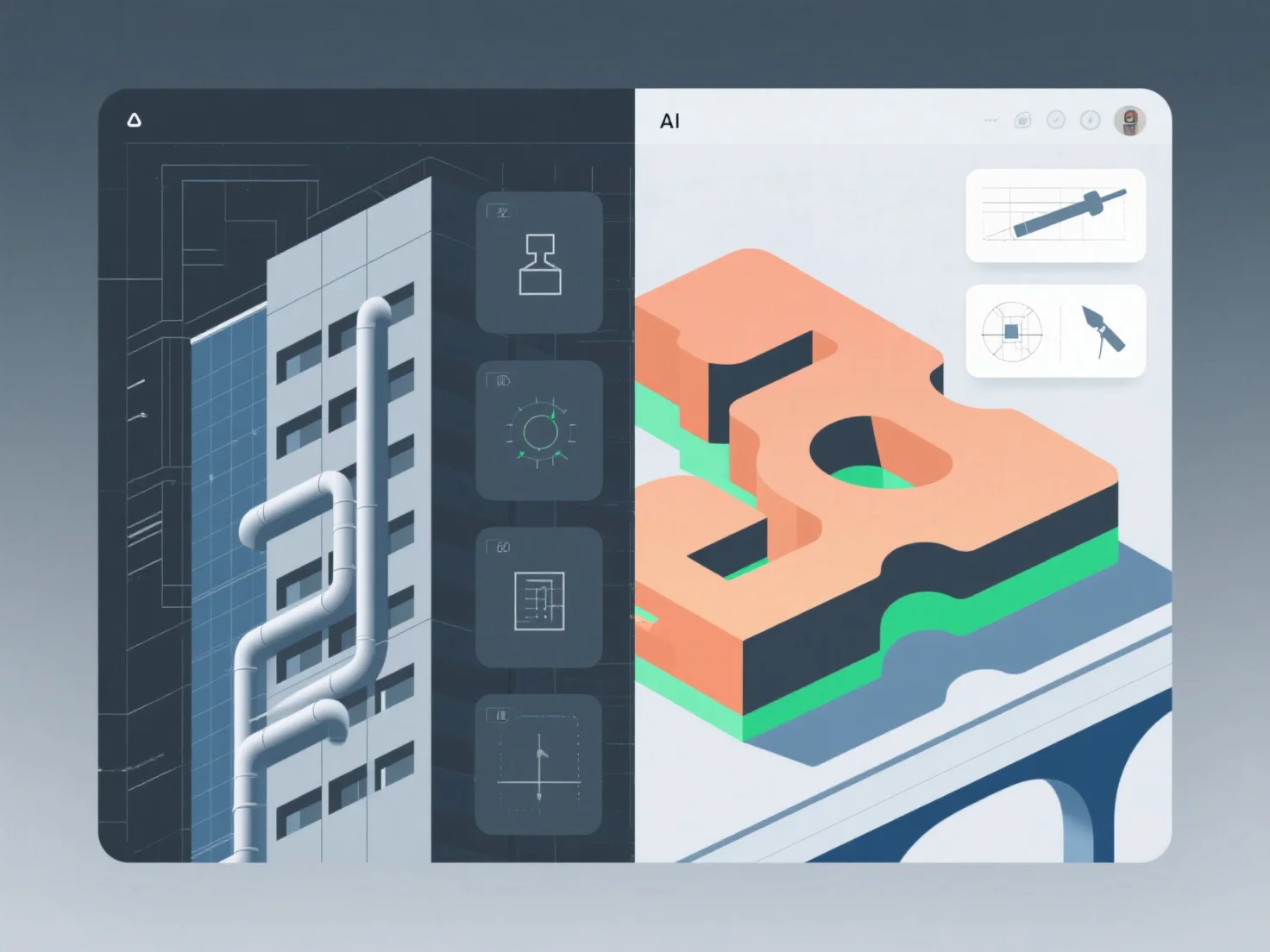
Autodesk Revit and SketchUp differ in core focus: Revit emphasizes parametric BIM (Building Information Modeling) with integrated data management, while SketchUp prioritizes intuitive, fast conceptual modeling.
- **BIM vs. Conceptual Design**: Revit connects design elements to real-world data (e.g., dimensions, materials, schedules), supporting detailed construction documentation and team collaboration. SketchUp uses a simple push-pull interface for quick 3D sketching, ideal for early design iterations or visual presentations.
- **Project Scale & Use Case**: Revit suits large-scale projects requiring precise data coordination (e.g., commercial buildings). SketchUp is favored for small projects, student work, or rapid design exploration.
For quick concept visualization, SketchUp’s ease of use shines; for BIM-driven construction workflows, Revit’s data integration is more suitable.