


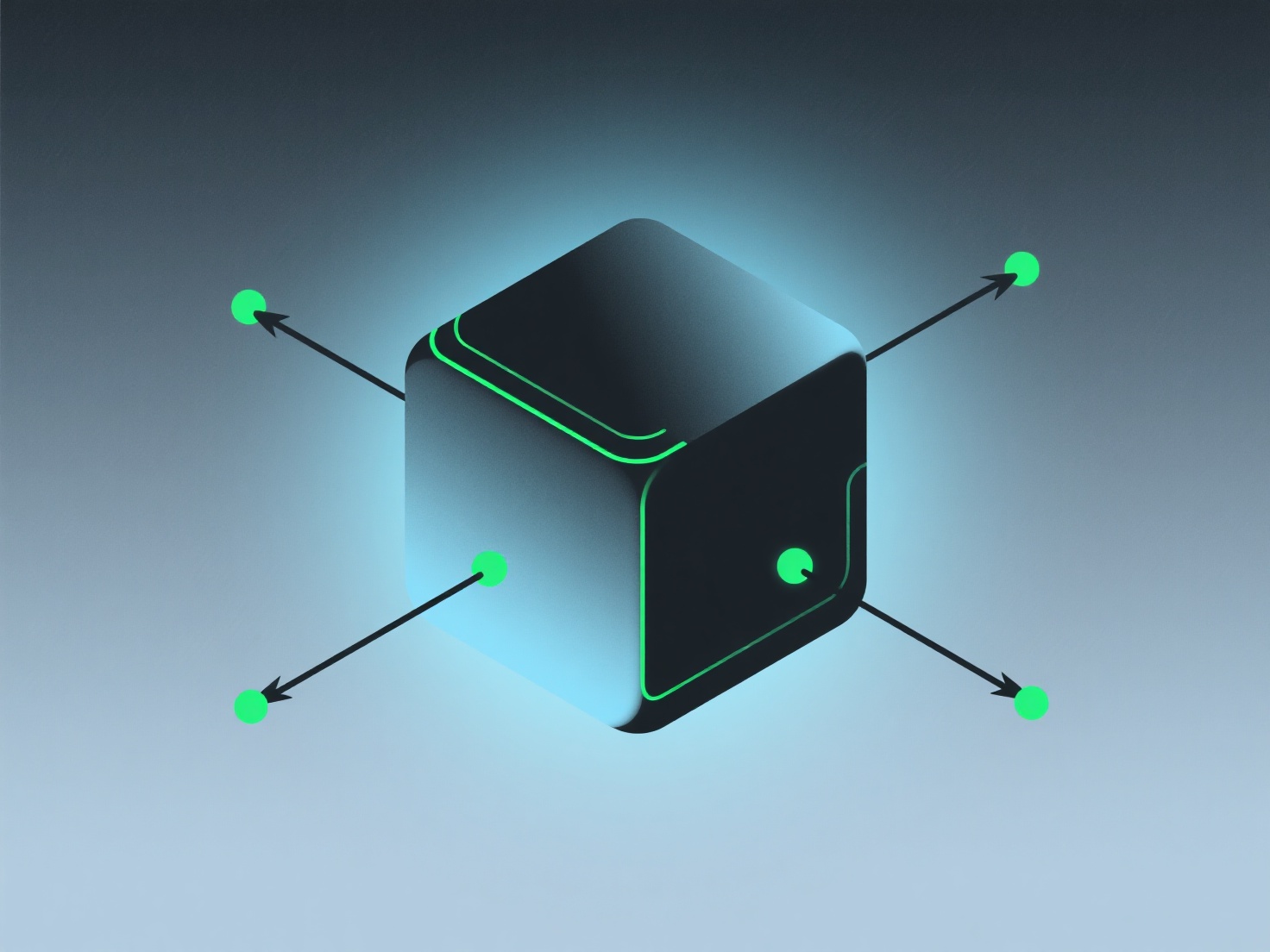
To texture a 3D model in shading, you map 2D texture images (e.g., color, normal, roughness) to the model’s UV coordinates and adjust shader parameters in 3D software to simulate realistic material properties.
- **Unwrap for UVs**: Create a 2D layout of the 3D surface so textures align correctly with the model’s shape. - **Assign textures to shaders**: Import files like base color or normal maps and link them to corresponding shader channels. - **Tweak material settings**: Adjust values like metallicity (shine) or roughness (matte) to match your desired look—e.g., making metal reflective or fabric soft.
For beginners, use PBR (Physically Based Rendering) shaders in tools like Blender—they use standard textures and yield realistic results without complex setup.