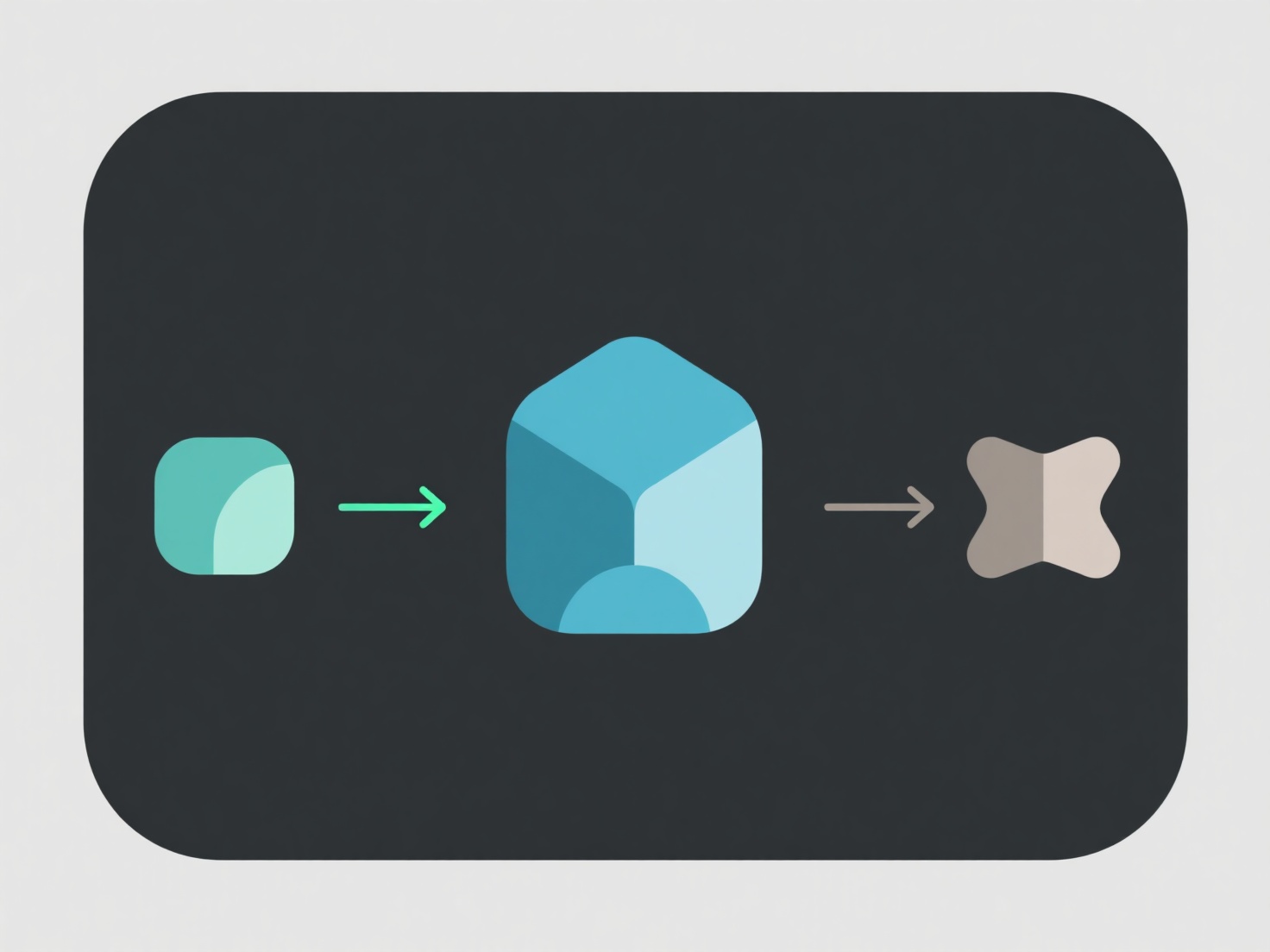
Para principiantes, el procesamiento de un modelo 3D de mapa de profundidad utiliza herramientas fáciles de usar (como MeshLab, Blender o convertidores en línea gratuitos) para convertir los datos de profundidad en una malla 3D, y luego simplificar y limpiar el modelo. Primero, importe el mapa de profundidad (y a menudo una imagen de color correspondiente) en la herramienta y use las funciones de malla automática para construir la forma 3D. A continuación, elimine el ruido (puntos errantes) o ajuste la resolución para que sea más suave. Ideal para impresión 3D o visuales simples. Si eres nuevo, comienza con un convertidor en línea.


¿Cómo procesar un modelo 3D de mapa de profundidad para principiantes?
Para principiantes, el procesamiento de un modelo 3D de mapa de profundidad utiliza herramientas fáciles de usar (como MeshLab, Blender o convertidores en línea gratuitos) para convertir los datos de profundidad en un 3D.