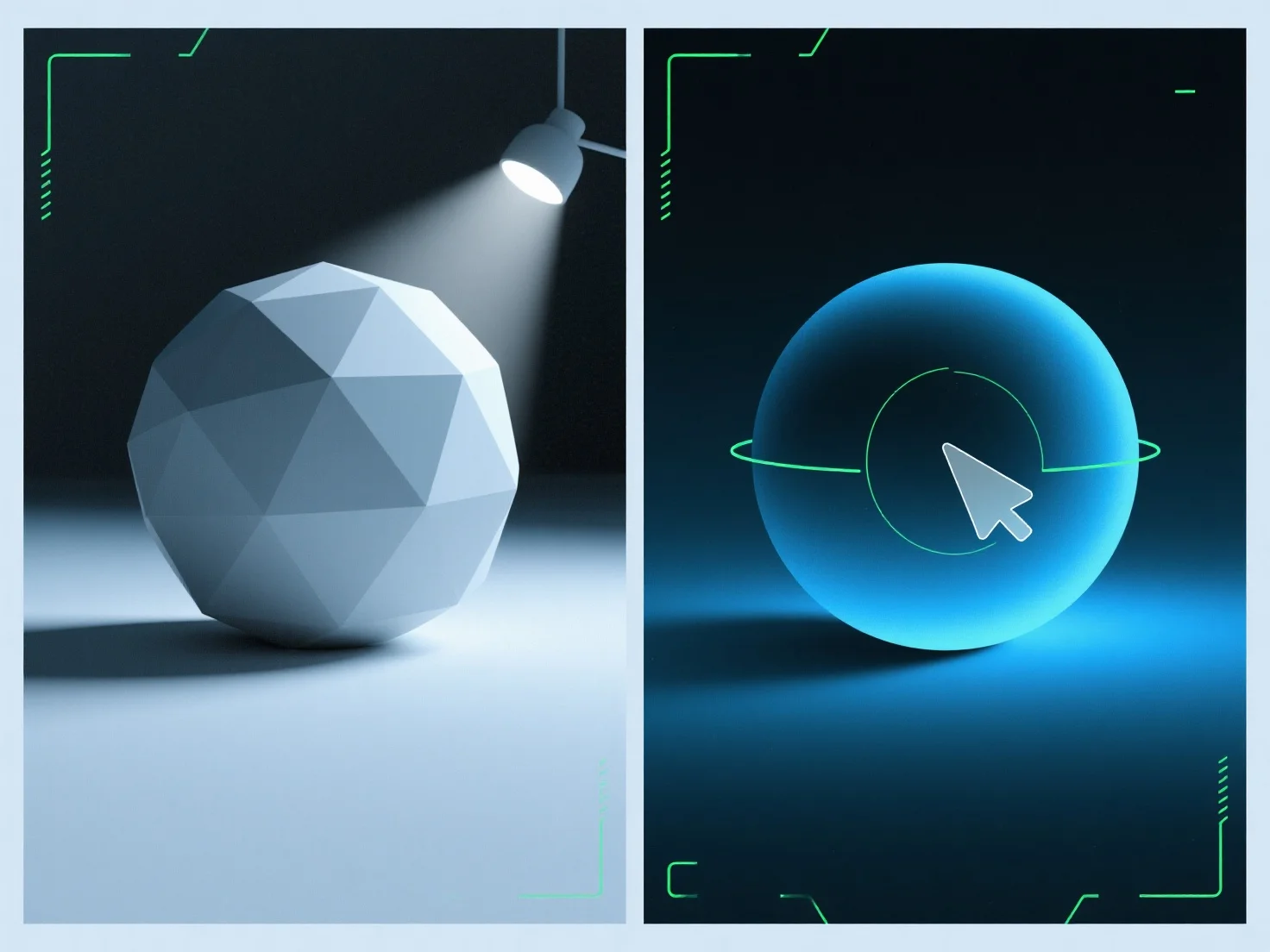
Ambient light fills shadows in 3D renders by adding uniform, non-directional illumination to soften shadow edges and reduce their depth, balancing the scene’s overall lighting. As a diffused, directionless source, it brightens shadow areas that might otherwise appear overly dark or flat, avoiding new shadows unlike directional lights (e.g., sun, spotlights). Adjust its intensity to refine: lower values preserve shadow depth for drama, while higher values create a softer, more evenly lit scene. This ensures shadows stay natural yet balanced, enhancing render realism.


How is ambient light used to fill in shadows in 3D renders?
Ambient light softens 3D render shadows with uniform, non-directional illumination, balancing lighting via adjustable intensity.