


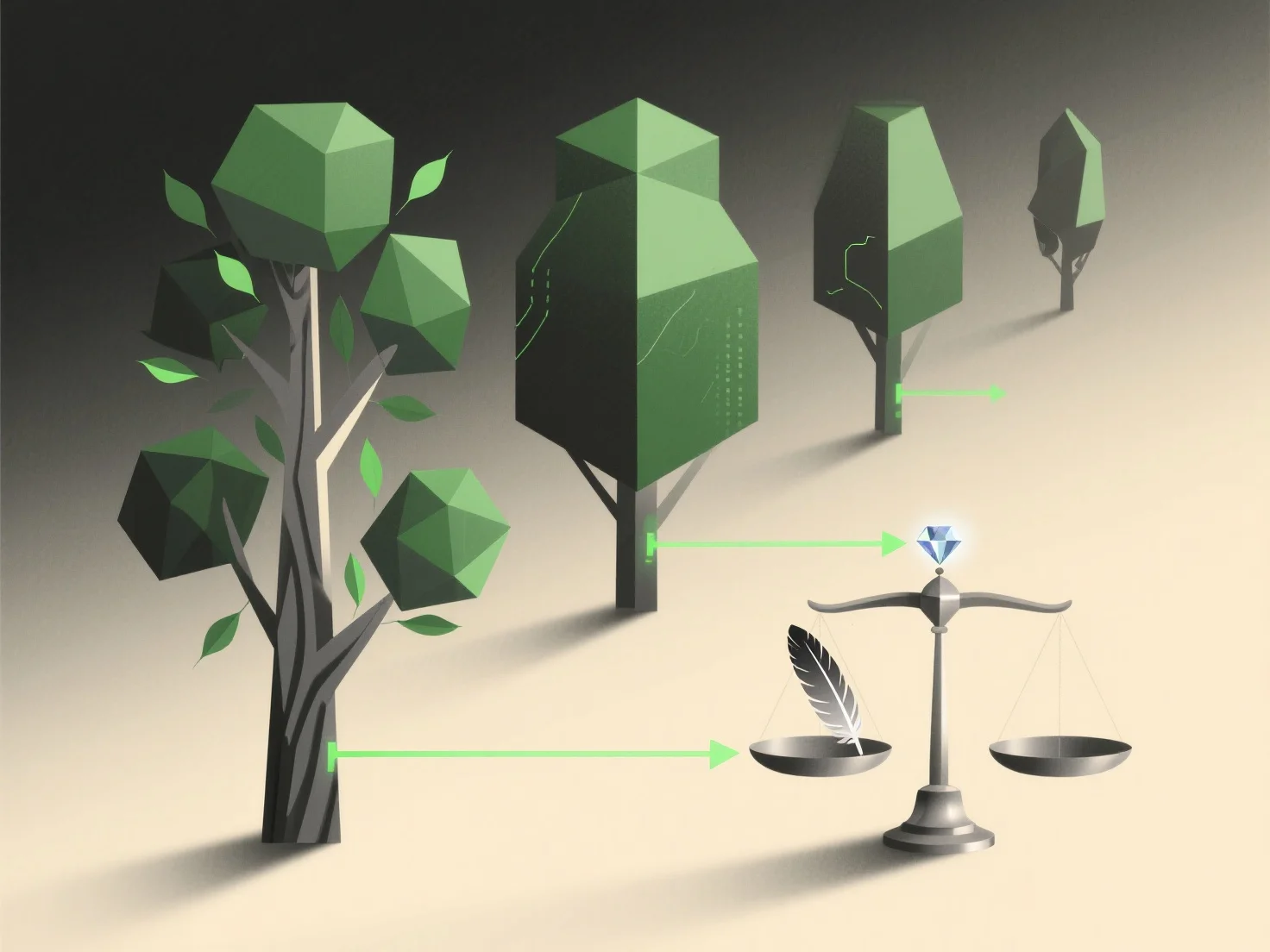
LOD strategy balances quality and efficiency in 3D assets by using multiple detail levels of the same model: higher detail for close views to maintain visual quality, and lower detail for distant views to reduce rendering resource consumption.
- **Close-up quality assurance**: When an asset is near the viewer, high-detail models are prioritized. This retains texture clarity, polygon density, and fine details (e.g., surface textures, small features), ensuring the asset looks sharp and realistic. - **Distant efficiency optimization**: For distant assets, low-detail models replace high-detail ones. This reduces polygon count, texture resolution, and rendering workload, lowering GPU/CPU usage—critical for smooth performance—without noticeable quality loss, as distant objects require less detail to appear natural.
By dynamically switching levels based on viewer distance, LOD ensures only necessary detail is rendered, balancing visual fidelity with efficient resource allocation.