


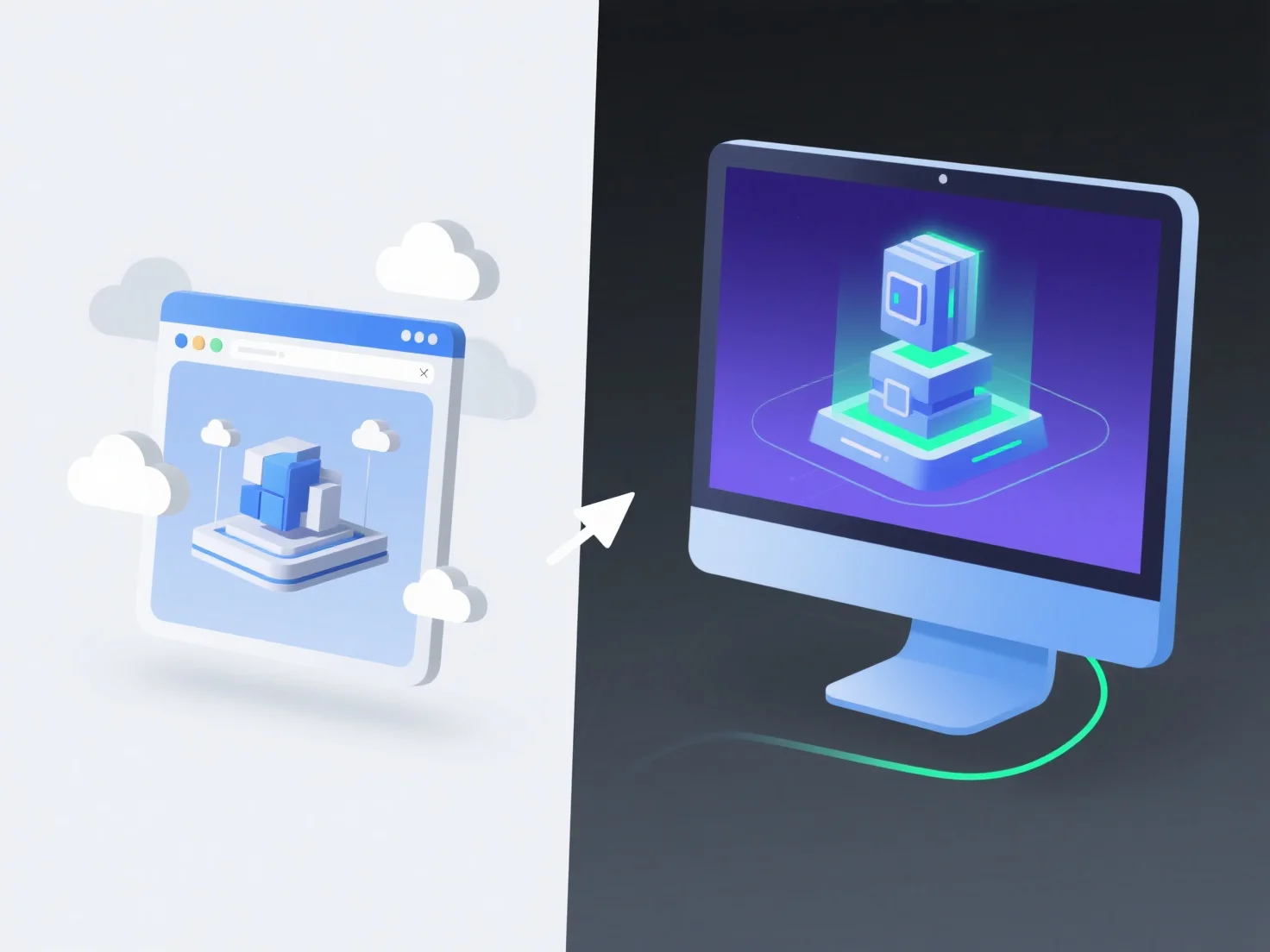
As apresentações 3D baseadas no navegador e as aplicações 3D nativas diferem principalmente em acessibilidade, desempenho e casos de utilização. As opções baseadas no navegador são mais acessíveis, mas menos potentes, enquanto as aplicações nativas priorizam o desempenho para tarefas intensivas.
Em termos de acessibilidade, o 3D baseado em navegador depende de tecnologias web como WebGL ou Three.js, que funcionam diretamente nos navegadores sem necessidade de instalação, tornando-o fácil de partilhar e aceder instantaneamente. No entanto, as aplicações nativas precisam de ser instaladas em dispositivos específicos e são criadas para tirar o máximo partido dos recursos de hardware, como as GPUs, para um desempenho mais fluido.
Para desempenho, as aplicações nativas são excelentes no tratamento de modelos complexos e gráficos de alta qualidade devido ao acesso direto ao hardware, enquanto o 3D baseado no navegador pode ficar atrasado com grandes conjuntos de dados ou efeitos visuais avançados, limitado pelas capacidades do navegador.
Os casos de utilização também divergem: os programas 3D baseados no navegador permitem uma partilha rápida, demonstrações leves ou educação na web, enquanto as aplicações nativas são ideais para design profissional, jogos de alta qualidade ou simulação industrial que exigem um processamento gráfico intensivo.
No geral, o 3D baseado em navegador oferece conveniência e acessibilidade, enquanto as aplicações 3D nativas proporcionam um desempenho superior para tarefas exigentes e que consomem muitos recursos.