


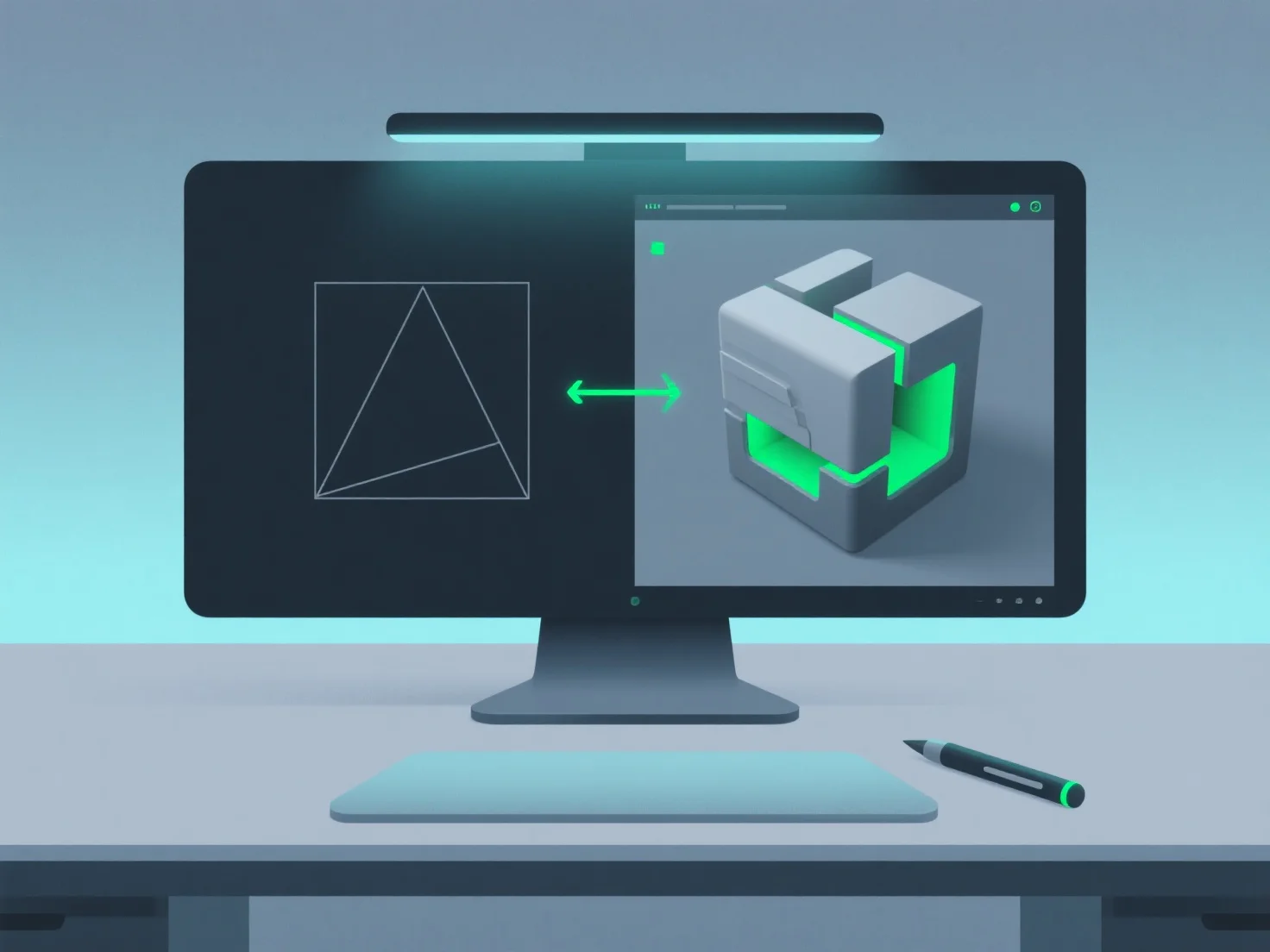
Ein 3D-Modellierer bearbeitet Änderungen oder Überarbeitungen, indem er zunächst die Anforderungen klärt, die Auswirkungen bewertet und effizient Anpassungen vornimmt, oft unter Verwendung von Tools zur Verfolgung des Fortschritts.
- **Klarstellen von Revisionsdetails**: Besprechen Sie mit Kunden oder dem Team den Umfang, die Ziele und die Prioritäten der Änderungen, um eine Übereinstimmung der Erwartungen sicherzustellen. - **Bewerten der Auswirkungen**: Bewerten Sie, wie sich Revisionen auf vorhandene Elemente wie Geometrie, Texturen, Rigging oder Animationen auswirken, um festzustellen, welche Teile geändert werden müssen. - **Effiziente Anpassung**: Ändern Sie Modell-Dateien schrittweise und konzentrieren Sie sich nur auf die betroffenen Bereiche, um Nacharbeiten zu minimieren und Zeit zu sparen. - **Verwenden Sie Versionskontrolle**: Verfolgen Sie Änderungen mit Tools.
Dieser strukturierte Ansatz stellt sicher, dass Überarbeitungen mit den Projektzielen übereinstimmen und gleichzeitig die Arbeitsabläufe effizient bleiben.