


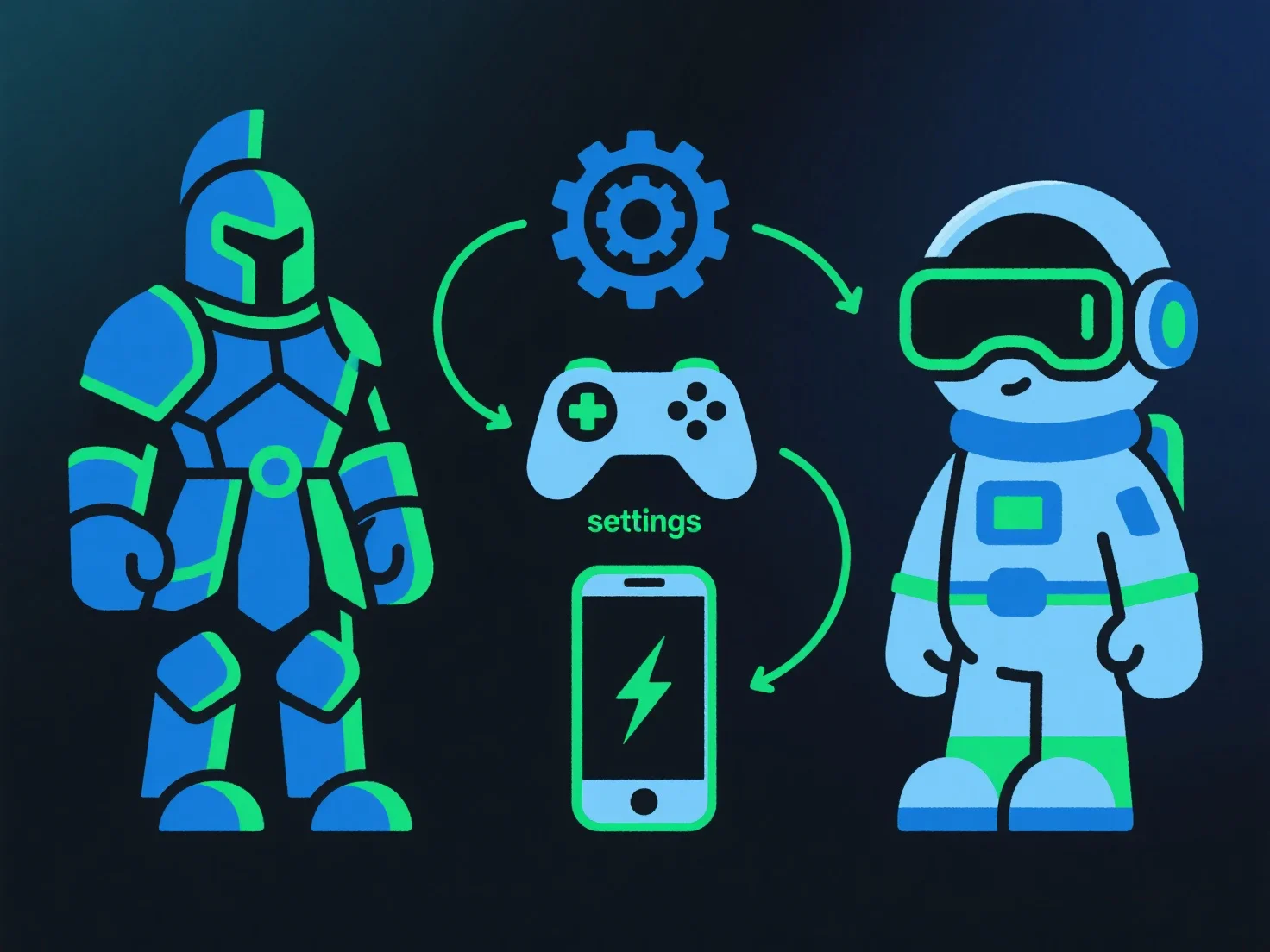
To optimize 3D models for PC, VR, and mobile, modelers adjust polygon count, texture resolution, and file formats based on each platform’s hardware limits, balancing visual quality and performance.
- **Polygon optimization**: Reduce non-essential polygons (e.g., simplify minor details) for mobile/VR to lower rendering load; retain key details for PC with stronger hardware. - **Texture management**: Compress textures (e.g., using BCn or ASTC formats) and lower resolution for mobile; adopt lightweight formats like glTF for faster loading. - **LOD techniques**: Implement level-of-detail systems to switch model complexity based on camera distance, easing GPU strain on lower-end devices. - **Platform-specific testing**: Follow guidelines (e.g., VR’s low-latency requirements, mobile’s memory constraints) and test on target devices to refine performance.
This ensures models render smoothly across platforms while preserving core visual integrity.