


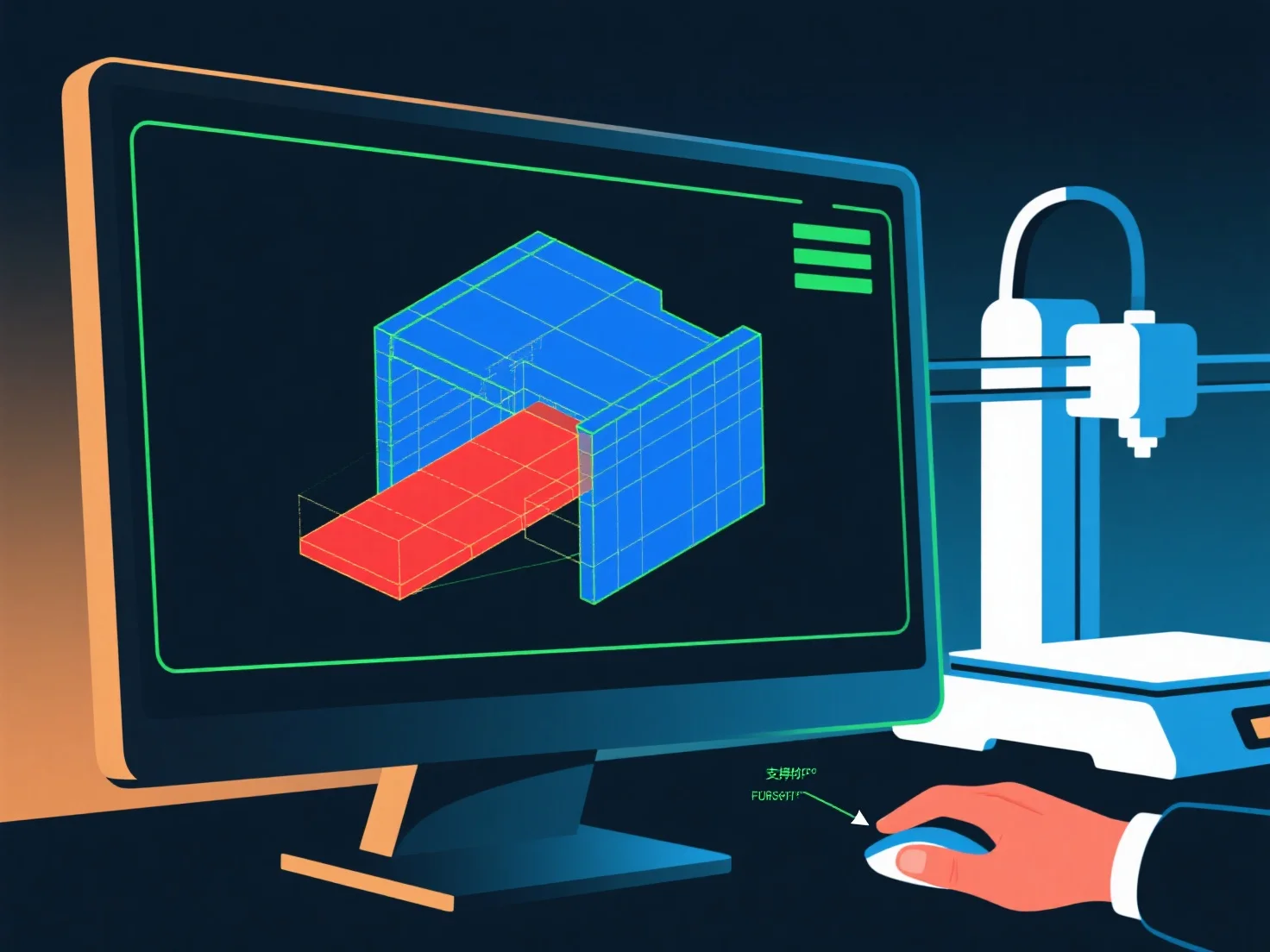
Ein 3D-Modellierer stellt die Bereitschaft für den 3D-Druck sicher, indem er die geometrische Integrität, die strukturelle Stabilität und die Druckbarkeit überprüft, mit wichtigen Kontrollen, um häufige Fehler zu vermeiden.
Zunächst bestätigen Sie, dass das Modell wasserdicht ist: Beheben Sie Lücken, Löcher oder nicht-manifold-Kanten (Kanten, die mit <2 oder >2 Flächen verbunden sind), da diese Schneidefehler verursachen.
Zweitens, sorgen Sie für eine angemessene Wandstärke: Stellen Sie sicher, dass die Wände dick genug sind (1-3 mm, abhängig vom Material), um Beschädigungen zu vermeiden; beseitigen Sie übermäßig dünne Abschnitte, die zum Einsturz neigen.
Drittens, verwalten Sie Überhänge: Halten Sie die Winkel ≤45°, wo möglich; für steilere Überhänge, fügen Sie Stützen über Modellierungssoftware hinzu oder gestalten Sie sie neu, um ungestützte Bereiche zu reduzieren.
Zum Schluss testen Sie mit Slicer-Tools: Vorschau von Layern, Überprüfung auf Fehler und Anpassung der Einstellungen.