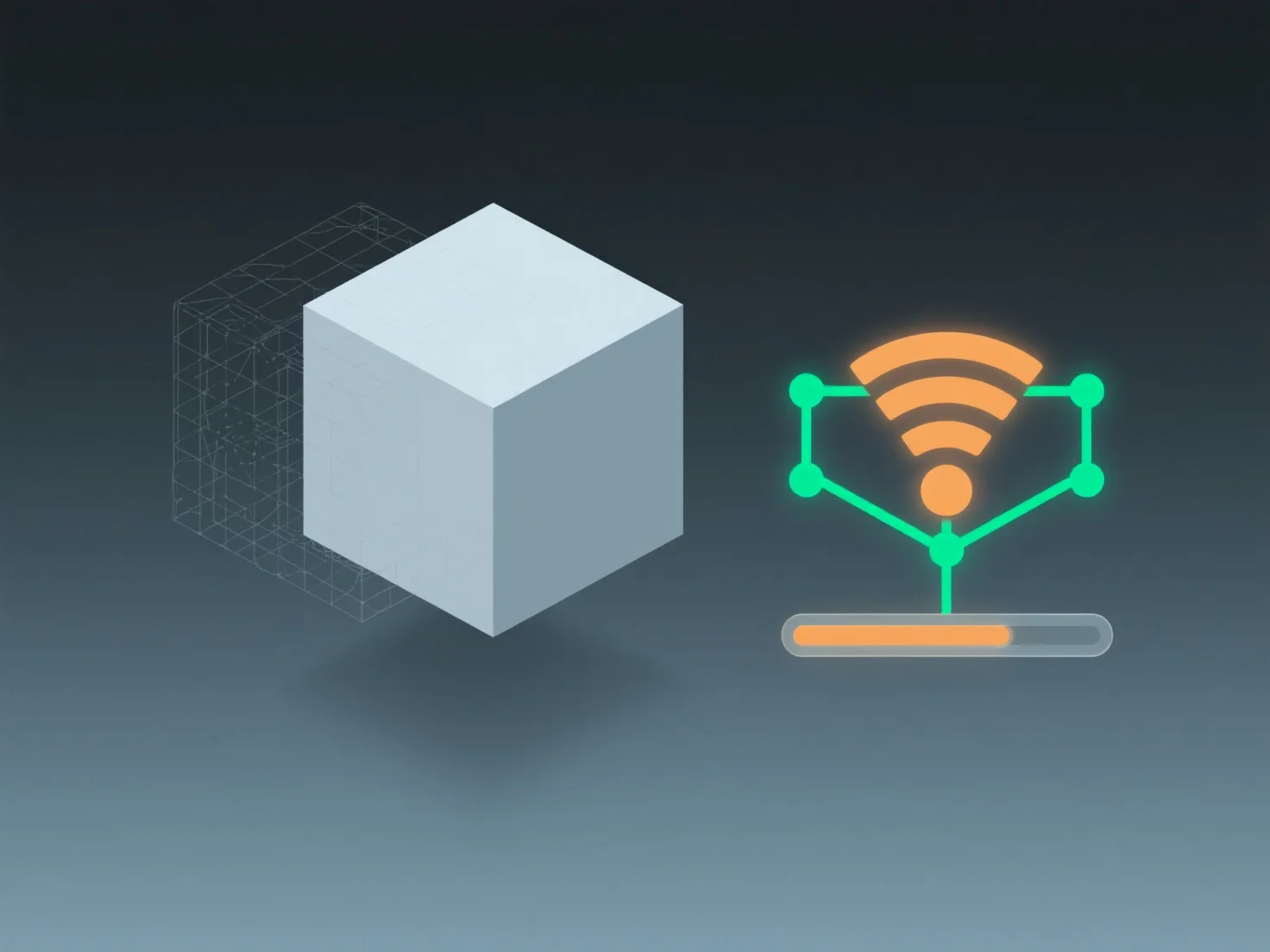
Under limited bandwidth, 3D presentations typically face issues like slow loading, reduced model detail, or frame drops. This is because 3D content—including geometry, textures, and animations—requires more data than 2D, making it sensitive to bandwidth constraints. Developers often optimize by using compressed textures, simplified mesh structures, or adaptive streaming to alleviate these problems. If lag occurs, adjusting 3D model resolution or enabling progressive loading (where low-detail models load first and refine gradually) can help improve performance under limited bandwidth.


How does 3D presentation perform under limited bandwidth conditions?
3D presentations struggle with slow loading/detail/frame drops under limited bandwidth, mitigated by optimization like compression and adaptive streaming.