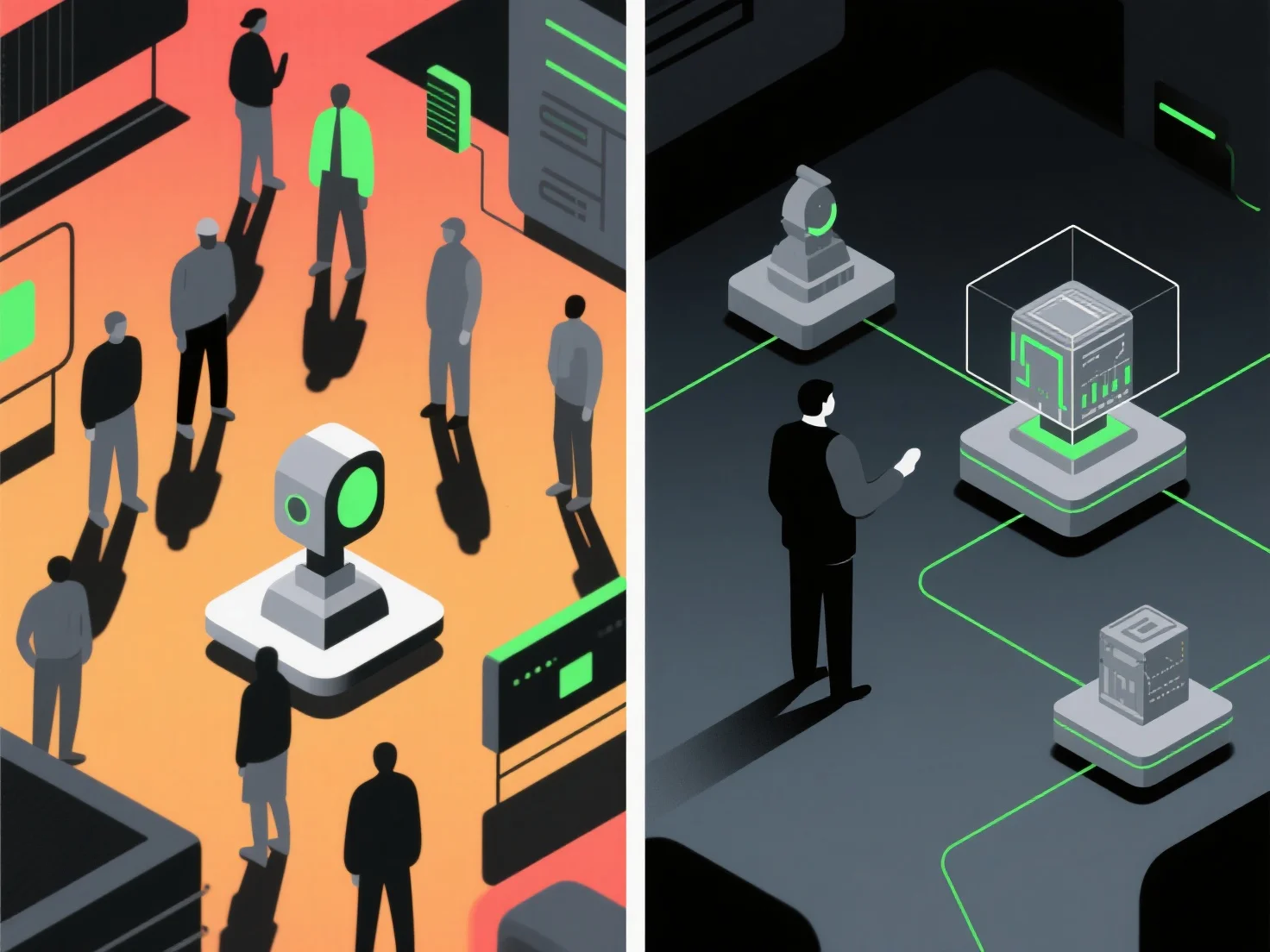
In high-traffic environments, 3D presentations often face performance issues like lag or loading delays due to increased data processing demands, while in low-traffic environments, they typically run smoothly with consistent rendering and interactive responsiveness. The key distinction lies in resource allocation: high traffic strains server bandwidth and device processing power, leading to reduced frame rates or model simplification; low traffic allows full use of resources for detailed rendering and real-time interactions. To address high-traffic performance issues, optimizing 3D model complexity or using adaptive streaming can help maintain usability without requiring major hardware upgrades.


How does 3D presentation perform in high-traffic versus low-traffic environments?
3D presentations face performance issues in high-traffic due to resource strain, run smoothly in low-traffic, with optimizations helping high-traffic usability.