Home/Hitem3D FAQ/How does 3D model optimization affect the performance in real-time environments?

How does 3D model optimization affect the performance in real-time environments?

3D model optimization via geometry simplification, texture compression, and shader optimization improves real-time environment performance by reducing computational load.

How does 3D model optimization affect the performance in real-time environments?

3D model optimization directly enhances performance in real-time environments by reducing computational load.

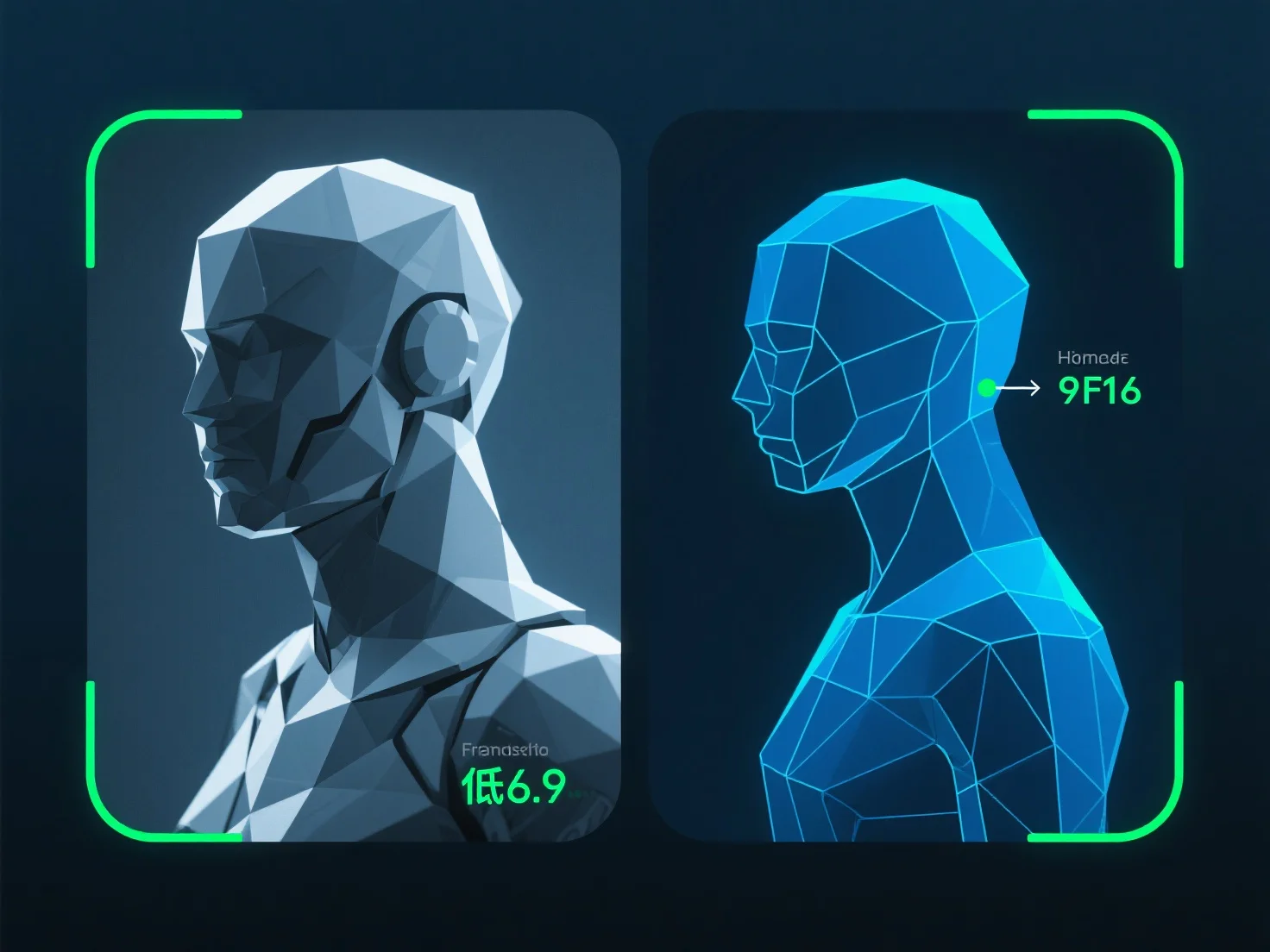
Key optimizations include: - **Geometry simplification**: Lowering polygon counts (e.g., removing redundant vertices) reduces rendering workload. - **Texture compression**: Smaller, compressed textures decrease memory usage and data transfer time. - **Shader optimization**: Streamlining shaders minimizes GPU processing, speeding up rendering.

These steps collectively boost frame rates, reduce lag, and ensure smoother operation in real-time apps like games, AR/VR, or interactive simulations.

PreviousNext
Product
Web Studio
API Platform
Features
Image to 3D
Multi-view to 3D
Relief
Segmentation
Models
General Model
Portrait Model
Resource
Blog
FAQ
API Docs
About us
Pricing