


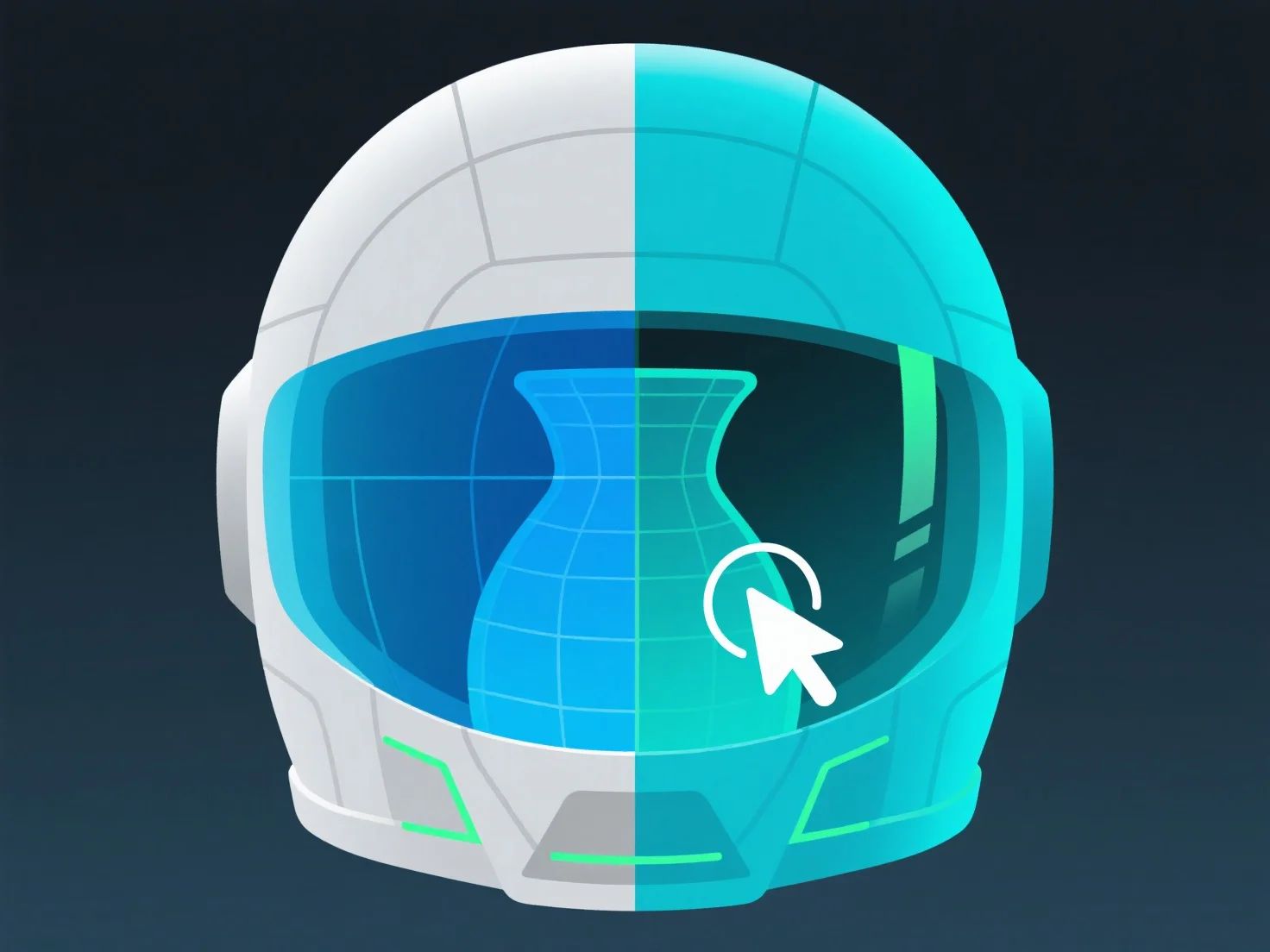
To maintain symmetry in 3D modeling using the "Mirror" tool, select the base object, specify a mirror axis (X, Y, or Z), and enable live updates—this ensures edits to the original reflect in the mirrored half, keeping both sides identical.
Key steps include: 1. Select the base geometry to mirror. 2. Choose the mirror axis (e.g., X-axis for left-right symmetry). 3. Enable "live mirroring" (if available) for real-time updates. 4. Edit the original; the mirrored copy auto-adjusts.
Widely used in character modeling (e.g., human faces, limbs) where symmetry is critical, ensuring consistent, balanced results.