


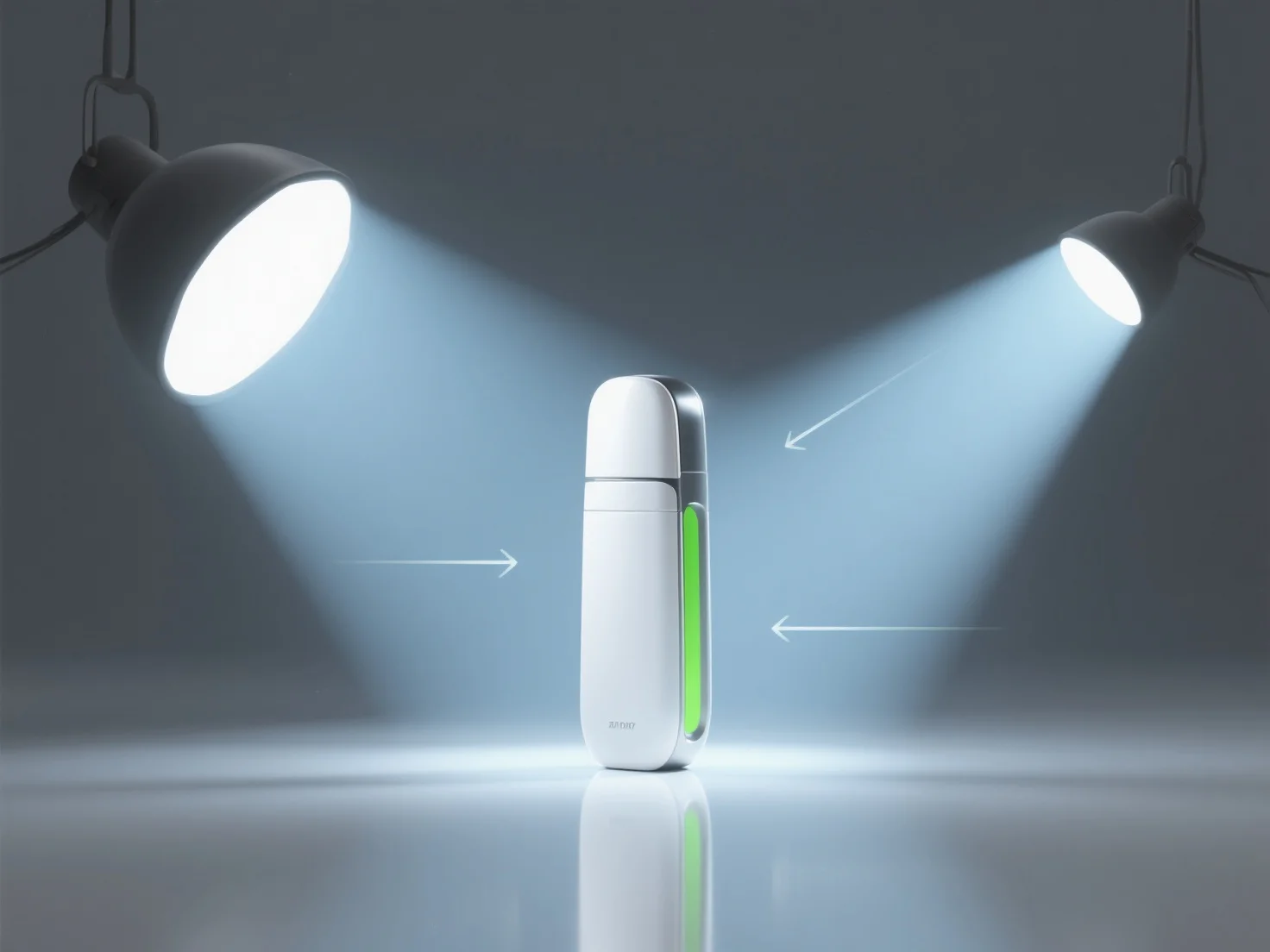
Налаштування освітлення для 3D-рендерів продуктів починається з визначення ключових особливостей продукту, щоб визначити розташування джерела світла, а потім використання структурованих методів для виділення деталей і глибини.
Використовуйте метод триточного освітлення: ключове світло (основне освітлення, зазвичай 45° над продуктом для створення глибини), заповнювальне світло (зм'якшує тіні, з меншою інтенсивністю, ніж ключове світло) і контурне світло (підкреслює краї, розташоване за продуктом, щоб відокремити його від фону).
Пристосуйте тип освітлення до матеріалу продукту: для блискучих поверхонь.
Початківцям слід розпочати з базової установки з трьома точками, поступово регулюючи кути освітлення та інтенсивність, а також переглядаючи візуалізації, щоб збалансувати високі тони та визначення тіней, забезпечуючи при цьому, щоб основні особливості продукту залишалися у фокусі.