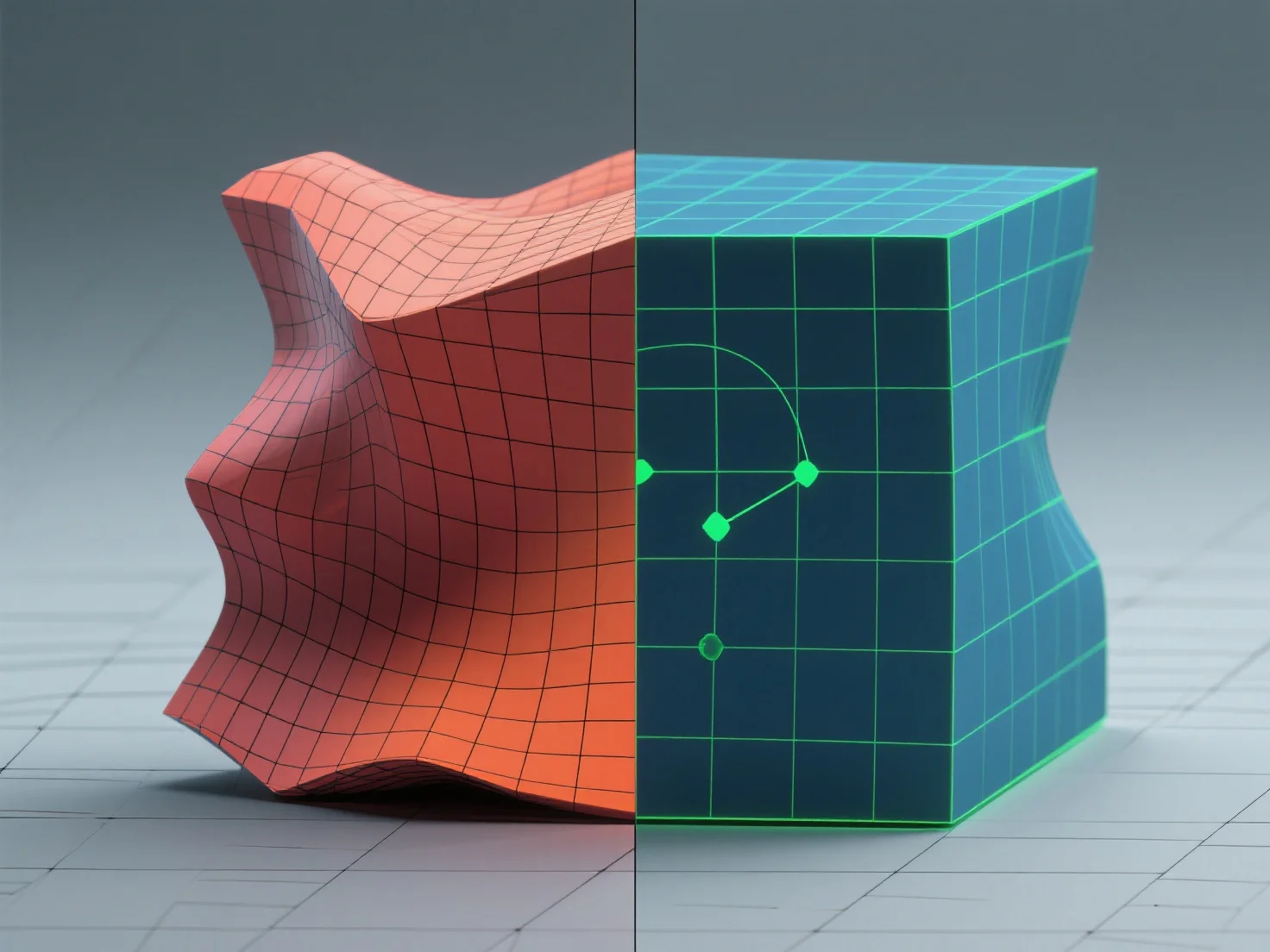
Good topology prevents texture stretching by ensuring even polygon distribution and balanced face aspect ratios, allowing UV maps to align textures uniformly. - Use quad-dominant meshes with consistent polygon size; this ensures UVs unwrap predictably for even texture spread. - Avoid extreme face aspect ratios (e.g., long, thin polygons), as they cause uneven UV spacing and stretching. - Align UV seams with natural model edges (e.g., joints, creases) to localize distortion and minimize visibility. These steps ensure textures map smoothly, eliminating stretching and enhancing model realism.


How do you prevent texture stretching with good topology?
Good topology with quad-dominant meshes, balanced faces, and edge-aligned seams prevents texture stretching.