Home/Hitem3D FAQ/How do you manage permissions and access control when collaborating on 3D models?

How do you manage permissions and access control when collaborating on 3D models?

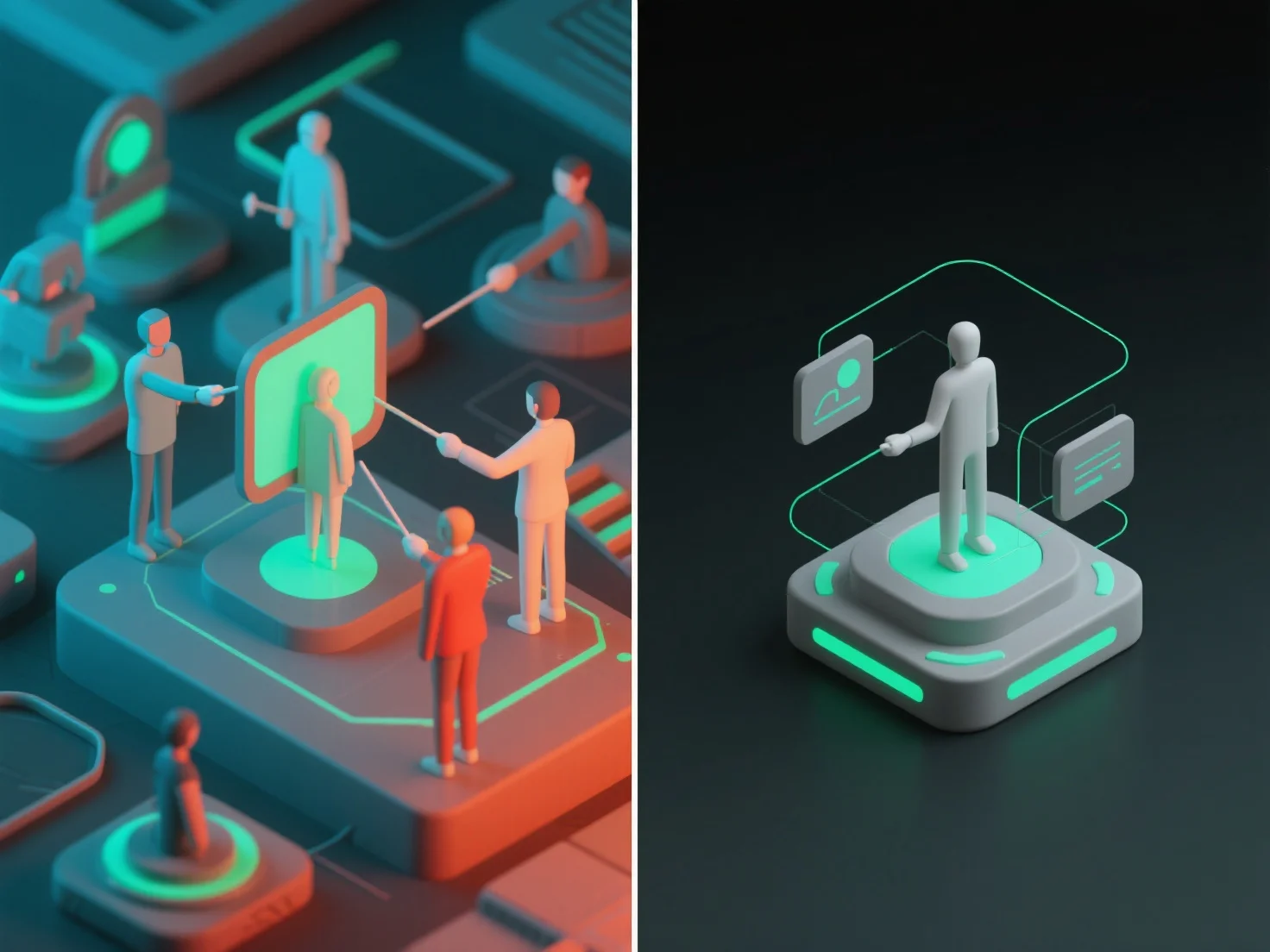
3D model collaboration uses user roles and granular access levels to manage permissions, with cloud tools offering pre-set templates for security and efficiency.

How do you manage permissions and access control when collaborating on 3D models?

When collaborating on 3D models, permissions and access control are managed by defining user roles and setting granular access levels, ensuring team members only interact with model parts relevant to their tasks. Key user roles include: viewers (read-only access to view models), editors (modify specific sections or components), and admins (manage permissions for all users). Access levels further restrict actions, such as limiting downloading, commenting, or full model editing to authorized users. In practice, cloud-based 3D collaboration tools often offer pre-set role templates (e.g., "viewer" or "contributor") to simplify initial setup, balancing security and efficiency for seamless teamwork.

PreviousNext
Product
Web Studio
API Platform
Features
Image to 3D
Multi-view to 3D
Relief
Segmentation
Models
General Model
Portrait Model
Resource
Blog
FAQ
API Docs
About us
Pricing