


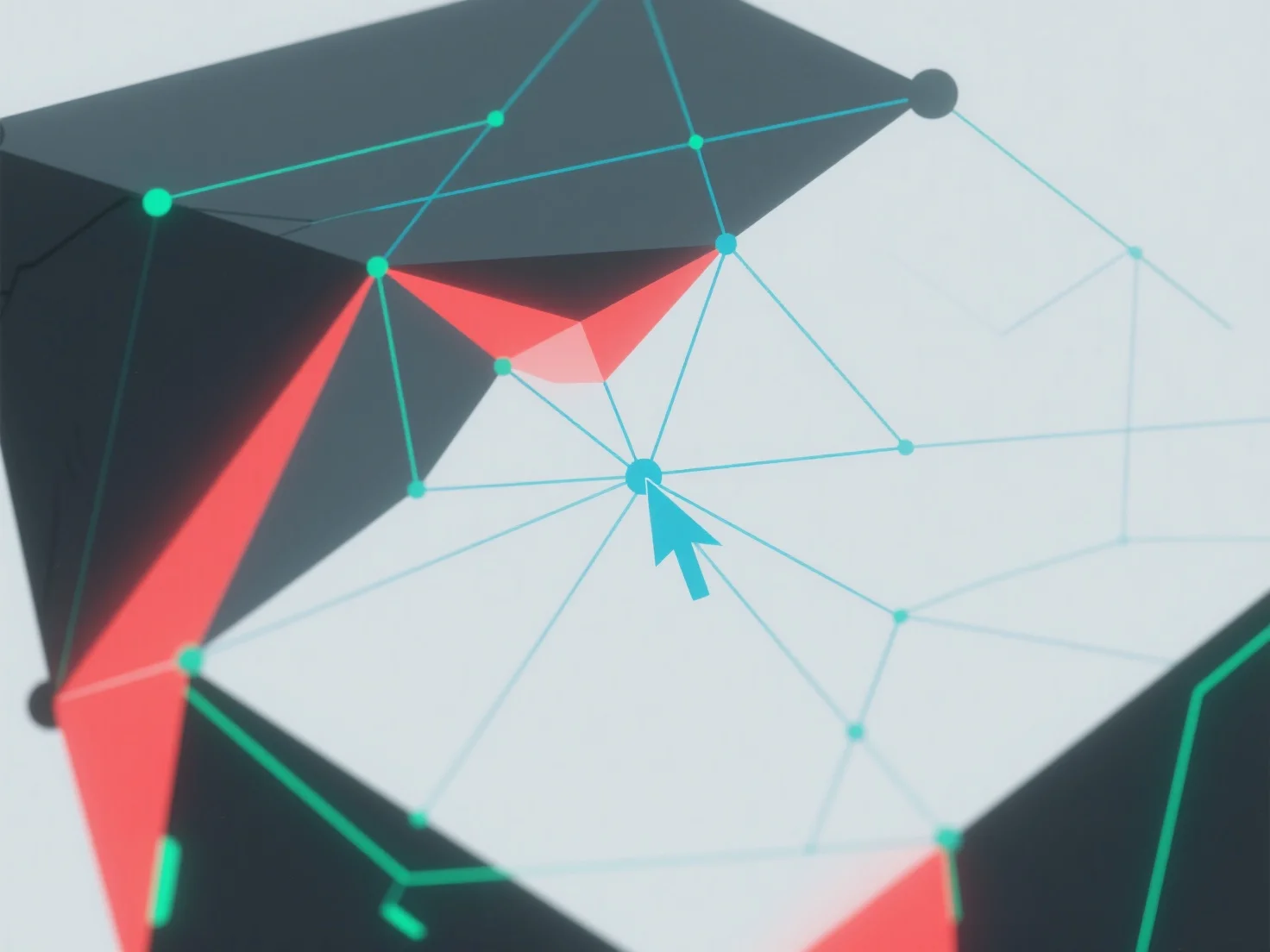
Non-manifold geometry in 3D modeling is handled by identifying and resolving topological errors using 3D software tools.
First, use built-in features like "manifold check" or "repair mesh" to detect issues: common problems include intersecting faces, duplicate edges, or vertices with more than two adjacent faces.
Next, fix errors by merging overlapping vertices, deleting redundant geometry, or adjusting face connections to ensure each edge connects exactly two faces.
If issues persist, simplify the model by reducing complexity or use automated repair plugins to streamline the process.