


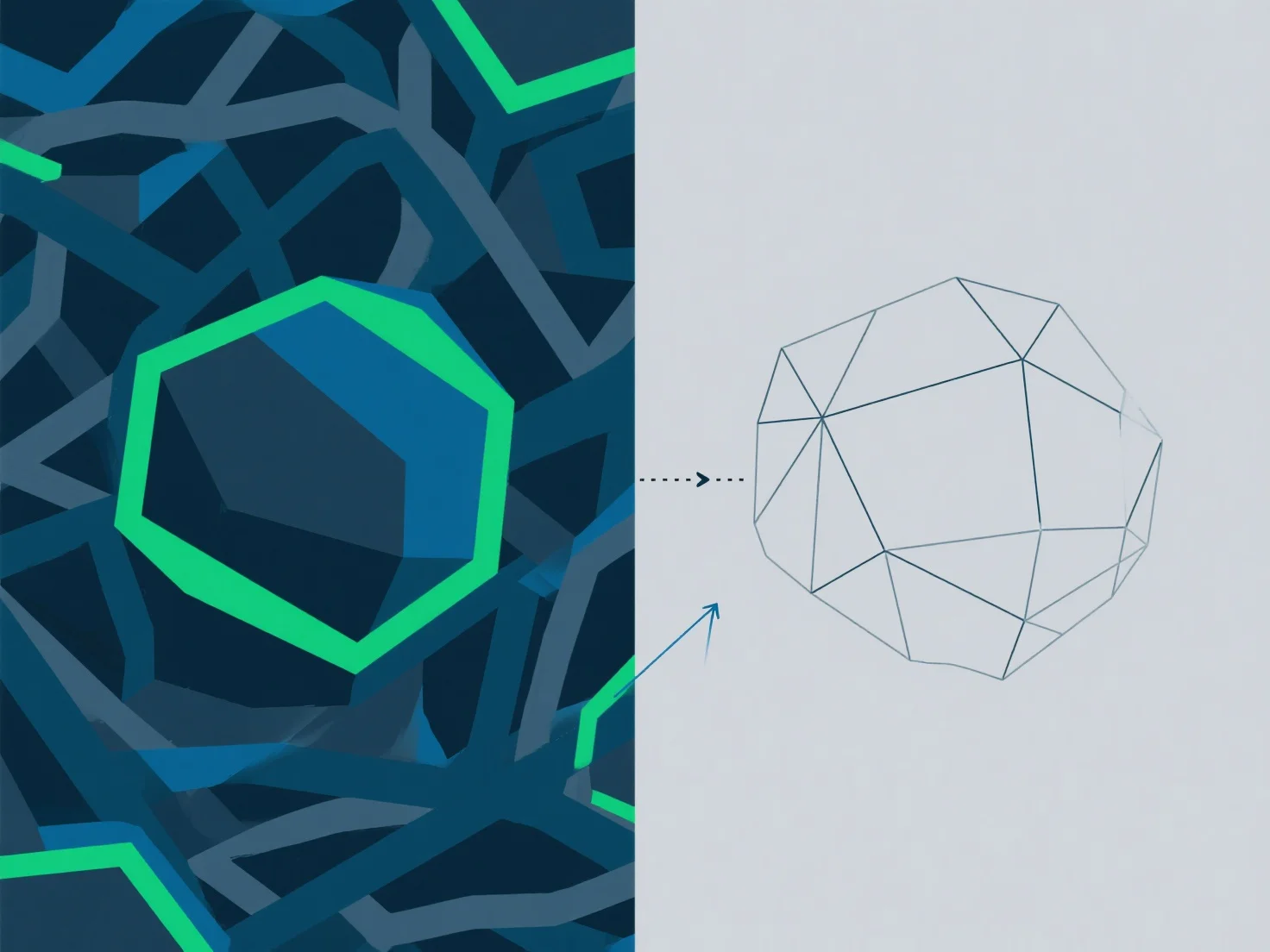
Handling complex shapes with proper topology involves breaking the shape into manageable sub-parts, aligning edge flow with natural contours, and maintaining clean, evenly spaced edge loops to support smooth deformation and rendering.
- **Break down the shape**: Split into simpler components (e.g., separate body parts, curved surfaces) to reduce complexity and simplify topology control. - **Align edge flow**: Follow the object’s natural curves (e.g., muscle lines, surface transitions) to ensure edges support intended deformation and avoid distortion. - **Optimize polygons**: Use retopology to minimize triangles/n-gons, keeping edge spacing uniform for consistent rendering and editing flexibility. - **Start low-poly**: Build a base mesh first, gradually add detail, and check for non-manifold issues (e.g., overlapping edges, open faces) to prevent errors.
These steps ensure the topology is structurally sound and optimized for后续 workflows like animation or 3D printing.