


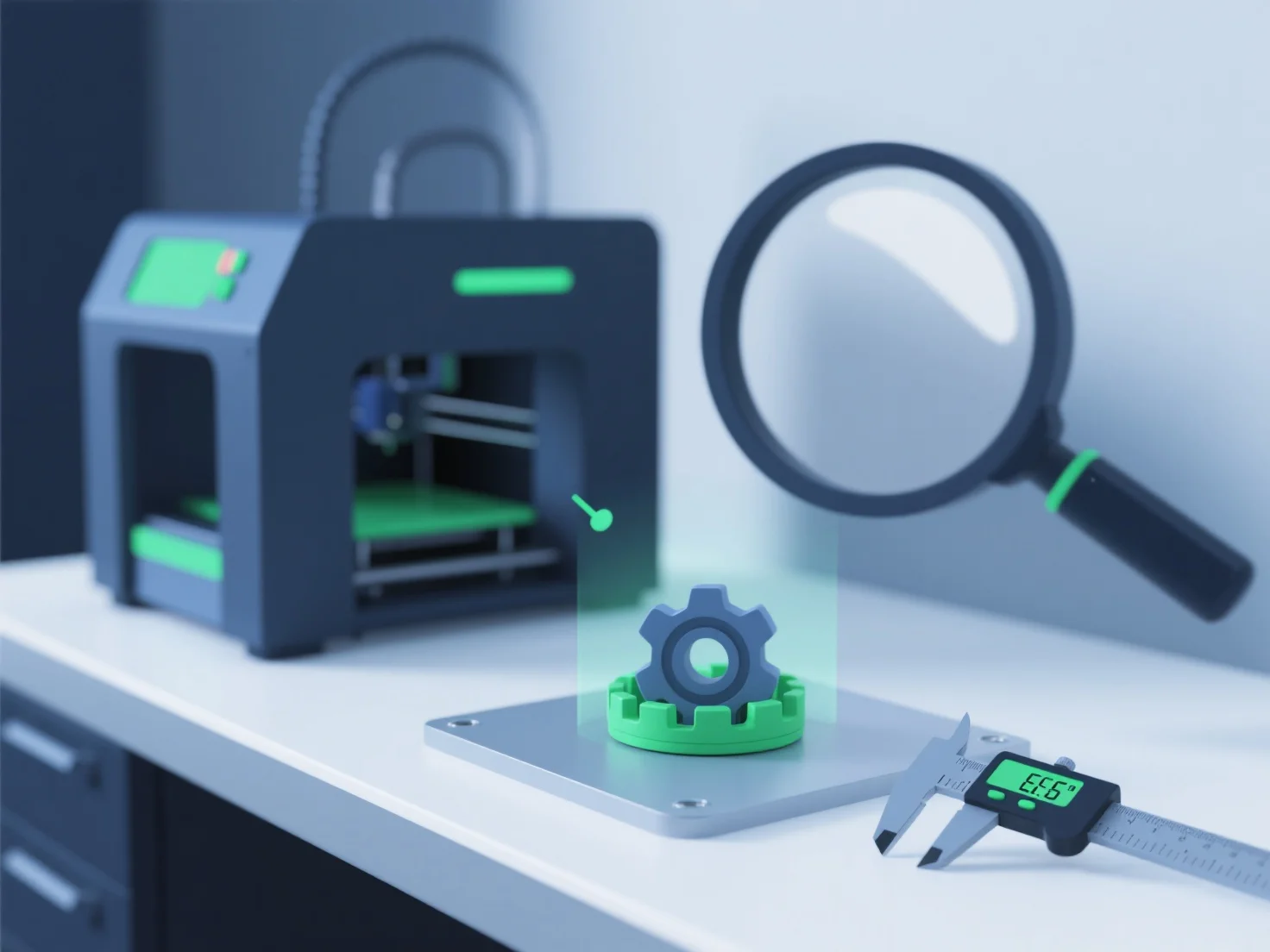
To ensure 3D models meet 3D printing quality standards, we focus on validating geometry, optimizing file formats, and conducting pre-print checks—key steps that eliminate errors and align with printer capabilities.
First, validate geometry: Use tools like MeshLab or Blender to check for non-manifold edges, gaps, or overlapping faces, which can cause print failures.
Second, optimize file formats: Choose print-friendly formats (STL, 3MF) and adjust critical parameters—e.g., minimum wall thickness (1.2mm+ for most materials) and overhang angles (keep below 45° without supports).
Third, conduct pre-print checks: Simulate printing in slicers (Cura, PrusaSlicer) to detect layer adhesion issues or support needs, and test small prototypes to verify quality before full production.
This structured process ensures models are structurally stable, print-ready, and aligned with material and printer specifications.