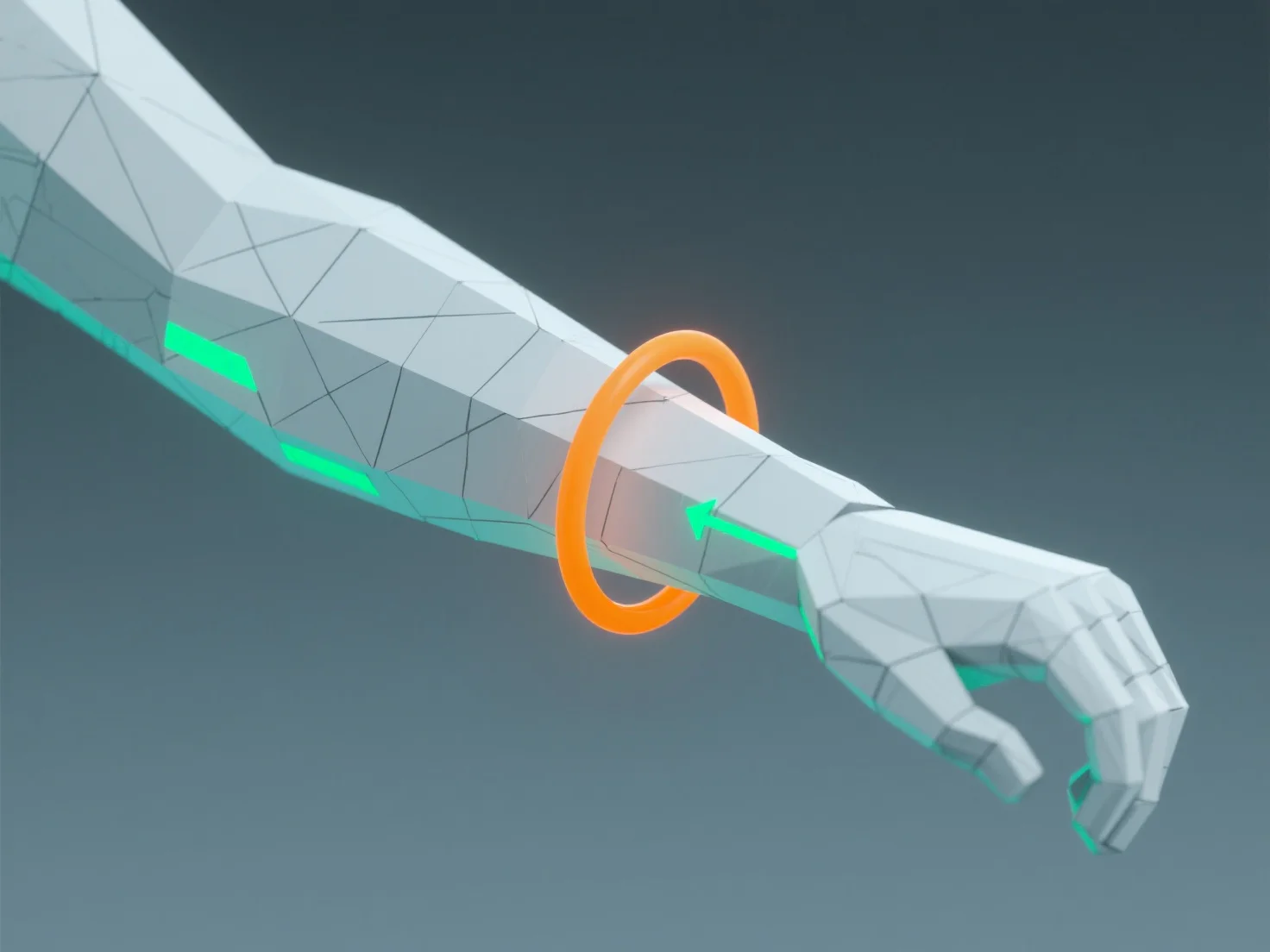
Um gute Kanten-Schleifen für Animationen in 3D-Modellen zu gewährleisten, konzentrieren Sie sich auf die Ausrichtung des Kantenflusses mit natürlichen Bewegungspfaden und die Aufrechterhaltung einer konsistenten Polygon-Dichte. - Ausrichtung auf Bewegung: Kanten-Schleifen sollten der Richtung der Muskelkontraktion, Gelenkrotation und Hautbewegung folgen (z. B. um Ellbogen, Knie oder Gesichtszüge), um eine glatte Mesh-Deformation ohne Quetschen oder Dehnen zu ermöglichen. - Aufrechterhaltung einer gleichmäßigen Dichte: Vermeiden Sie abrupte Änderungen der Kantenrichtung oder eine ungleichmäßige Polygon-Verteilung, da diese zu unnatürlichen Deformationen führen. Praktische Tests helfen: Riggen Sie vorübergehend einfache Gelenke und beugen Sie sie, um zu überprüfen, ob sich die Kanten-Schleifen auf natürliche Weise deformieren, und passen Sie sie bei Bedarf an.


Wie stellst du sicher, dass Animationen in 3D-Modellen gute Kantenschleifen haben?
Um gute 3D-Modell-Kanten-Schleifen für Animationen zu gewährleisten, richten Sie den Kantenfluss nach der Bewegung aus, halten Sie eine gleichmäßige Polygondichte aufrecht und testen Sie mit einfachen Rigs.