


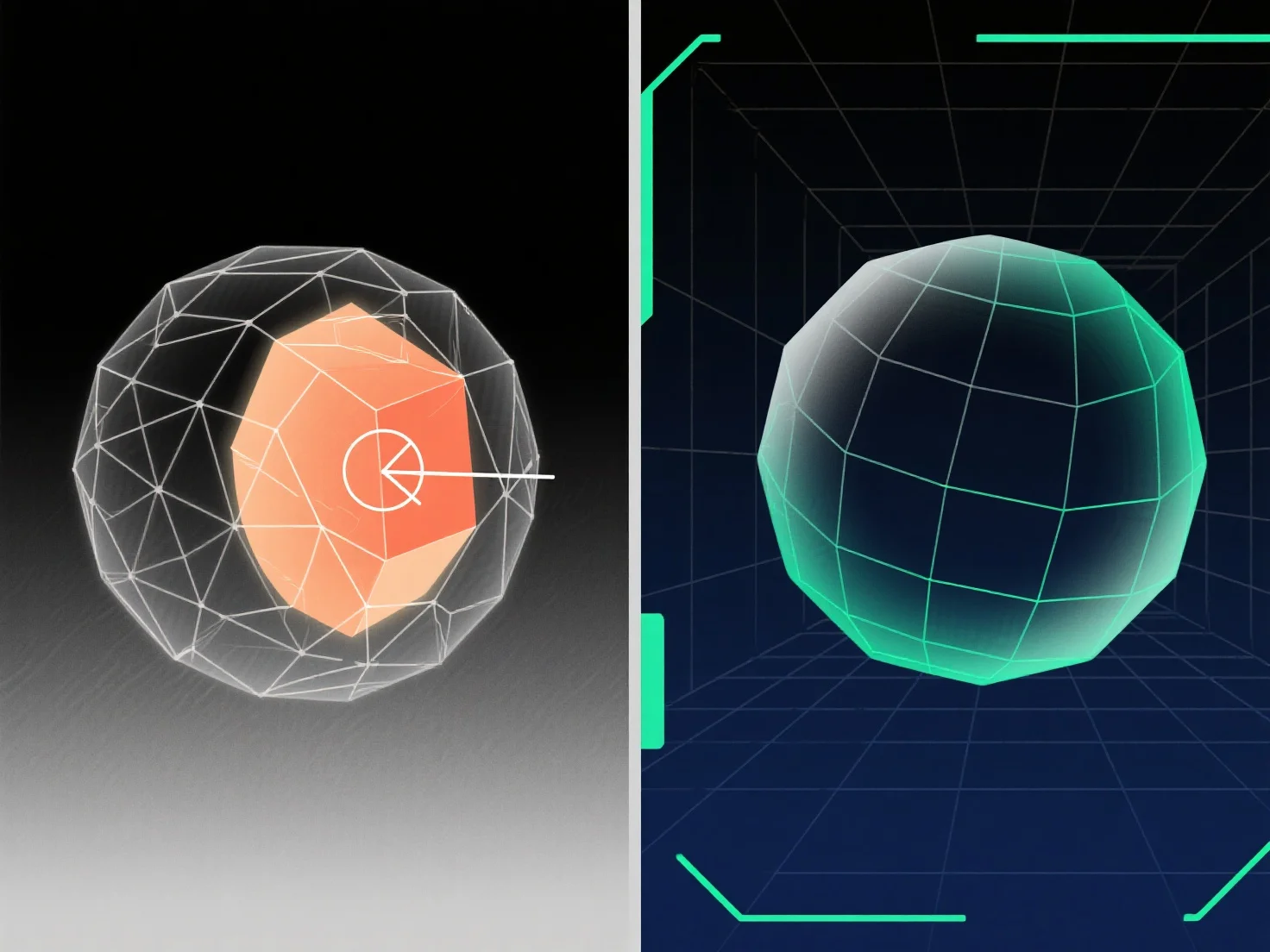
To handle overlapping geometry in 3D modeling, key solutions include using Boolean operations, cleaning redundant vertices/faces, and applying mesh repair tools.
Overlapping geometry—where surfaces, edges, or vertices occupy the same 3D space—often occurs during model merging, Boolean errors, or duplication, leading to rendering glitches, UV unwrapping issues, or export failures; resolving it involves identifying overlaps and removing, merging, or separating conflicting elements.
Common methods: - Boolean Operations: Use "Union," "Difference," or "Intersect" to merge or subtract overlapping volumes, simplifying the mesh. - Vertex/Face Cleanup: Delete duplicates, weld overlapping vertices, or remove redundant faces to eliminate spatial overlaps. - Mesh Repair Tools: Utilize software features (e.g., Blender’s "Remove Doubles," Maya’s "Clean Up") to auto-detect and fix intersecting geometry.
For hard-to-spot overlaps, enable wireframe view or use distance-based selection; for complex models, isolate parts to resolve issues step by step.