


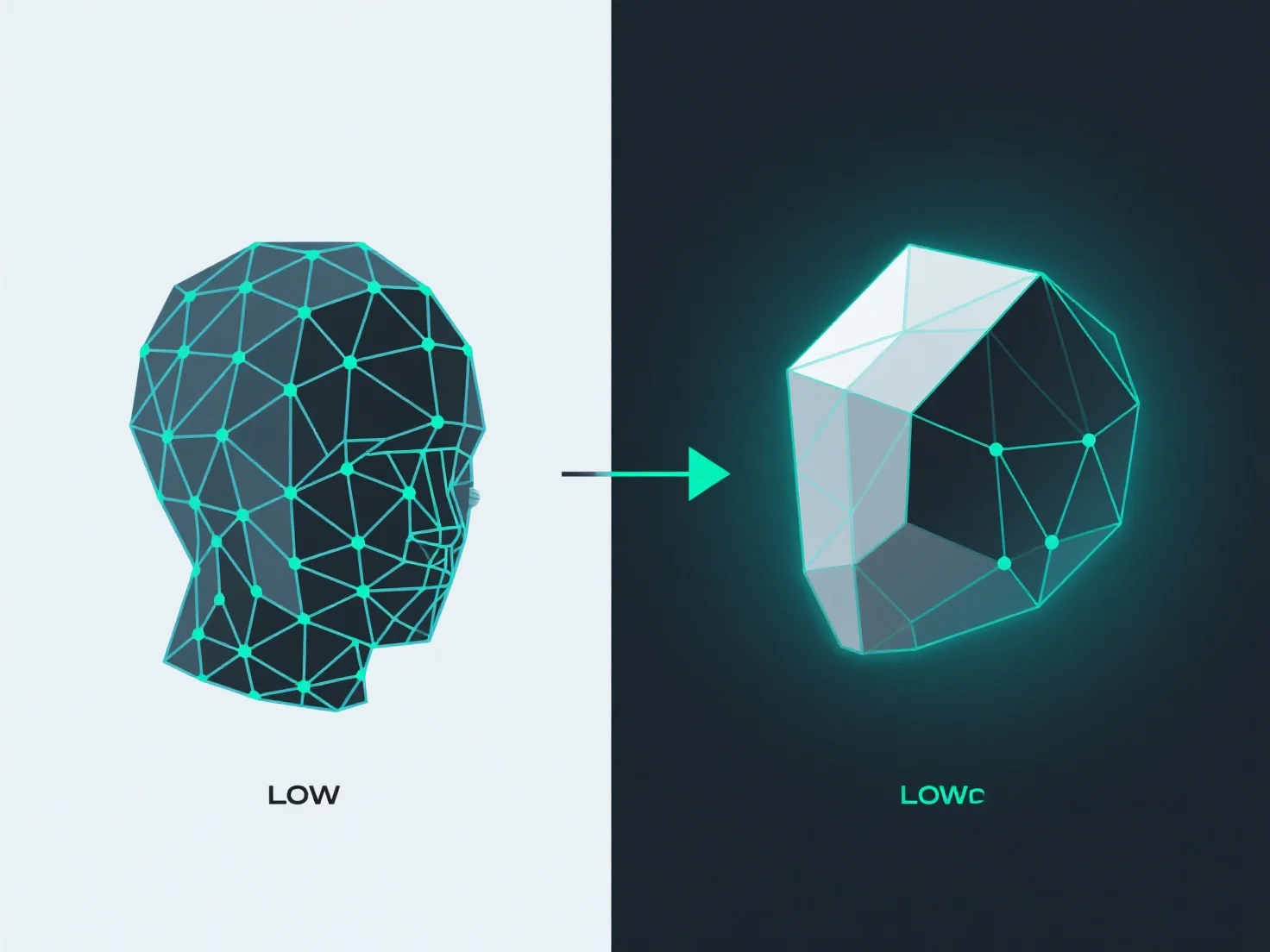
To convert a high-poly model to a low-poly one while maintaining detail, the key is combining simplified geometry (retopology) with detail transfer via texture baking.
Retopology creates a lower-polygon mesh with clean, optimized edge flow—reducing vertex/face count while preserving the model’s core shape. Tools like Blender’s Retopoflow or Maya’s Quad Draw simplify this by letting users rebuild meshes manually or semi-automatically, ensuring efficient topology.
Baking transfers high-poly surface details (e.g., wrinkles, bumps, patterns) to texture maps (normal, displacement, ambient occlusion). Software such as Substance Painter or Marmoset Toolbag projects these details from the high-poly to the low-poly model, storing them in textures that mimic the original complexity visually.
Together, retopology and baking balance polygon reduction with detail retention: the low-poly mesh stays efficient, while baked textures maintain the illusion of high detail.