


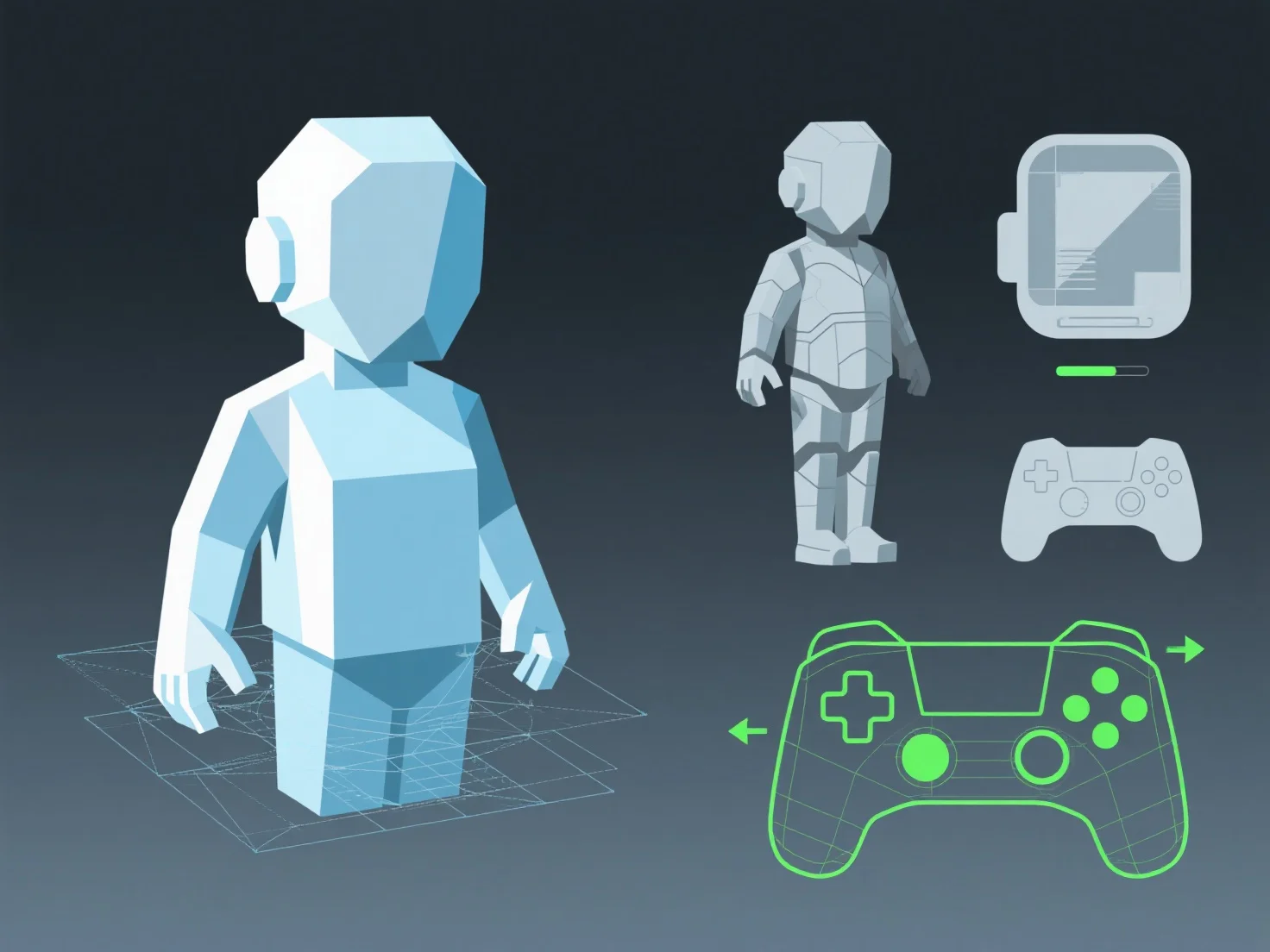
Adapting 3D assets for performance optimization across different platforms involves balancing visual quality with target hardware’s processing and memory limits, achieved through tailored adjustments to geometry, textures, and animations.
- **Simplify geometry**: Reduce polygon counts by simplifying mesh details (e.g., removing non-essential vertices) to lower GPU load, critical for mobile devices with limited processing power. - **Optimize textures**: Downscale resolutions and use compressed formats (e.g., ASTC for mobile, BC for desktops) to reduce memory usage without significant quality loss. - **Streamline animations**: Lower keyframe density or use baked animations to decrease CPU/GPU overhead, ensuring smooth playback on lower-end platforms.
Tools like LOD (Level of Detail) systems automate these adjustments, ensuring assets run efficiently across devices while maintaining acceptable visual standards.