


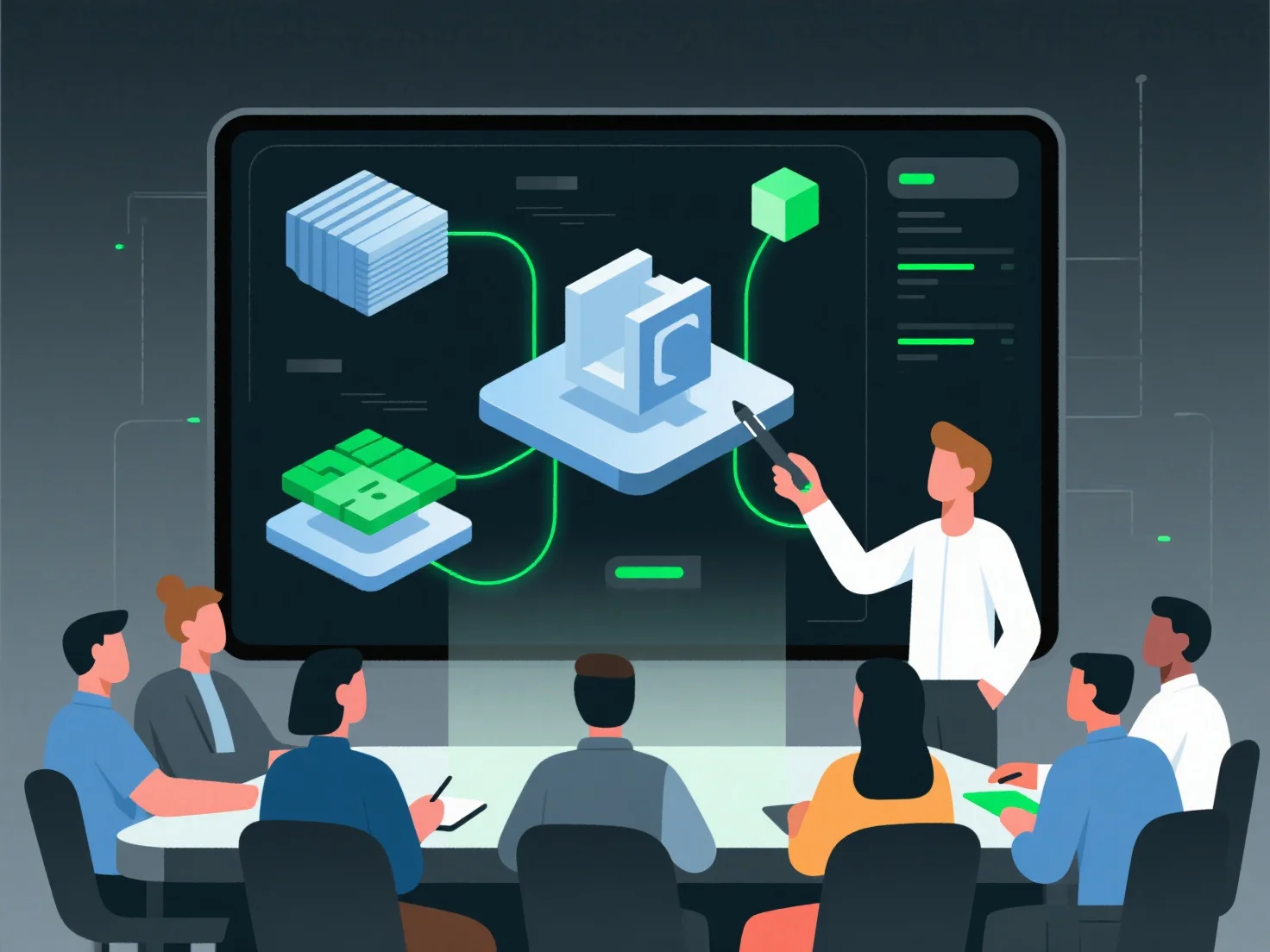
Члени команди інтегрують активи у фінальний 3D-проект за допомогою систематичного робочого процесу, щоб забезпечити узгодженість та оптимізацію.
Ключові кроки включають: - Перевірку сумісності активів: перевірте формати файлів, масштаб, роздільну здатність текстур і кількість полігонів, щоб відповідати стандартам проекту (наприклад, переконайтеся, що масштаб моделі персонажа відповідає масштабу навколишнього середовища). - Використання контролю версій: відстежуйте оновлення активів (наприклад, зміни анімацій або налаштувань матеріалів), щоб уникнути конфліктів і підтримувати узгодженість між внесками команди. - Збір у головній сцені: імпортуйте схвалені активи (моделі, матеріали, анімації) і налаштуйте освітлення, кути камери та ефекти відповідно до вимог проекту.
Цей структурований процес об'єднує різні 3D-елементи в уніфікований, готовий до виробництва результат, придатний для рендерингу або розгортання.