Home/Hitem3D FAQ/How do game engines like Unity handle 3D asset import?

How do game engines like Unity handle 3D asset import?

Unity's 3D asset import pipeline converts source files to optimized formats via parsing, geometry/material/animation processing for real-time use.

How do game engines like Unity handle 3D asset import?

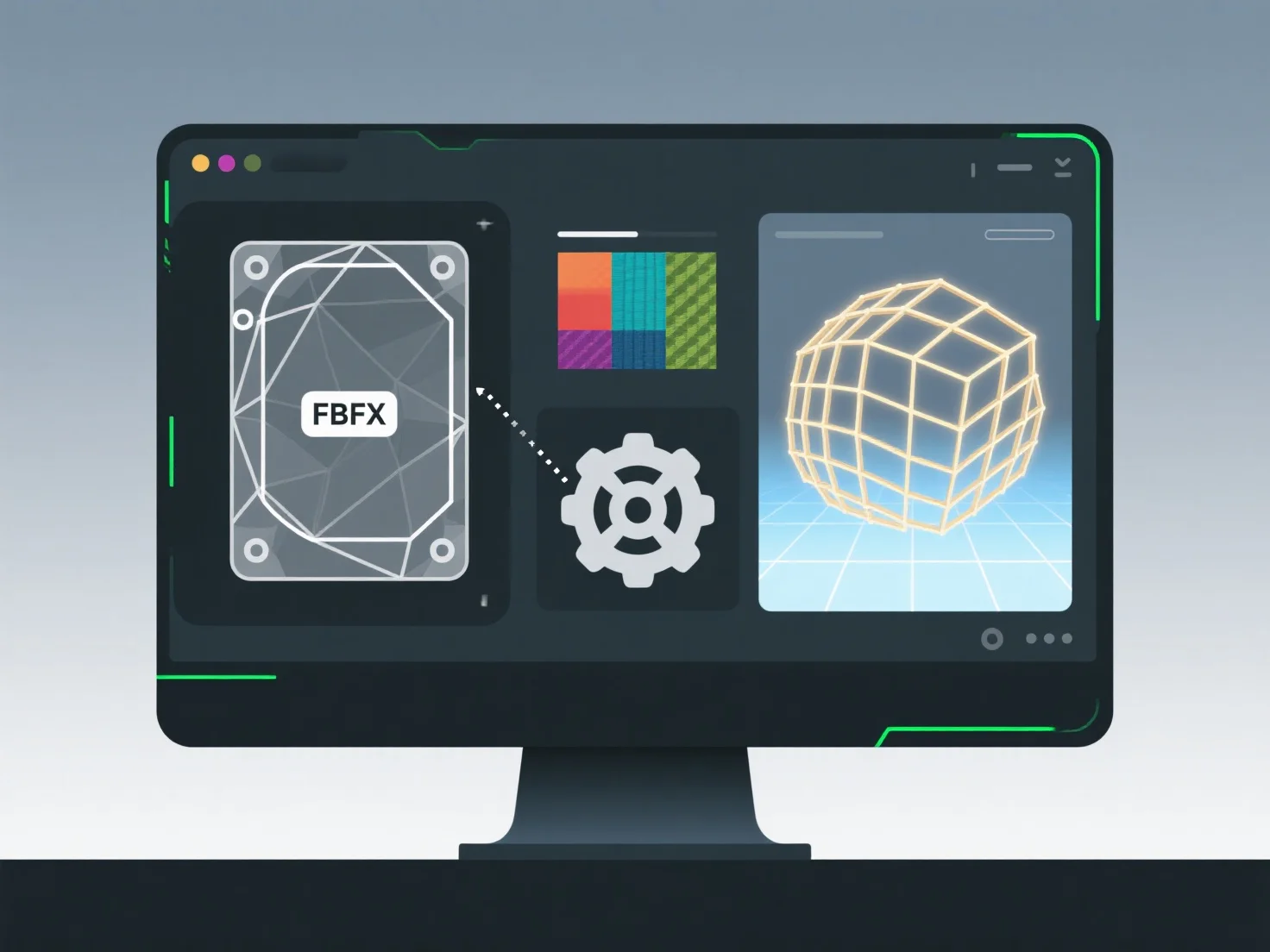
Game engines like Unity handle 3D asset import through a structured pipeline that converts source files into engine-optimized formats for real-time use.

Key steps include: - Parsing source files: Supporting formats like FBX, OBJ, or glTF, extracting geometry, materials, and animations. - Geometry conversion: Translating 3D models into meshes, optimizing polygons, and calculating normals/tangents for rendering. - Material translation: Converting source materials to engine-compatible shaders, mapping properties like textures and lighting responses. - Animation processing: Baking keyframes, linking to rigs, and ensuring compatibility with Unity’s animation system.

This pipeline ensures assets integrate with rendering, physics, and animation; resolve import issues by verifying file integrity or adjusting settings (e.g., scale, bake options).

PreviousNext
Product
Web Studio
API Platform
Features
Image to 3D
Multi-view to 3D
Relief
Segmentation
Models
General Model
Portrait Model
Resource
Blog
FAQ
API Docs
About us
Pricing