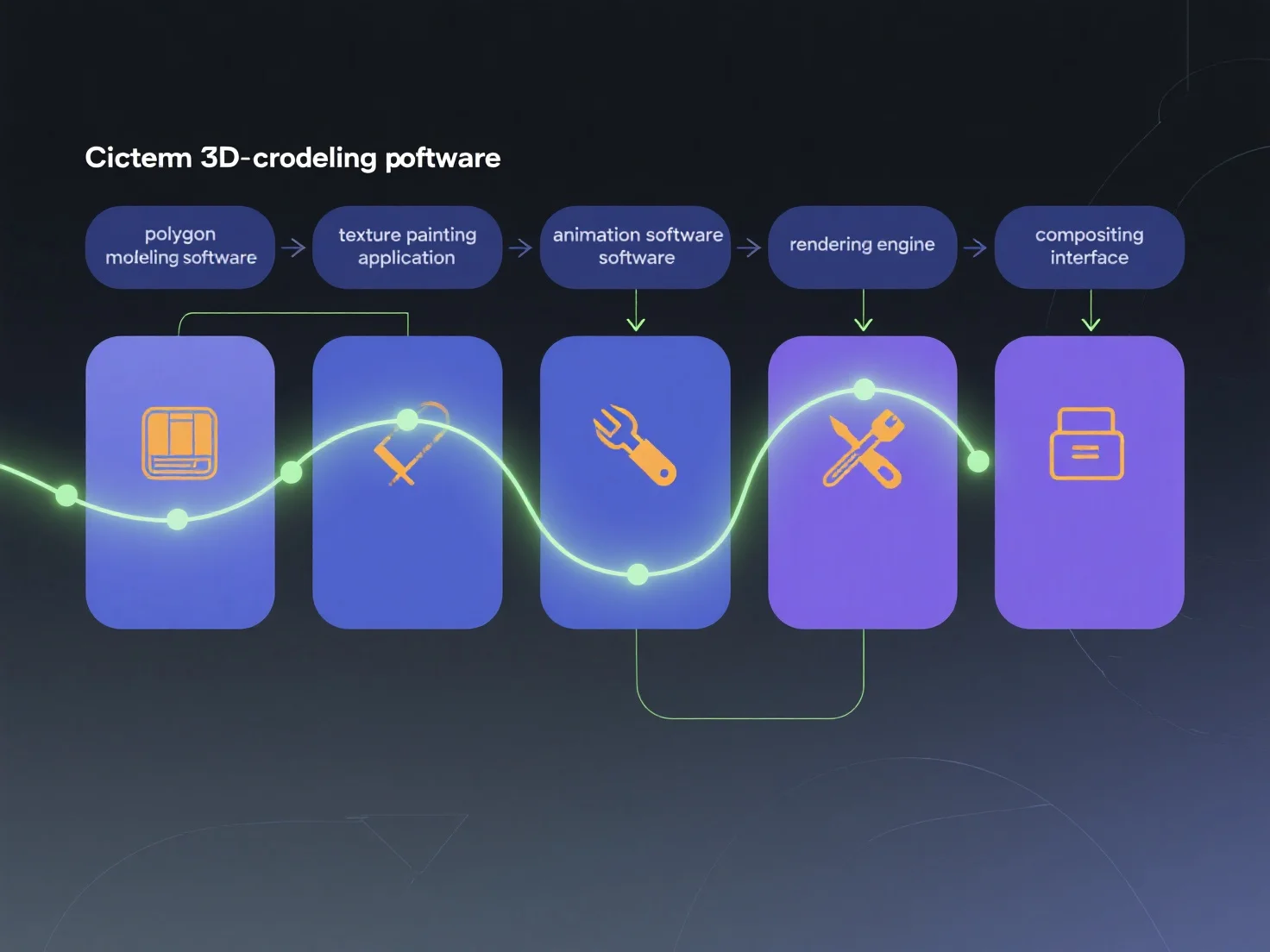
Diferentes herramientas se integran en los flujos de trabajo de contenido 3D cinemático al especializarse en distintas etapas de producción e intercambiar datos estandarizados, lo que garantiza una continuidad fluida del flujo de trabajo. Cada herramienta se centra en una tarea específica: el modelado 3D (por ejemplo, Blender, Maya) da forma a los activos principales; la texturización (por ejemplo, Substance Painter) añade detalles de superficie; la animación (por ejemplo, MotionBuilder) anima los movimientos; y el renderizado (por ejemplo, Arnold) genera las imágenes finales. Estas etapas se conectan a través de formatos universales como FBX o USD, transfiriendo datos desde las etapas previas (arte conceptual) hasta las posteriores (composición). Para optimizar la integración, asigne herramientas a las etapas.


¿Cómo se integran las diferentes herramientas en el pipeline para crear contenido 3D cinematográfico?
Los pipelines cinemáticos en 3D utilizan herramientas especializadas para las etapas, e intercambian datos a través de formatos estándar para un flujo de trabajo sin interrupciones.