


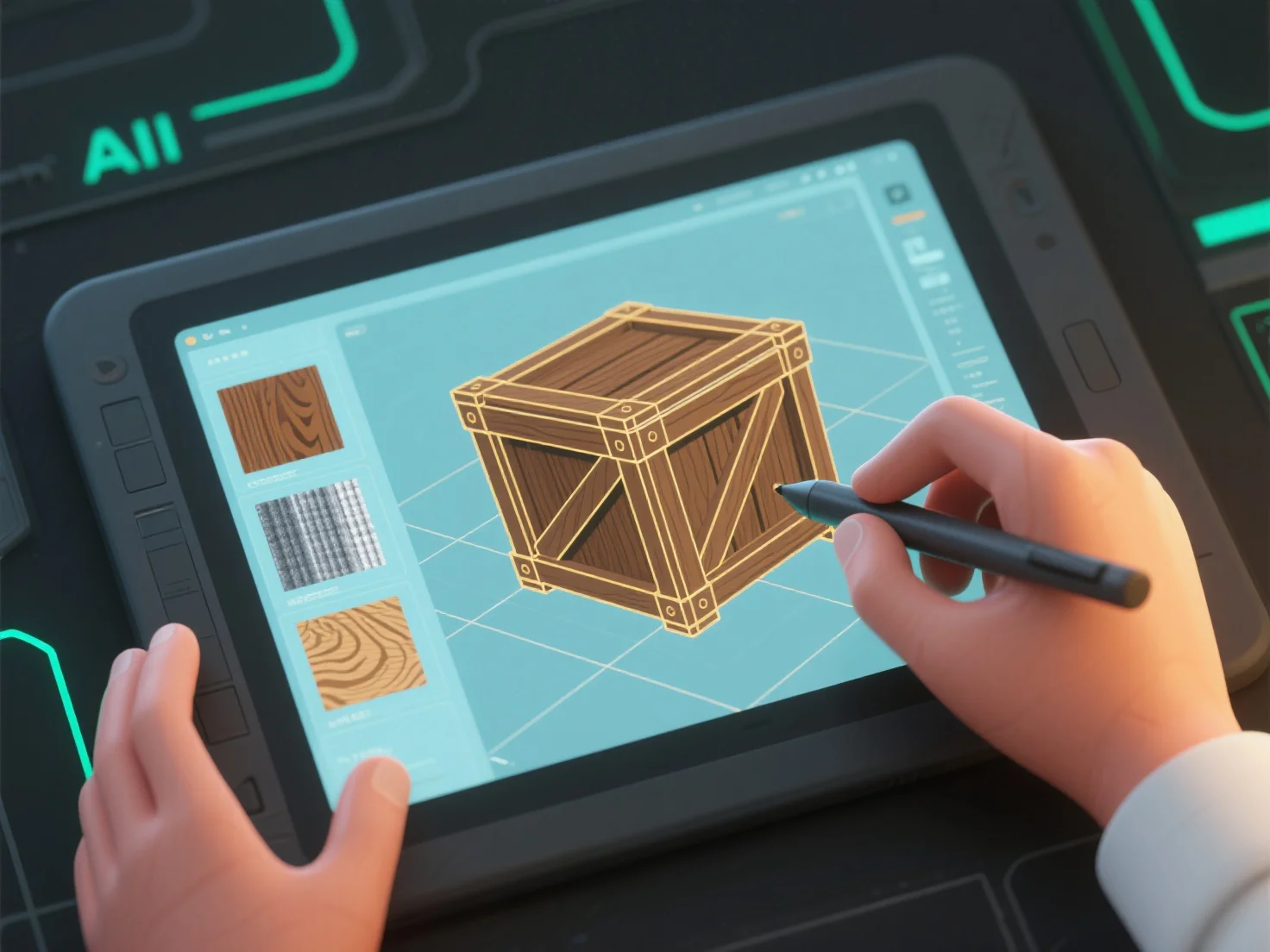
3D modelers create textures and materials by combining 2D texture design (e.g., painting, procedural generation) with material property setup (e.g., color, reflectivity) using specialized software.
First, texture creation: Design 2D maps (diffuse, normal, roughness) to add surface details like pores, scratches, or patterns, which are applied to the model’s surface.
Second, material definition: Set attributes such as albedo (base color), metallic, or roughness to control light interaction, simulating finishes like matte, glossy, or metallic.
Third, tool integration: Software like Substance Painter (texture painting) or Blender (material nodes) combines texture maps and material settings for cohesive results.
Beginners can start with pre-made texture libraries and adjust basic properties (e.g., color, shininess) in user-friendly tools to build foundational skills.