


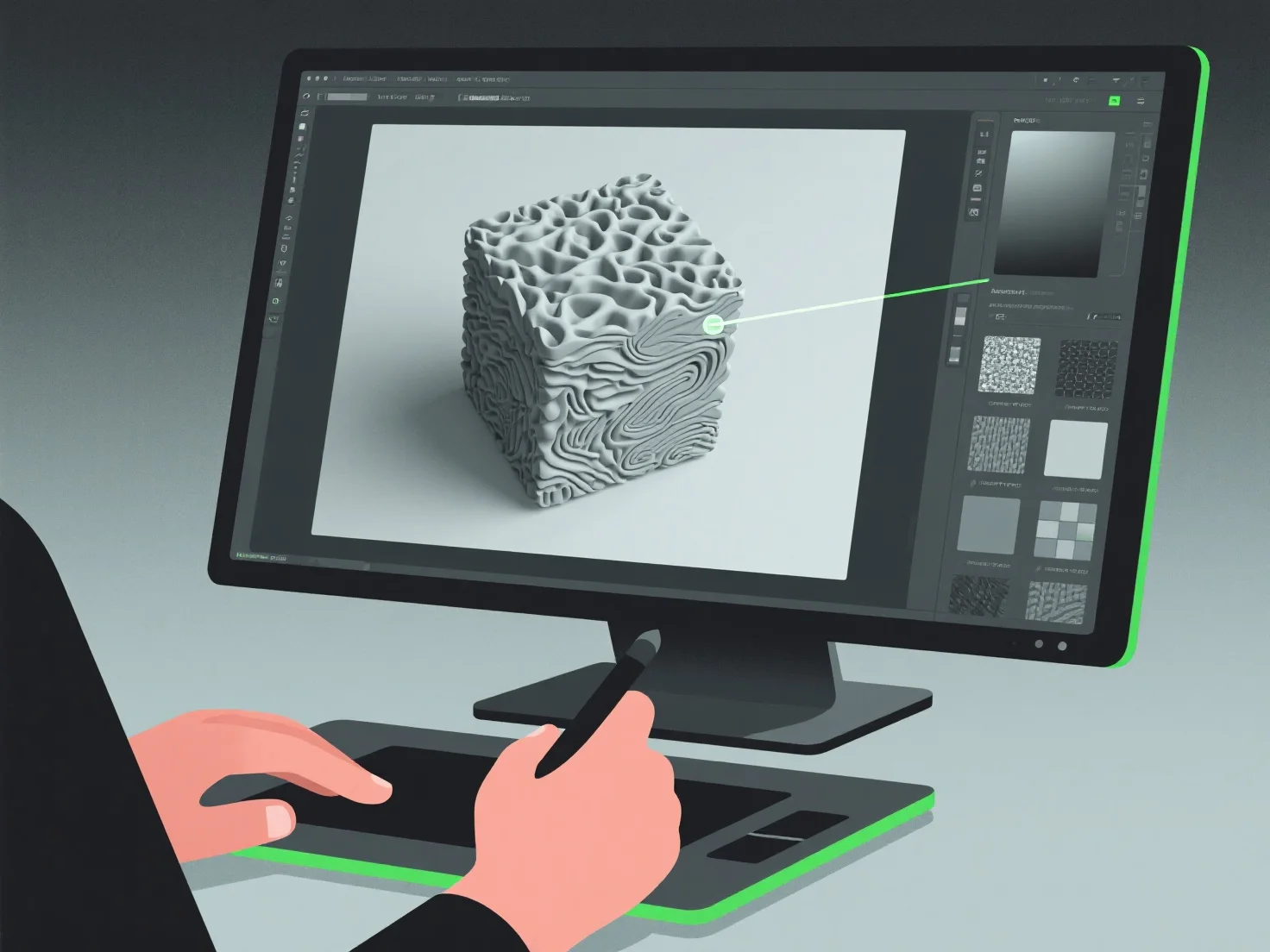
3D-Modellierer erstellen realistische Texturen, indem sie digitale Malerei, Textur-Mapping und Materialsimulation integrieren und sich darauf konzentrieren, Oberflächendetails wie Farbe, Rauheit und Reflektivität zu replizieren, um reale Materialien nachzuahmen.
Sie verwenden häufig Physically Based Rendering (PBR)-Workflows, die Licht-Material-Interaktionen simulieren, um den Realismus zu steigern. Sie greifen auf Fotos oder Scans aus der realen Welt zurück, um spezifische Texturen wie Holzmaserung, Metallkratzer oder Stoffwebungen zu erfassen. Diese werden mittels UV-Mapping angewendet, einem Prozess, bei dem 2D-Texturbilder auf 3D-Oberflächen „gewrapped“ werden, um eine präzise Detailausrichtung zu erreichen.
Aus Gründen der Effizienz können Anfänger mit Texturbibliotheken beginnen und dann durch die Anpassung von Parametern wie Albedo (Grundfarbe) oder Normalmaps (Oberflächentiefe) weiter verfeinern, um grundlegende Fähigkeiten in der Erstellung realistischer Texturen zu erwerben.