Home/Hitem3D FAQ/How do 3D modelers create detailed textures for 3D game models?

How do 3D modelers create detailed textures for 3D game models?

3D modelers create detailed game model textures via 2D design, UV unwrapping, and software to project realistic surface details.

How do 3D modelers create detailed textures for 3D game models?

3D modelers create detailed textures for 3D game models by combining 2D image design, UV unwrapping, and specialized software to project realistic surface details onto 3D geometry.

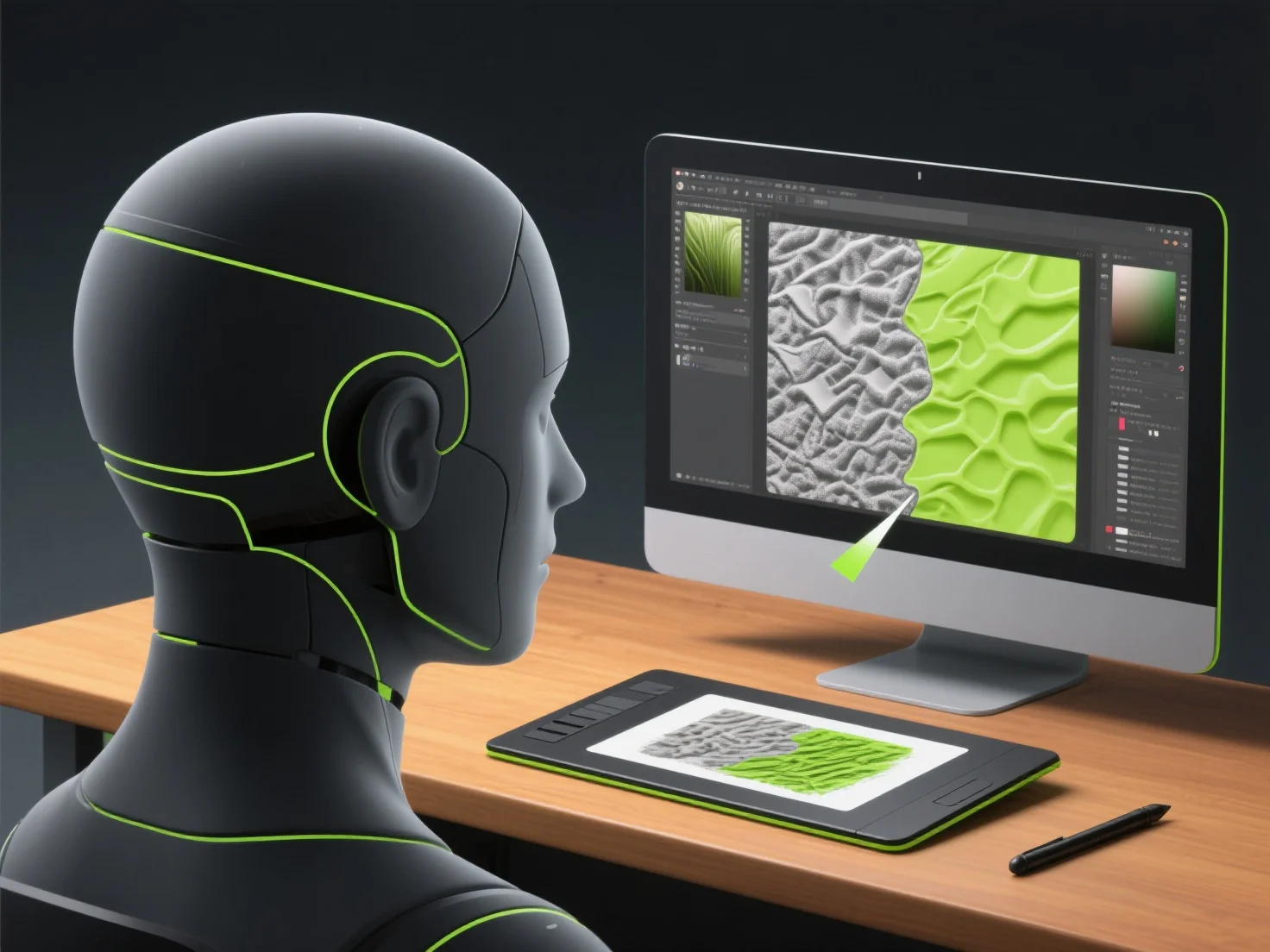
First, they design base textures using 2D tools like Photoshop or GIMP, crafting color/albedo maps for surface hue and normal maps to simulate depth (e.g., bumps, grooves).

Next, UV unwrapping flattens the 3D model’s surface into 2D UV coordinates, ensuring textures align accurately with the model’s shape without distortion.

Then, they add details using software like Substance Painter, which generates procedural elements (scratches, dirt) or hand-painted layers, and ZBrush for intricate details. This step also incorporates material maps (roughness, metallicity) to define light interaction.

This workflow ensures textures look realistic in-game while optimizing for performance, blending artistry with technical precision.

PreviousNext
Product
Web Studio
API Platform
Features
Image to 3D
Multi-view to 3D
Relief
Segmentation
Models
General Model
Portrait Model
Resource
Blog
FAQ
API Docs
About us
Pricing