


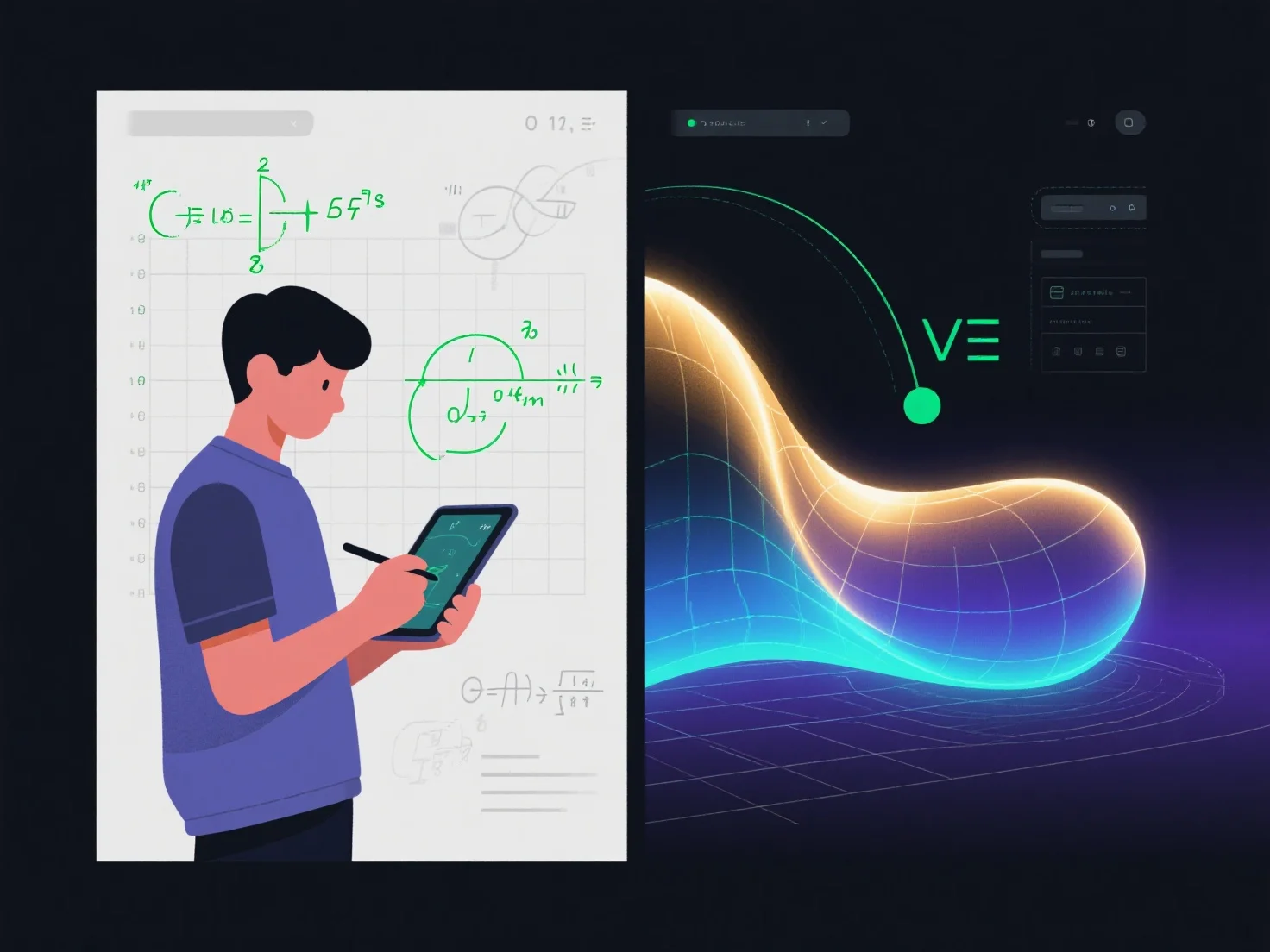
학생들은 3D 모델링 소프트웨어를 사용하여 추상적인 방정식, 기하학적 개념 또는 데이터를 유형적인 3D 모형으로 변환하여 수학 문제를 시각화할 수 있으며, 이를 통해 복잡한 수학 내용을 더 직관적이고 이해하기 쉽게 만들 수 있습니다.
주요 애플리케이션은 다음과 같습니다: - 기하학: 3차원 모형(예: 입방체, 피라미드)을 만들어 부피, 표면적, 횡단면 등의 특성을 탐구하기. - 미분학: 3차원 함수 그래프(예: z = x² + y²)를 만들어 유도수, 적분, 다변수 관계를 시각화하기. - 좌표계: 2차원과 3차원의 좌표 연관성을 보여주는 3차원 그리드나 점 집합을 만들어 공간 이해력을 향상시키기.
입문자들은 Tinkercad 또는 GeoGebra 3D와 같은 사용자 친화적인 도구를 통해 수학 문제를 3D 모형으로 변환하는 연습을 시작할 수 있습니다.