


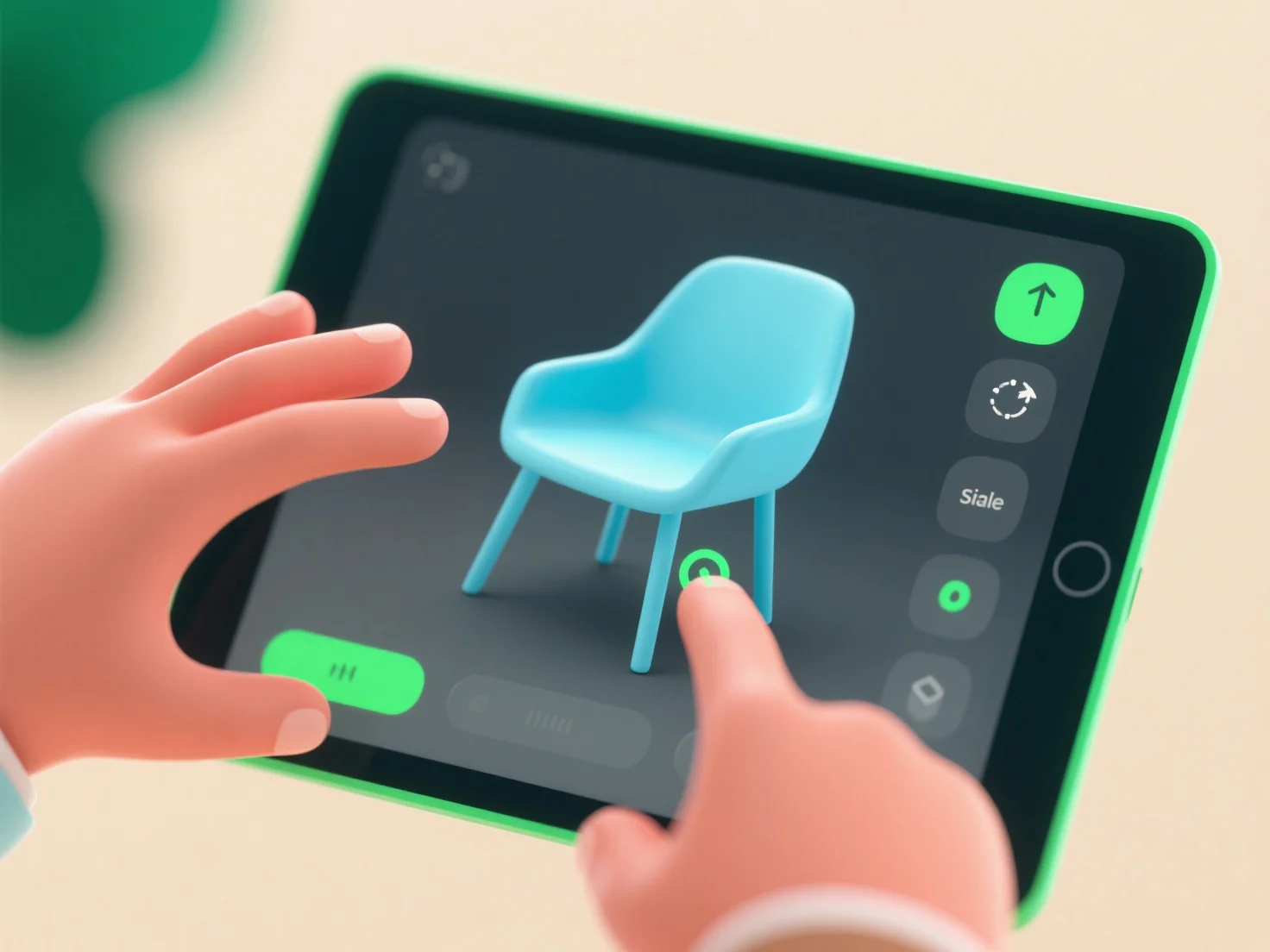
Non-technical users engage with 3D tools through simplified, intuitive interfaces that prioritize drag-and-drop features and pre-made templates, eliminating the need for coding or complex modeling skills.
Key engagement scenarios include: - Education: Creating 3D models for school projects using guided, template-based tools to enhance learning. - Interior Design: Visualizing room layouts via easy-adjust 3D interfaces without specialized training. - E-commerce: Customizing products (e.g., phone cases, furniture) through simple parameter tweaks and previews. - Hobbyists: Designing 3D-printed items (toys, decor) with step-by-step tutorials and basic shape tools.
Starting with browser or mobile apps offering free templates and minimal setup helps build confidence in 3D creation.