Home/Hitem3D FAQ/How are edges and faces defined in 3D modeling?

How are edges and faces defined in 3D modeling?

In 3D modeling, edges link vertices and faces enclose space to form the model's surface and structure.

How are edges and faces defined in 3D modeling?

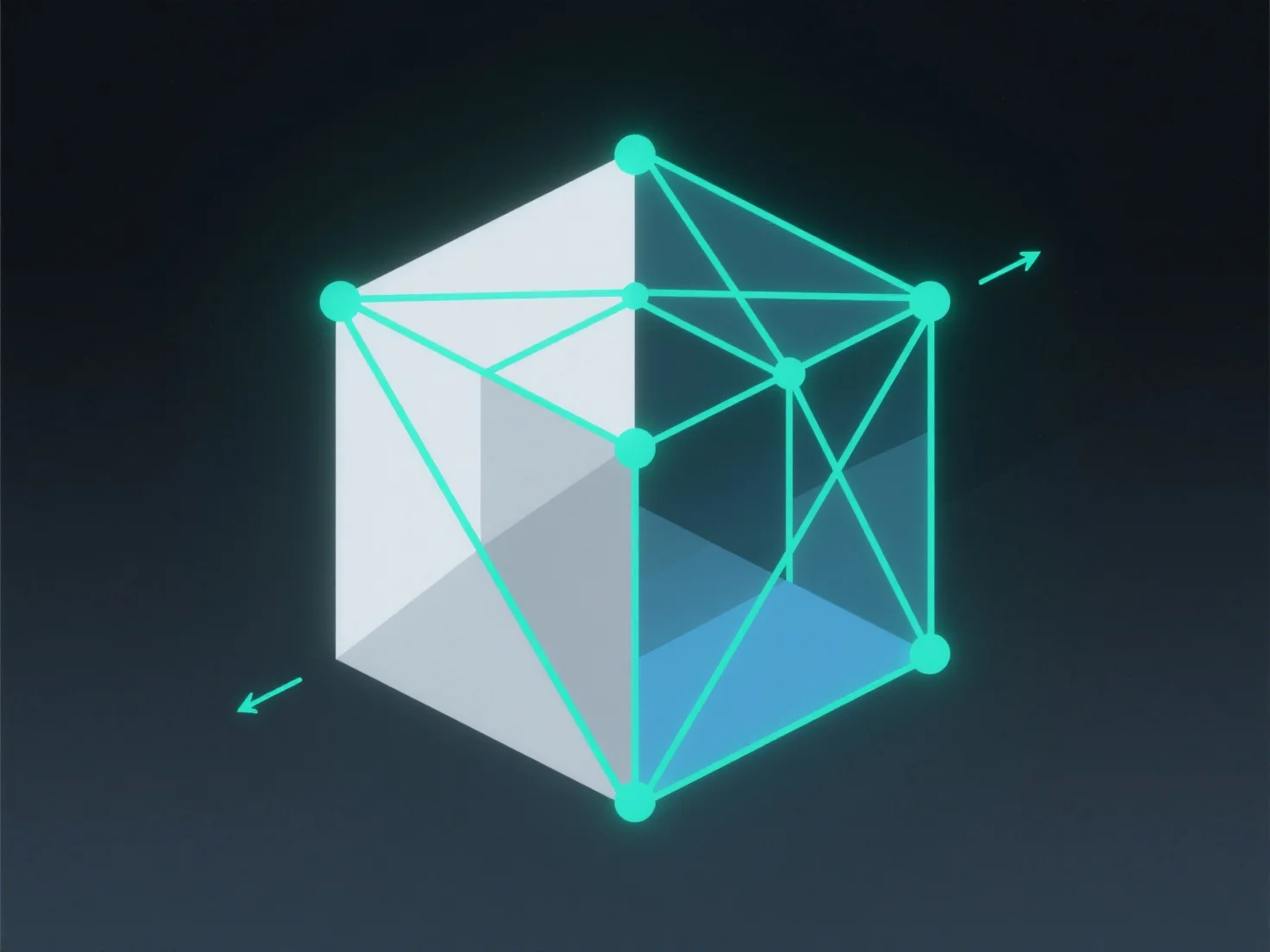
In 3D modeling, edges are straight lines connecting two vertices, and faces are flat or curved surfaces bounded by edges.

- **Edges**: Act as basic structural lines, linking vertices to form the model’s framework. They define the outline and shape, serving as boundaries for faces. - **Faces**: Usually polygonal (e.g., triangles, quadrilaterals) or curved, these surfaces enclose space within connected edges. They determine the model’s surface appearance and structure.

Together, edges and faces construct the 3D model’s surface, enabling its coherent 3D form.

PreviousNext
Product
Web Studio
API Platform
Features
Image to 3D
Multi-view to 3D
Relief
Segmentation
Models
General Model
Portrait Model
Resource
Blog
FAQ
API Docs
About us
Pricing